
Why One UI 9 Separates Brightness and Sound Controls

What changed in One UI 9
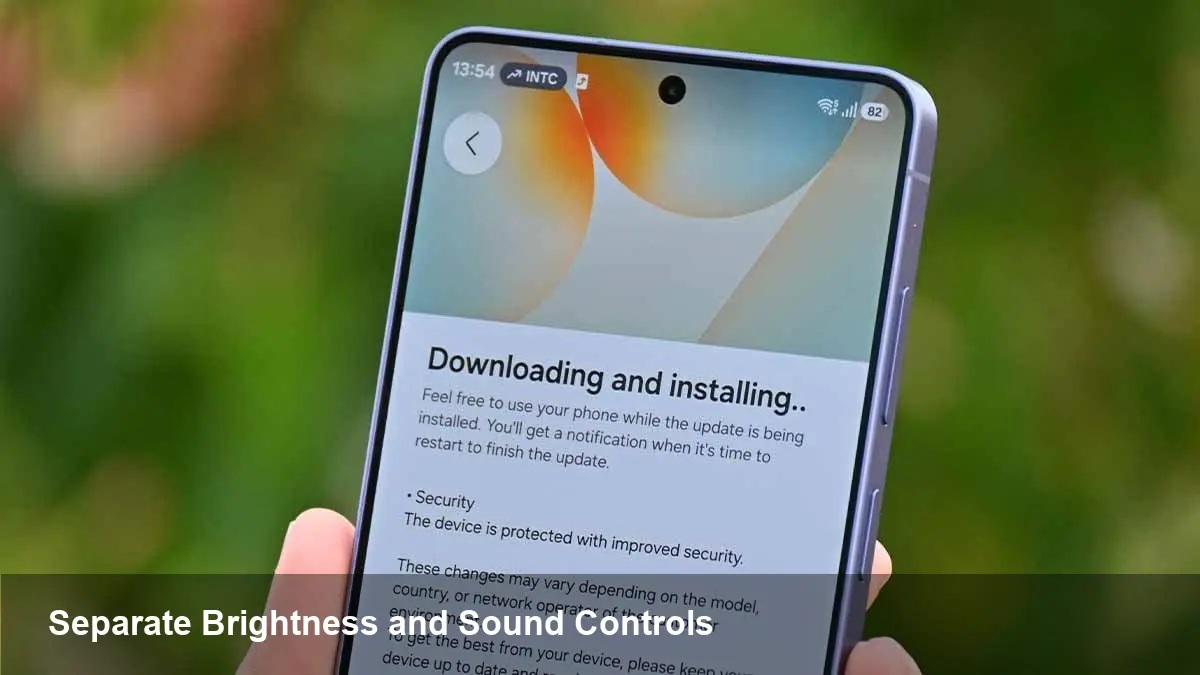
Samsung's next iteration of its Android skin, One UI 9, moves a subtle but meaningful part of the phone's interface: brightness and audio controls are being decoupled from their current slider-based layout in Quick Settings. Instead of a single control that bundles a toggle and a slider, Samsung appears to be experimenting with separate elements — discrete toggles for on/off behavior and standalone sliders for fine-grained adjustment.
This is a refinement, not a revolution. It targets how people reach common controls, how fast they can act on them, and how developers and device managers might customize those interactions.
Why this matters for everyday users
- Faster, less error-prone interactions: When toggles are split away from sliders, a quick tap to mute or enable adaptive brightness no longer risks moving the slider by accident. That reduces friction in hurried or one-handed use.
- Improved reachability: Samsung has long focused on one-handed ergonomics. Small, independent toggles can be placed and sized for thumb reach without shrinking the usable area for the sliders, which can remain larger for precise adjustments.
- Clearer state vs. value separation: A toggle answers “is it on?” while a slider answers “how much?”. Separating them reduces cognitive load and can make the UI feel more predictable.
Concrete scenario: you’re in a meeting and want to mute without changing the current volume level. With the previous bundled control, a quick swipe could accidentally lower the music. With separated controls, a single tap mutes while the volume slider stays where it is.
Developer and OEM implications
- Design components become modular: For app designers and OEM partners, this change signals a move toward composable Quick Settings elements. Vendors or custom launchers may be able to position toggles and sliders independently, creating new layout options.
- Tile API considerations: Android’s Quick Settings Tile API has evolved over time. If One UI 9 exposes toggles and sliders as separate building blocks, third-party apps that provide system tiles can offer more targeted interactions (e.g., a dedicated “mute” tile vs. a “volume” slider tile).
- Accessibility and automation hooks: Separating state and value makes it easier to expose the right controls to accessibility services and automation tools (Tasker, enterprise MDM scripts). You can trigger on/off behavior without injecting slider changes.
Example developer use case: A music streaming app could add a Quick Settings tile that toggles “audio ducking” or mutes output without manipulating a user’s saved volume level — useful for short interruptions like voice assistant responses.
Business and enterprise impact
- Faster onboarding and fewer support tickets: Enterprises deploying Samsung devices benefit from reduced accidental changes to device settings, which can lower helpdesk calls about “missing volume” or “screen brightness suddenly low.”
- Policy granularity for IT admins: Mobile device management (MDM) platforms could set policies that lock the toggle state (for example, keep keyboards muted in shared kiosks) while still permitting users to adjust the slider within bounds.
- Product differentiation: For Samsung, this is a UX refinement that helps differentiate One UI from stock Android. For channel partners selling devices, a clearer, more predictable Quick Settings UI can be a selling point.
Trade-offs and limitations
- Learning curve: Long-time Galaxy users may need a short adjustment period. Users used to tapping near a slider to toggle may take a few interactions to retrain.
- Space and layout complexity: More distinct elements in Quick Settings demand careful layout decisions, especially on smaller screens. One UI 9 will need to balance density with tap targets to avoid clutter.
- Fragmentation risk: If Samsung exposes new APIs or behavior but other OEMs don’t follow, app developers may have to handle multiple Quick Settings paradigms across devices.
Design and accessibility wins
- Better voice and gesture integrations: With independent toggles, voice assistants and gesture handlers can target the semantic action (toggle on/off) rather than approximate slider positions.
- Reduced accidental adjustments for users with motor control challenges: Sliders can be harder to manipulate precisely. A clear toggle for common actions reduces the chance of accidental value changes.
What this means for third-party apps and tile makers
- Opportunity to craft more useful tiles: Developers can offer separate tiles — one for immediate toggles (e.g., mute, auto-brightness on/off) and one for value adjustments (volume, brightness presets) — which users can add according to their workflows.
- Deeper integrations: Apps that control device state (conference apps, streaming services, assistive tech) can present more predictable behavior by invoking a toggle and leaving the slider untouched.
Predictions and longer-term implications
- Modular Quick Settings will expand: Expect Samsung to continue breaking composite controls into smaller primitives. That makes the system more customizable and paves the way for richer third-party tiles.
- Platform-level changes may follow: If this direction proves popular, Google may formalize separate toggle/value components in Android’s Quick Settings tooling, which would minimize fragmentation and give developers consistent APIs.
- New UX patterns for context-aware adjustments: With discrete controls, One UI could introduce context-sensitive layouts — showing a toggle by default and revealing a slider only on tap or long-press, making the UI adaptive to different user needs.
Who benefits most
- Power users who want precise control and fewer accidental changes.
- Accessibility-minded users who need clear on/off affordances.
- Enterprises and MDM administrators who need predictable device behavior.
A practical tip for users and IT
If you manage devices or customize a build, plan for a short communication push when rolling out One UI 9: highlight the separation so users don’t confuse the updated layout with a bug. For developers, start prototyping Quick Settings tiles that use toggle semantics and consider offering separate tiles for value adjustments.
One UI 9’s change is a subtle UX evolution with outsized practical benefits — it’s about uncluttering common interactions and giving both users and developers clearer primitives to work with.



