
Sleep&Arrive: Location-based alarms for sleeping commuters

A smarter alarm for commuters
If you regularly sleep through your stop on the train, bus or long rideshare, a standard clock alarm can be more nuisance than help: it goes off at a fixed time and often too early or too late. Sleep&Arrive is an Android app (with Wear OS support) designed around a different idea — trigger the wake-up event when your device reaches a location instead of when the clock hits a set minute.
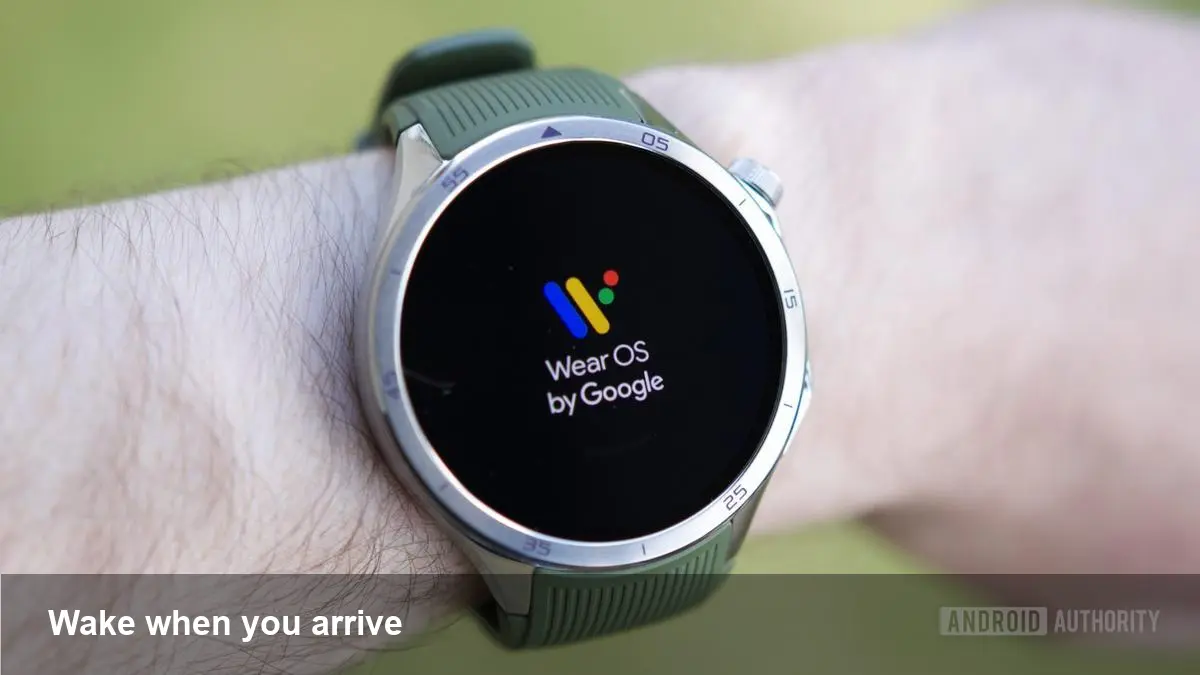
That shift from time to place is small to describe but big in practice. Rather than guessing how long your trip will take, you tell the app where you want to get off and how close you should be when it wakes you. On a Wear OS watch, the wake can be discreet — a vibration on the wrist rather than a loud ringtone in a quiet carriage.
How it works (high level)
- You choose a destination location or pick a stop on a map. That becomes the trigger point.
- The app monitors your position (and optionally movement) in the background using Android location services and geofencing.
- When the device (phone or paired Wear OS watch) crosses the geofence or satisfies a proximity rule, Sleep&Arrive fires the alarm — sound, vibration, or both.
- There are options to add a buffer distance/time if you want to be woken several minutes before arrival.
Because the logic is anchored to where you are, not the journey duration, it handles variable travel times and delays more naturally than fixed-time alarms.
Real-world scenarios where it helps
- Long-distance commuters: If you nap on an intercity train that has multiple stops, a location alarm ensures you don’t overshoot your station when schedules slip.
- Night shifts and naps: Workers who doze on public transit returning home after late shifts can rely on a gentle vibration on their watch instead of an intrusive ringtone.
- Multimodal trips: If you ride a mix of bus and rail, or swap lines, the app wakes you when you’re close to the final stop rather than having to estimate transfer times.
Practical tip: set a small buffer (for example, 200–500 meters or 2–5 minutes) when you want a heads-up before arrival rather than at the exact curb.
What this means for battery, privacy, and permissions
A location-aware alarm requires access to continuous or periodic location data. That raises three practical concerns:
- Battery: Polling GPS constantly drains power. Sleep&Arrive and similar apps typically rely on geofencing and fused-location providers to minimize updates — using cell and Wi‑Fi hints and system batching where possible. Nevertheless, expect some extra battery use if you run the app nightly.
- Permissions: The app will ask for foreground and likely background location permissions, and on modern Android for activity recognition if it uses motion to improve detection. You’ll also need to allow background location so the alarm triggers when the screen is off.
- Privacy: Location logs are sensitive. Check whether the app stores location history locally only or uploads telemetry. A trustworthy pattern is keeping data on-device and offering opt-in analytics.
If you rely on a Wear OS watch, much of the wake behavior (vibration strength, dismissal options) can be handled on the wrist which reduces the need to wake the phone screen.
Developer perspective: what’s under the hood
For Android developers interested in building or understanding similar features, key components are:
- Geofencing API: registers circular regions and asks the system to notify when the device enters/exits. This is efficient and largely offloads work to Google Play services.
- Fused Location Provider: for periodic location fixes with lower power cost compared with raw GPS polling.
- Foreground services: ensure reliability of background work during longer trips and avoid being killed by battery optimizers.
- Wear OS integration: handle remote control, haptics, and notification channels so the watch can vibrate and show dismiss actions without waking the phone.
- Permissions handling: gracefully request and explain background location and activity permission flows; include fallbacks when users deny access.
Make sure to test for edge cases: tunnel segments with no GPS, transit mode where the device is in a bag or pocket, and changes in route.
Pros, cons and practical trade-offs
Pros:
- Eliminates guesswork for varied travel times.
- Gentle wrist vibrations preserve social etiquette in public transit.
- Useful for commuters, shift workers, and travelers unfamiliar with local stops.
Cons:
- Can consume extra battery compared with a single scheduled alarm.
- Requires granting sensitive permissions, which some users will be reluctant to do.
- Geofencing precision varies by device, urban density and transit situation — false positives/negatives are possible.
Practical trade-off: if you use Sleep&Arrive, run a few tests on routine trips to tune the buffer distance and notification style before depending on it for an important stop.
Business and product opportunities
Location-based wakeups are a niche but practical feature with several commercial angles:
- Premium features: multiple destination presets, recurring route profiles, or refined wake-window controls could be gated behind subscriptions.
- Transit partnerships: integrating with real-time transit feeds or ticketing apps could let the alarm adapt to delays and cancellations.
- Enterprise use: companies with employee travel programs could white-label such functionality to reduce missed appointments for field staff.
From a product standpoint, adding route-awareness (detecting which line or direction you’re on) and tie-ins with mapping APIs is a natural next step.
Where this fits in the future of commuting tech
Three quick implications to watch:
- Smarter platforms: OS-level support for place-based alarms could standardize this behavior, reduce permission friction, and improve battery efficiency.
- Predictive timing: machine learning could use historical trip patterns to better choose a wake buffer, learning how long a user typically sleeps after a stop announcement.
- Cross-device continuity: richer sync between phone, watch and in-vehicle systems would let alarms trigger where they are least disruptive—for example, a vibration on a smartwatch while in a quiet cabin, but a vocal cue when you’re alone.
If you’re a routine napper on public transport, apps that wake you by location instead of by time are worth trying. Test the app on normal trips, tune the buffer, and decide if the convenience outweighs the extra battery and permissions trade-offs for your use case.



