
Meta Account: Centralized Control for Meta Apps

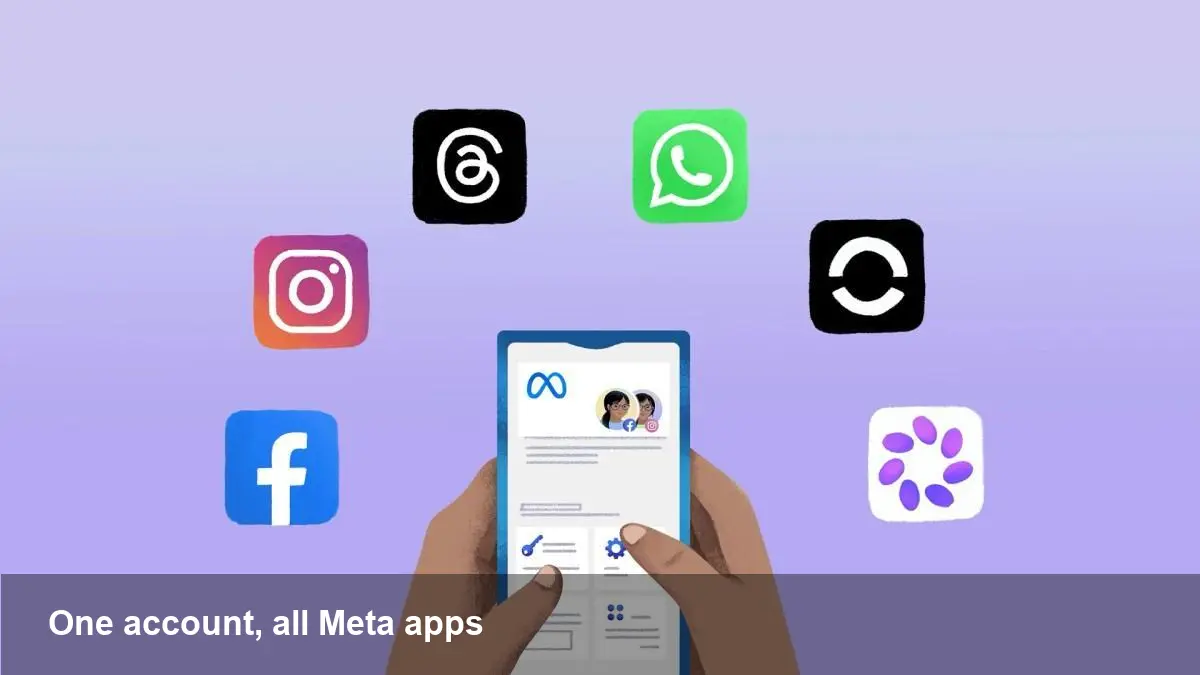
Why Meta is centralizing cross-app controls
Meta is moving from the existing Accounts Center to a new, single Meta Account experience. The goal is straightforward: reduce friction for people who use multiple Meta apps and devices, and provide a single place for identity, privacy settings, and authentication across Facebook, Instagram, Messenger (and in practice, other Meta services).
This is not just a UI tweak. It’s an architectural nudge toward a world where your identity and preferences travel seamlessly across apps without repeated configuration steps. For consumers it promises fewer settings to hunt down; for developers and businesses it implies changes to authentication flows, account linking, and how user preferences are surfaced to apps.
What the Meta Account will do differently
- Centralized identity: Instead of treating accounts on different Meta services as siloed objects, the Meta Account acts as a primary identity that links your experiences across apps and devices.
- Unified settings hub: Privacy options, ad preferences, account recovery methods, and connected device controls will be consolidated in one place rather than split across each app’s settings menu.
- Cross-app session management: Expect simpler ways to view and control active sessions, revoke access, or sign out of multiple apps from a single dashboard.
- Streamlined device and password controls: Passwordless options, phone numbers, and device-based security settings are surfaced and managed centrally, reducing the number of times you must reauthenticate.
A few concrete scenarios
- Family device handoff: If a tablet is shared between family members, the Meta Account dashboard could allow a primary user to see which Meta apps are signed in, clear sessions, and set ephemeral sign-in rules without opening each app separately.
- Business and creator workflows: A creator who manages multiple brand pages and an Instagram profile will find it easier to switch contexts, link pages and profiles, and manage permissions for team members from a single place rather than juggling separate pages and app-specific settings.
- Lost-device recovery: When a device is lost or stolen, you can revoke all active sessions and change recovery settings from the Meta Account panel—faster than individually logging into Facebook, Instagram, and Messenger.
What this means for developers and product teams
- Authentication flows will need review. If apps start treating the Meta Account as the canonical identity, developers must adapt to new tokens, endpoints, or SDK behaviors that surface account-level attributes rather than app-specific ones.
- Permissions and consent models could change. Centralizing settings may shift how consent is requested and stored; developers should prepare for updated APIs that deliver consent state from the account level.
- Third-party integrations: Partners that rely on app-scoped tokens or webhooks should watch for changes to how sessions and tokens are issued, rotated, and revoked.
- User experience expectations rise. Once users see centralized controls, they’ll expect consistent behavior across apps. Product teams should test for edge cases, such as partial linking or multiple identities on one device.
Pros and potential friction points
Pros
- Less cognitive overhead: One hub for settings reduces time spent toggling between apps to achieve a single goal.
- Better account hygiene: Centralized session control and recovery tools make it easier for users to secure their accounts quickly.
- Consistent privacy posture: Users can set privacy preferences once and have them respected across apps.
Potential friction
- Migration complexity: Existing users with multiple app-specific accounts may face confusion during linking or migration steps.
- Developer updates: Apps and integrations will need to handle new account-level semantics, which could require engineering resources.
- Perceived centralization risk: Some users may dislike stronger central control over multiple apps, especially if they prefer compartmentalizing activities.
How businesses should prepare
- Audit authentication dependencies. Map where your apps and services rely on Meta authentication or APIs so you can adapt quickly if endpoints or token types change.
- Revisit permissions UX. If consent becomes a single account-level action, ensure the consent language in your own app is still meaningful and accurate.
- Communicate to users. For businesses that depend on user trust (e.g., marketplaces, services), provide clear guidance on how account linking works and how customers can control permissions and sessions.
Security and privacy considerations
A centralized account model can improve security by making recovery and session revocation faster. However, it also concentrates risk—compromise of a Meta Account could potentially expose access to multiple apps. Users and businesses should consider enabling multi-factor authentication at the account level and monitoring active sessions regularly.
From a privacy standpoint, a single control plane can be beneficial because it avoids conflicting settings across apps. But transparency is crucial: people should be clearly informed what settings apply globally versus app-specific exceptions.
What to watch next (three implications)
- Identity APIs will evolve: Expect new or updated SDKs and APIs that treat the Meta Account as the authoritative identity. Developers should test these changes early.
- Consent flows will consolidate: Consent and preference management will likely move toward account-level confirmations, which may simplify compliance but change how notices are presented.
- New product opportunities: Centralization could enable cross-app features that were previously cumbersome—shared drafts, unified inbox views, or cross-app analytics for businesses.
Adopting a Meta Account model signals that Meta wants fewer barriers between its apps. For users that’s mostly convenience; for developers and businesses it’s both a chance to simplify flows and a prompt to re-evaluate authentication and privacy assumptions.
Whether you’re a developer updating OAuth flows, a product manager designing permissions screens, or an end user trying to keep devices secure, the move to a Meta Account will nudge you toward centralized thinking—fewer menus, more responsibility over a single identity.
If you manage integrations or user-facing privacy controls, start mapping dependencies now and plan a short audit to see where the Meta Account will intersect with your stack.



