
DualShot Recorder: How Dual-Camera Video Changes Mobile Storytelling

Why Dual-Camera Recording Is Different
DualShot Recorder — the breakout camera app from Derrick Downey Jr. that landed in 2026 — made a simple but powerful bet: capture more of reality by using a phone’s front and rear cameras at once. The result isn’t just a novelty for social clips; it reshapes workflows for creators, journalists, and teams that need richer context out of a single take.
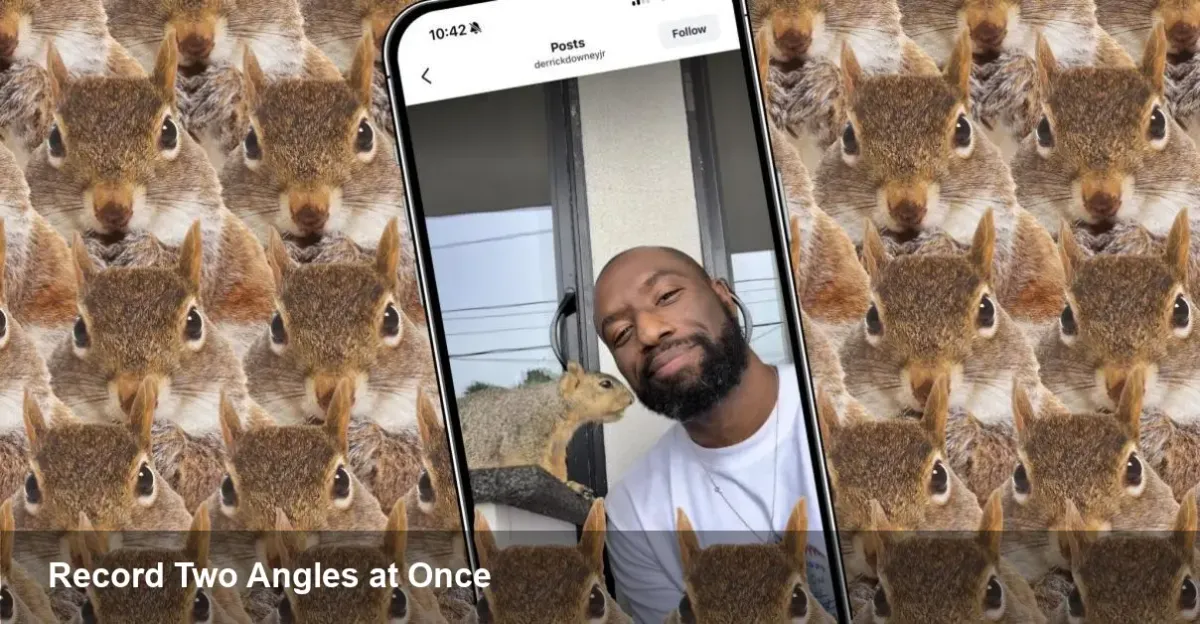
Derrick is better known for short-form videos featuring neighborhood wildlife, but with DualShot Recorder he moved from viral clips to product design: a mobile tool that stitches two camera inputs together in a way that’s intuitive for non-technical users while exposing options creators need.
Real-world scenarios where DualShot matters
- Vloggers and livestreamers: Record your reaction and the scene simultaneously — no need to splice later. That reduces editing time and preserves in-the-moment authenticity.
- Reporting and field interviews: Capture the interviewee and the environment at once. When context matters — protests, breaking news, or roadside scenes — two angles remove ambiguity.
- Product demos and how-tos: Show your hands working on a device while narrating with a face cam; viewers get both explanation and demonstration in sync.
- Security and documentation: For on-the-spot evidence or insurance claims, a forward and rear view gives a fuller picture of events.
Concrete example: a food truck owner livestreams a cooking demo — DualShot records the skillet and the host’s reactions at the same time. The clip uploads as a single file that editors can switch between or use picture-in-picture, eliminating a separate camera person.
What’s happening under the hood (for developers)
Pulling two active camera streams on a modern phone is deceptively complex. Here are the primary engineering considerations and practical techniques used by apps like DualShot Recorder:
- Accessing camera pipelines: iOS (AVFoundation) and Android (Camera2/CameraX) expose multi-camera capabilities but with device-dependent limitations. Apps should query hardware support (multi-camera simultaneous capture, per-camera bandwidth) and gracefully degrade when not available.
- Syncing video and audio: Independent sensors and threads produce jitter. Use common timestamps from the OS camera API where available, and batch frames into a synchronized writer queue to avoid drift between streams.
- Efficient encoding: Two streams balloon data and CPU load. Offload to hardware encoders (HEVC/H.265 or VP9 where supported). Consider adaptive frame rates and dynamic bitrate to balance quality vs battery and heat.
- Storage and container formats: Multiplexing two video streams into a single container (e.g., MP4 with multiple tracks) simplifies sharing but increases file size. Offer options: combined file, side-by-side render, picture-in-picture, and separate exports.
- Threading and power: Isolate capture, encoding, and UI threads. Monitor thermal state and provide fallbacks like single-camera mode to avoid device throttling.
A pragmatic approach: detect device capabilities at onboarding, set conservative defaults for older hardware, and let power users enable high-performance modes.
UX and product lessons from DualShot Recorder
DualShot’s rapid adoption highlights several product choices that matter:
- Simplicity first: Most users don’t want to configure codecs or bitrates. Designer defaults that just work are crucial. Provide a clear, single-tap way to switch between display modes (split-screen, PiP, picture-in-picture swap).
- Instant sharing: Creators expect fast exports and direct upload to platforms. Integrating a trimmed, optimized render pipeline that outputs platform-friendly sizes (vertical crops, 16:9 exports) lowers friction.
- Privacy and permissions: Dual capture touches multiple sensors. Be transparent about what’s recorded, where files are stored, and provide granular permission controls. Logs and consent screens reduce friction and legal risk.
- Monetization: Freemium works. Offer a solid free tier with watermark or duration limits, and a subscription for 4K exports, cloud backup, and pro controls.
Trade-offs and limitations
DualShot is powerful but not universal. Key limitations to plan around if you’re building or adopting similar tech:
- Hardware fragmentation: Older phones or budget devices often can’t run simultaneous high-resolution streams. Expect to detect and throttle.
- Battery and heat: Dual capture is energy intensive. Long sessions will heat devices and trigger throttling, reducing frame rate or resolution.
- File management: Bigger files mean faster fills in device storage. Automatic cloud backup and on-device trimming tools are important.
- Platform constraints: Background recording, live-streaming, or multi-app capture can be restricted by OS policies, especially on iOS.
Business and creator economics
For creators, the time saved in editing and the novelty of dual-perspective content translate directly into higher output and engagement. For startups, apps like DualShot introduce new monetization hooks: premium export codecs, unlimited cloud storage, branded overlays, and enterprise licensing for media teams.
Journalism and enterprise use cases add another angle: verified dual-perspective footage reduces disputes over context, making it useful for compliance, incident reporting, and legal documentation.
Three forward-looking implications
- Mobile SoCs will evolve to treat multi-camera capture as first-class: Expect ISPs and dedicated silicon paths optimized for concurrent sensors, lowering power and thermal costs for dual streams.
- Platform APIs will standardize: As demand grows, Google and Apple are likely to provide higher-level multi-camera primitives, simplifying sync, format decisions, and encoded outputs for developers.
- AI post-processing as a service: Edge and cloud AI will soon help automatically select the best angle, generate highlights from dual footage, and produce multitrack transcripts — shrinking editing overhead further.
If you want to try this approach
Try a few quick experiments: record a one-minute interview using both angles, then export a picture-in-picture render and a split-screen render. Note the differences in file size, edit time, and audience response. If you’re building an app, prioritize device capability detection, hardware encoding, and a simple onboarding flow that explains trade-offs.
DualShot Recorder made dual-cam capture approachable for everyday creators and professionals alike. Whether you’re a solo creator, an enterprise team, or a developer, thinking in two-camera terms opens new storytelling and documentation possibilities — and puts pressure on hardware and platforms to keep up.



