
When 8GB Isn’t Enough: RTX 5070 Mobile and the Case for 12GB

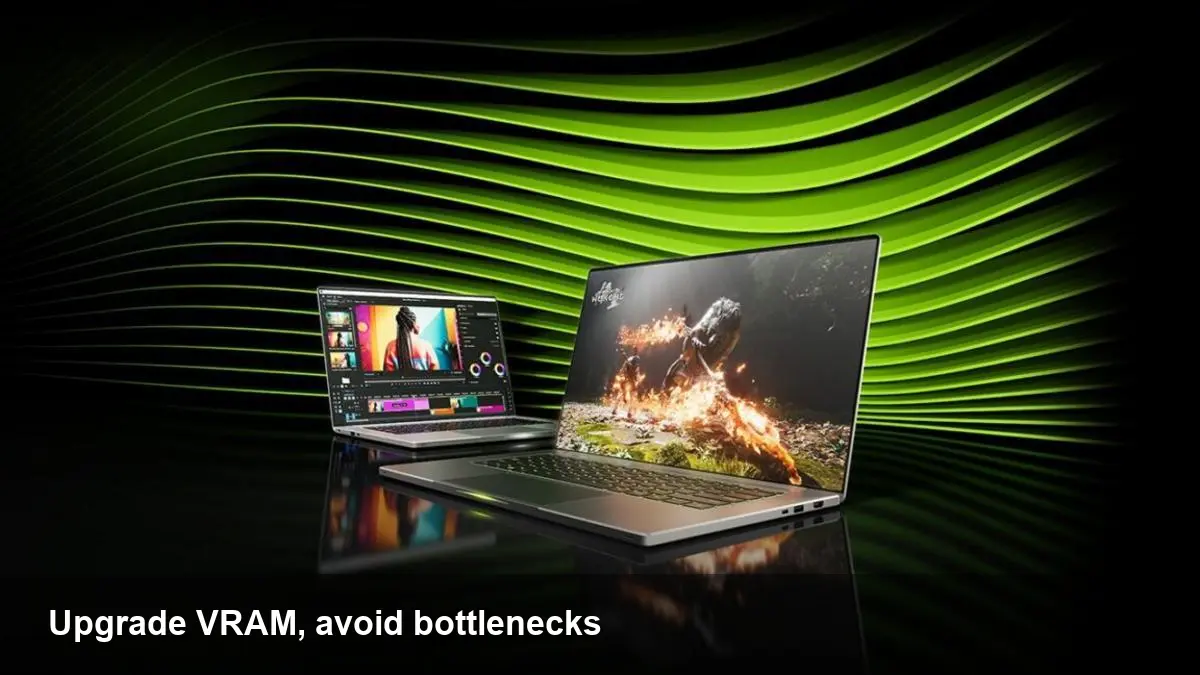
Why VRAM still matters on mobile GPUs
Nvidia’s mobile RTX 5070 targets thin-and-light gaming laptops and creator machines, but one spec has become a flashpoint: some RTX 5070 mobile SKUs ship with 8GB of video RAM. For many buyers that looks fine on paper, but real-world workloads—high-resolution textures, ray-traced scenes, multi-layer video timelines, and local machine-learning inference—can push that buffer to its limits.
Framework, a modular laptop maker, recently started offering a version of the RTX 5070 mobile with 12GB of VRAM. The catch? It comes at a substantial premium. That option highlights a practical question for anyone shopping for a new laptop: pay more for extra VRAM, or budget for the 8GB model and accept potential limits?
How 8GB becomes a bottleneck — concrete scenarios
- Gaming at high texture settings: Modern AAA titles use large, streamed texture pools. When the GPU runs out of VRAM it either downscales textures (hurting visual quality) or swaps to system memory (causing stutters). This is most noticeable at 1440p and above or when ray tracing is enabled.
- Creative work: Editing 4K timelines with many effects, color grades, and GPU-accelerated plugins can exceed 8GB, especially when multiple layers and high-resolution previews are active. GPU renderers like Blender’s Cycles or Octane may also need more frame-buffer headroom for complex scenes.
- Local ML and inference: Running small-scale models for image generation, fine-tuning, or inference locally benefits from extra VRAM. 8GB constrains batch size and model complexity, forcing slower CPU fallbacks or smaller models.
- Development and testing: Game developers and graphics engineers testing across configurations need to validate behavior on both 8GB and 12GB targets — but end users will experience only one.
If you’ve hit an out-of-memory error on a laptop or seen sudden texture pops and stutter, VRAM is often the culprit.
What Framework’s 12GB option actually changes
Framework’s move to offer a 12GB variant addresses the pain point directly: more frame buffer for textures, larger GPU-resident datasets for compute tasks, and more breathing room for modern game engines. For creators, that means fewer forced compromises (lower texture pools, smaller workspace previews). For gamers, it can mean smoother gameplay at higher fidelity.
That said, the upgrade is not free. Framework is charging a premium for the larger memory SKU — in some configurations the cost is close to double the 8GB option. For buyers, that raises a simple value question: are the additional hours saved and visual gains worth the extra money?
Picking a GPU memory strategy (practical guidance)
- If you game at 1080p with medium-to-high settings and don’t rely on heavy ray tracing, 8GB can still be acceptable. Use texture scaling and DLSS/FSR where available.
- If you work in 3D, do 4K video editing, or run ML workloads, prioritize 12GB. The extra RAM reduces editing stalls, increases render cache sizes, and enables larger models or higher batch sizes.
- For developers: invest in a test device that matches the minimum spec of your audience. If your users will mostly have 8GB GPUs, you must optimize for that case. Otherwise, designing with 12GB in mind lets you push higher visual fidelity.
- Monitor actual usage before deciding. Tools like nvidia-smi, GPU-Z, or the OS task manager can show VRAM usage under load. If your typical workflows regularly exceed 6–7GB, the 12GB SKU is worth considering.
Trade-offs beyond dollars: power, thermals, and platform choices
More VRAM isn’t just a spec; it interacts with thermals and power budgets on thin laptops. Higher-memory modules can draw additional power and may generate more heat under sustained loads. OEM tuning, cooling design, and chassis size still determine whether that extra memory will translate into consistently higher performance.
Framework’s appeal comes from its modular approach: you can select and replace components more readily than with most ultraportables. That gives buyers control but also exposes them to pricing choices from the vendor — and sometimes steep markups for specific configurations.
Business and developer implications
- OEM segmentation: Vendors often use VRAM and clock differences to create tiers within the same GPU family. That helps differentiate price points, but it can fragment the developer experience and complicate QA.
- Support expectations: Businesses buying laptops for teams should standardize on a configuration that matches their workload. Supplying developers with 12GB machines and shipping 8GB to testers will introduce friction.
- App optimization: Software that dynamically adjusts texture quality, uses streaming efficiently, or falls back gracefully will be more robust across the VRAM divide. Expect more apps to add adaptive options as hardware variety continues.
Three implications for the next few years
- Minimum VRAM will rise. As game engines, rasterizers, and ML models become more demanding, 8GB will increasingly be treated as the entry-level floor, not a comfortable baseline. Expect mainstream mobile GPUs to ship with 10–12GB as standard within a few generations.
- Modularity and transparency will matter. Companies that let users choose memory configurations or upgrade parts will be attractive to pro users and developers. At the same time, vendors that hide critical differences (like VRAM amounts) risk consumer backlash.
- Pricing pressure could force smarter software. If higher-VRAM options remain expensive, developers will innovate with more aggressive streaming, compressed textures, and fallback rendering paths to keep apps runnable on lower-end machines.
Who should pay the premium — and who shouldn’t
Pay for 12GB if you regularly push the GPU with creative workloads, run local ML tasks, or want to play modern titles at higher fidelity without constant compromises. Skip it if your use is casual gaming at 1080p, basic office work, or if your budget forces trade-offs elsewhere (better CPU, more system RAM, or a larger SSD can sometimes improve real-world experience more than extra VRAM).
Choosing between an 8GB and a 12GB RTX 5070 mobile is a judgment call: the extra memory reduces friction and future-proofs certain workflows, but it can be an expensive way to get that assurance. If you lean heavily on GPU-dependent tasks, getting the 12GB option now can avoid costly upgrades later; if not, optimize first and upgrade only when the limits become obvious.
What will you prioritize when buying your next laptop: raw GPU memory, modular upgradeability, or a balanced configuration tailored to your workload?



