
What Sony's May change means for Bravia users

Quick summary
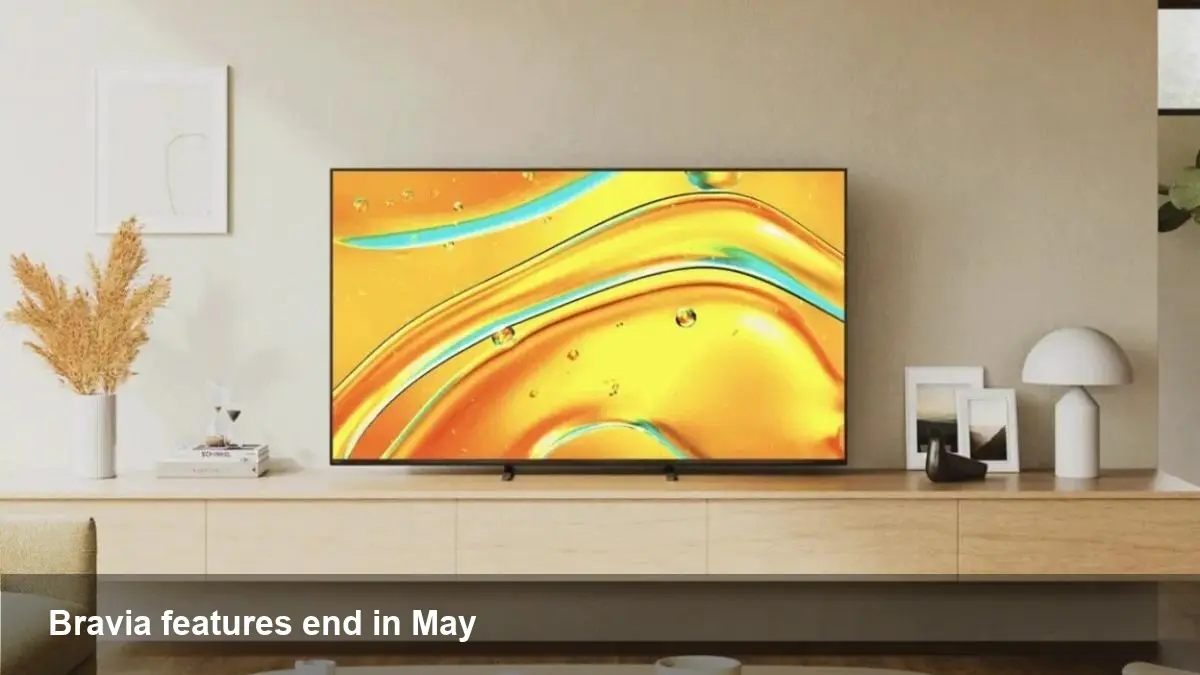
Sony has announced that, starting in May, it will remove or disable certain smart-TV features for Bravia owners who watch TV via an antenna or an external set‑top box. The change affects some 2023 and 2024 Bravia models. If you use your TV primarily for over‑the‑air broadcasts or via a cable/satellite box, you should prepare for altered behavior and reduced integration with Sony’s smart-TV functions.
Background: Bravia and why this matters
Bravia is Sony’s consumer TV line that bundles hardware, a TV tuner, and a range of smart features (app store, voice assistant, program guides, and platform-level integrations). TVs that rely on broadcast tuners or external boxes often benefit from OS-level conveniences: on‑screen program guides, voice searches that jump to live channels, picture‑in‑picture with tuner input, and automated recording or time‑shift features.
When a vendor changes how smart features interact with a TV’s tuner or external inputs, it isn’t just a cosmetic tweak. It affects daily viewing habits, how households manage recordings and parental controls, and how streaming or advertising partners reach live audiences.
What users are likely to notice
Sony’s announcement is broad: it states affected features will be removed or disabled for antenna and set‑top box setups on particular 2023 and 2024 Bravia models. While the exact list of deprecated capabilities varies by model and region, here are realistic, practical impacts you may observe:
- Reduced integration between the TV’s smart interface and the tuner or external box (for example, fewer quick access shortcuts to live channels).
- Loss of certain on-screen guides or metadata overlays that previously displayed broadcast program information inside the smart OS.
- Features that relied on interplay between apps and the live-TV input (voice commands that switched to specific broadcast channels, or app-driven channel recommendations) may stop working.
- Potential removal of convenience services like unified search results that included live broadcast matches.
If you watch most content through apps (Netflix, Prime Video, YouTube), you’ll see limited impact. If your viewing relies on antenna reception, local channels, or a cable/satellite box, the change may require extra steps.
Practical checklist: What to do before May
- Identify your model and year. Look up your Bravia’s exact model number (often on the back label or in Settings > Device) and confirm whether it’s one of the 2023 or 2024 models mentioned.
- Back up settings. Export or note down channel lists, favorites, and any scheduled recordings if your TV supports that feature.
- Take screenshots. Capture any critical guides, parental-control settings, or app configurations you want to replicate.
- Update firmware early — but read release notes. Sony may issue new firmware with the change; review the notes to understand exactly what’s being disabled.
- Contact Sony support or your retailer. Ask whether your model is affected and whether any workarounds will be offered.
Short-term workarounds
- Use the external set‑top box or antenna tuner’s native interface. Most set‑top boxes have their own program guide, DVR, and parental controls independent of the TV OS.
- Plug a streaming stick or media player (Roku, Fire TV, Apple TV) into HDMI and use dedicated apps for search and recommendations if you rely on app discovery.
- If you need integrated voice control, check if your set‑top box supports Alexa/Google Assistant and link it to those services.
Developer and business implications
For app developers, advertising platforms, and content partners, this change creates friction points:
- Targeting live-broadcast viewers becomes harder if the TV no longer reports tuner-based viewing into the platform’s telemetry. Apps that used unified search to present live matches will need to surface alternate discovery paths.
- Advertisers and local broadcasters that relied on platform-level overlays to promote local content may see lower visibility among affected sets.
- Hardware and middleware vendors (set‑top boxes, DVRs) could see renewed demand as users seek to restore lost convenience features.
If you build TV apps, consider these actions:
- Don’t assume the TV OS has access to the tuner; add robust input‑agnostic discovery and fallback UI so live content can be reached from inside your app via IP or partner feeds.
- Offer a clear pathway to link set‑top boxes or tuners to the app via account linking or network discovery.
Scenarios to help you decide next steps
- You live in a cord‑cutting household that watches local OTA channels via antenna and rarely uses apps. Action: prioritize a tuner or DVR that preserves recording and guide features, or consider keeping a previous-generation TV that retains those integrations.
- Your family uses a cable/satellite box but frequently uses the TV’s smart features for search and casting. Action: check whether your set‑top box can deliver similar search integration via voice assistants, or add a streaming device to reconstruct app-driven discovery.
- You develop a streaming app that surfaced live channel results to users. Action: update your UX to avoid depending on the TV OS exposing tuner metadata; instead, surface live streams from your backend when a local match exists.
Longer-term implications and what to watch
- Platform consolidation: OEMs may increasingly limit cross-input integrations to simplify support and reduce liability around third-party tuners. That will push more functionality into set‑top boxes and streaming devices.
- Business opportunity for middleware: Companies that provide unified guide/DVR overlays that work across inputs have a chance to reassert value, especially in markets with many OTA viewers.
- Regulatory attention: Changes that materially affect consumer access to broadcast channels could draw scrutiny in regions that treat free-to-air services as essential.
Next steps for owners and buyers
If you own an affected Bravia model, review Sony’s support pages and user forums now, make backups of important settings, and plan whether to adopt a box/DVR or a streaming device as your primary interface. If you’re shopping for a new TV and OTA/live‑TV integration matters, ask the retailer exactly which tuner and smart‑OS features will remain active for broadcast inputs.
Whether this turns into a mild annoyance or a disruptive change depends on how tightly your household relies on the TV’s native live‑TV conveniences. For many, a simple HDMI set‑top box or a streaming stick will restore most lost behaviors; for others, the change will prompt a rethink of the home entertainment architecture.



