
MacBook Pro touchscreen and Mac Studio: delay, impact, and what to do

Why the rumor matters
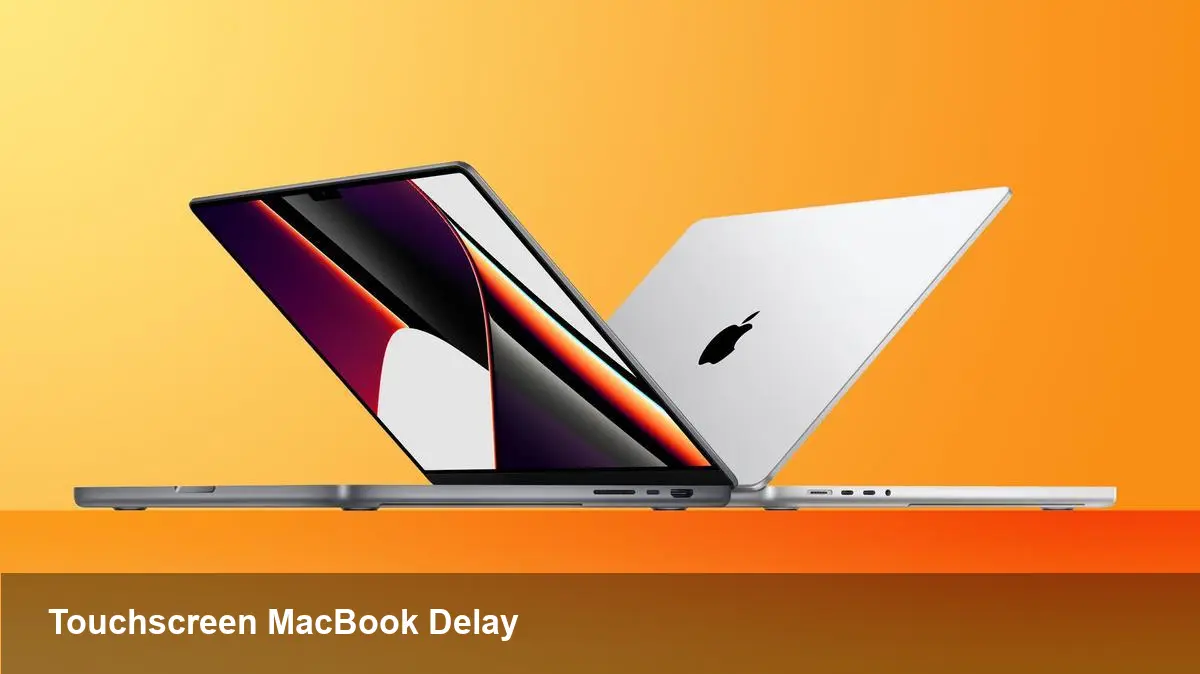
Apple watchers recently got a fresh update suggesting the long-rumored 14" and 16" MacBook Pro models with a built-in touchscreen — and a follow-up Mac Studio refresh — may not arrive as soon as once expected. The report, attributed to Bloomberg reporter Mark Gurman in his Power On newsletter, links the postponement to a global memory chip shortage. The original window was late 2026 to early 2027; the new read is that availability could slide further toward the later end of that period.
This isn't just gadget gossip. Timing changes for flagship laptops and workstation Macs affect pros, IT buyers, developers, and multimedia studios who plan refreshes, software roadmaps, or hardware-dependent projects.
What’s getting delayed (and why it matters)
- The headline items are 14" and 16" MacBook Pro models that reportedly add touchscreen capability to macOS laptops.
- Separately, Apple’s Mac Studio line — its high-end desktop focused on creative and pro workflows — is also said to be slated for a refresh.
- The cited bottleneck is a shortage in memory chips. That typically refers to components like DRAM and NAND flash that are critical to laptop and desktop production.
Memory shortages ripple through manufacturing because they’re foundational to every system’s configuration: less inventory means fewer completed units, longer lead times, and potential pressure on pricing.
Practical implications for different users
For individual buyers
- If you’ve been waiting for a touchscreen MacBook Pro specifically, expect a longer runway. If you need a machine now, current M-series MacBook Pros remain excellent choices with strong performance and battery life.
- Price sensitivity matters: when supply tightens, retailers may prioritize higher-margin configurations and limit discounts on current inventory.
For creative professionals and studios
- A delayed Mac Studio refresh could push teams to extend the life of current rigs or seek temporary alternatives like rental workstations or cloud-based render/farm services.
- Larger projects with strict timelines (post-production, VFX, color grading) should re-evaluate hardware schedules now to avoid last-minute bottlenecks.
For IT and procurement teams
- Device refresh cycles should be reviewed. If you planned a mass upgrade around the rumored launch, build contingency plans — either accelerate purchases of current devices or budget for extended support cycles.
- Maintain close contact with suppliers and consider staged rollouts to minimize exposure to supply fluctuations.
How developers should think about a touchscreen MacBook Pro
Apple adding a touchscreen to MacBooks would change interaction expectations for desktop apps. Even if Apple’s implementation is careful to preserve macOS’s pointer-first heritage, developers should prepare for hybrid input.
Concrete steps for app teams
- Audit input assumptions: ensure your app gracefully supports both pointer and touch. That means larger tap targets, reconsideration of hover-dependent UI, and clear feedback for touch gestures.
- Test on iPad and touch-enabled Mac hardware wherever possible. Use Mac Catalyst and SwiftUI tooling to prototype touch interactions without waiting for final hardware.
- Revisit accessibility: touch brings different accessibility needs (focus management, touch alternatives for users with motor impairments). Make sure VoiceOver and keyboard navigation remain robust.
Design considerations
- Avoid relying solely on hover states for critical controls.
- Provide spacing and padding that work for finger input.
- Consider gesture discoverability: a touch-enabled Mac might encourage multi-finger shortcuts that need visual cues or onboarding.
Business and product strategy impacts
- Product managers should reassess roadmaps that assumed a touch MacBook would be available on a specific date. Feature lock-ins tied to the hardware should be flexible.
- For startups building hardware-dependent apps (e.g., touch-first music or creative tools), a delay gives time to refine UX, but it can also postpone go-to-market plans.
- Enterprise deployments that planned to standardize on touch-enabled MacBook Pros should model cost and schedule impacts. Some organizations may postpone transitions from Windows touch devices or adopt hybrid fleets.
Short-term mitigation tactics
- If you need additional workstation capacity, evaluate cloud GPU and workstation services (AWS, GCP, Azure, or specialized render farms) as stopgaps.
- Extend maintenance contracts or OEM support for current devices to bridge the gap.
- For small teams, consider leasing options that allow hardware upgrades once supply stabilizes.
Broader supply-chain and market implications
- The memory chip shortage highlighted here is one element of a larger trend: component scarcity has become a recurring variable in hardware planning since the pandemic-era disruptions. Expect manufacturers to continue to manage inventories more conservatively and prioritize higher-margin SKUs when constrained.
- Apple may respond by shifting launch timing, batch sizes, or regional availability. That can create uneven access and influence reseller behavior.
What this means going forward
1) A phased transition to touch on macOS is likely. Apple will be cautious: introducing touch to a platform built around precision pointers requires rethinking UI patterns and developer guidance.
2) Developers who proactively support hybrid input will gain an edge. The delay is an opportunity to rework interfaces and test cross-device behavior before hardware ships.
3) Supply-chain resilience will stay high on product teams’ agendas. Companies dependent on new devices should bake contingency options (cloud, rental, extended support) into procurement plans.
If you’re building or buying around Apple hardware, now is the time to revisit plans: tighten timelines that assume immediate hardware availability, clarify contingency budgets, and use the breathing room to improve software experiences for both touch and pointer users. Whether the touchscreen MacBook Pro arrives at the start or the end of the rumored window, the real winner will be teams that use the delay to adapt their workflows and user experiences rather than simply wait.



