
M5 MacBook Air Hits Launch-Low Price — Who Should Buy?

Why this price drop matters now
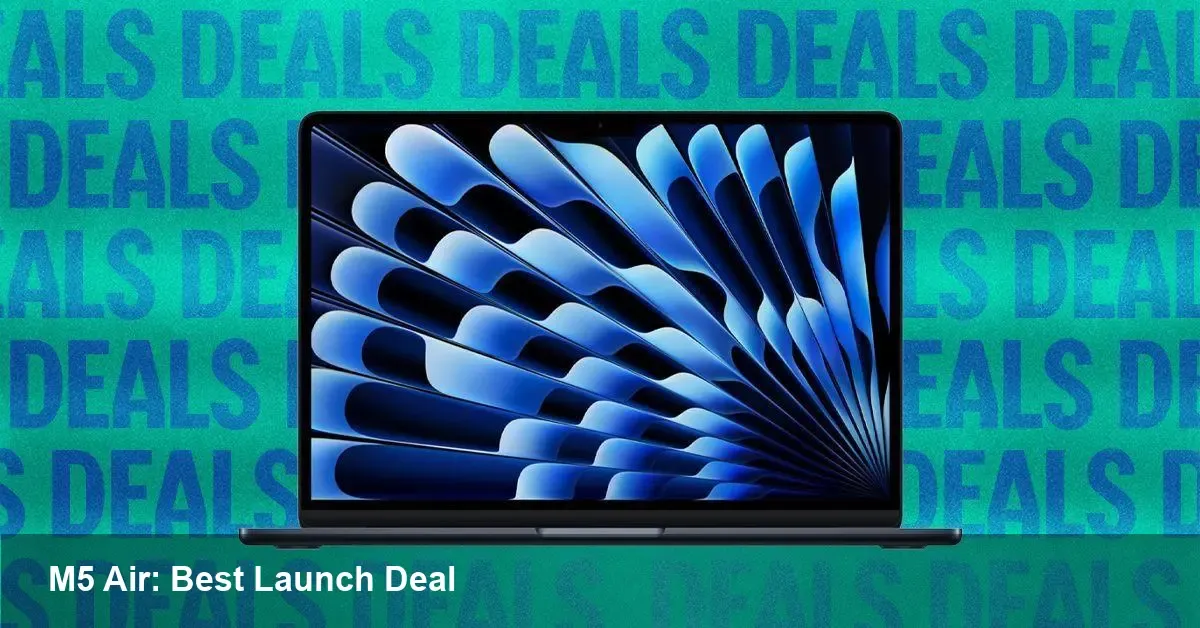
Apple's latest MacBook Air with the M5 chip has shown up in discounts faster than many expected. For shoppers who skipped the initial launch or waited for a better deal, this is a clear signal: early adopter windows are shrinking and retailers are willing to move inventory quickly.
If you were planning an upgrade for travel, development work, or to replace an aging laptop at your startup, this kind of movement in price changes the equation. But price alone doesn’t mean every buyer should rush in. Below I break down what matters and who benefits most.
A short primer: what the M5 MacBook Air stands for
Apple's M-series chips have gradually pushed laptop performance and efficiency into new territory. The MacBook Air line keeps the thin-and-light DNA — low weight, long battery life, and a fanless design — while the M-series focuses on strong single-thread performance, excellent power efficiency and improved neural engine capability.
The M5 generation brings incremental speed and efficiency gains over its predecessors, especially in burst workloads and media tasks. For many users, that translates into snappier everyday use, faster image and video exports, and smoother multitasking without costing battery life.
Who should consider buying at this discounted price
- Developers building for macOS or iOS: If you compile native apps or run Xcode regularly, the M5 Air is a capable primary machine. Build times will be competitive for most app projects. If you rely on heavy virtualization or high-concurrency server builds, consider a MacBook Pro-class machine instead.
- Founders and road warriors: Lightweight chassis and long runtime make the Air an excellent travel companion. The price drop improves total cost of ownership for a team device fleet.
- Students and creators on a budget: Photo editing, light video editing, and creative apps run well on the M5. The extra processing headroom over older base models extends usable life by a couple of years.
- Buyers who value resale: Apple machines retain value reasonably well; buying on a slight discount both reduces immediate cost and preserves resale margin when you upgrade later.
When to pause and why
- Heavy sustained workloads: The Air’s fanless thermal design means sustained CPU/GPU loads will be throttled sooner than in fan-cooled Pros. If you do long 3D renders, extended multi-hour compilations, or heavy Docker builds, the more thermally capable Pro line is a better fit.
- Need for many ports or discrete graphics: The Air prioritizes thinness. If you rely on multiple external monitors, Thunderbolt docks, or discrete GPU power, check port and external GPU needs carefully.
- Maximum RAM/storage requirements: The Air typically caps RAM and internal storage relative to Pro models. If you need 64GB of unified memory or multiple TBs of fast internal storage, confirm base configurations meet your needs before buying a discounted unit.
Practical buying checklist
- Confirm the configuration. Small differences in RAM and storage materially change performance and future-proofing.
- Factor AppleCare or equivalent. A discount on hardware doesn’t eliminate the value of extended coverage if you keep the machine for years.
- Check return window and local taxes. A deal that looks good online may change once tax, shipping or restocking fees are included.
- Consider refurbished Apple stock. Apple's own refurb store often includes warranty and can beat third-party retailer pricing.
- Trade-in math. If replacing an older Mac, factor trade-in values; sometimes pairing a trade-in with a discount produces the lowest out-of-pocket cost.
How this affects developers’ workflows
For macOS and iOS developers the M5 Air is generally a “workhorse” device: fast for day-to-day coding, quick for simulator runs and capable of handling most CI tasks when paired with remote or cloud runners. A few practical notes:
- Native toolchains (Xcode, Swift, and Apple’s compilers) are optimized for Apple Silicon, so performance is often at or above expectations.
- Docker and virtualization have matured on Apple Silicon, but some x86-only images may require emulation layers; test your CI images before committing to a single-machine build pipeline.
- If your team does mobile QA across many devices, combine the Air with cloud device farms or remote macOS build services to offload the heaviest CI work.
Business implications for startups and IT managers
A price dip shortly after launch can be an opportunity for startups looking to standardize hardware without overspending. A few strategic considerations:
- Refresh cycles: Buying a discounted M5 Air now lowers capital expenditure and keeps teams on relatively modern silicon for the next 3–5 years.
- Device parity vs. performance tiers: Use the Air for knowledge workers and the Pro for engineering-heavy roles to balance cost and developer productivity.
- Resale and upgrade planning: Even with a discount, Apple devices typically retain value. Planning staged upgrades and trade-ins can reduce total cost of ownership.
Two directions this trend may push the market
1) Faster discounting windows — Retailers and Apple’s channel partners may shorten the period between launch and meaningful discounts, especially for non-Pro models. That benefits budget-conscious buyers but can make the first months of a launch feel less exclusive.
2) Greater segmentation — Apple has historically used chip and chassis differences to delineate product tiers. Expect the Air to continue being the mainstream efficiency choice while the Pro line keeps the thermal headroom and I/O focus. Discounts will increasingly signal which segment a product is intended to capture.
Quick recommendation
If you need a reliable, light, high-efficiency laptop for development, content creation, or day-to-day work and the discounted M5 configuration meets your RAM/storage needs, this is a strong buy. If your workload demands continuous high sustained performance or maximum expansion options, evaluate the Pro alternatives or wait for larger seasonal discounts.
Pricing movements like this create buy-or-wait decisions more often. If you’re on the fence, list your minimum required configuration and intended lifespan (2–5 years). If the discounted Air clears both boxes, it’s a practical, cost-effective upgrade that will serve most professionals well.



