
Windows 11 Preview 2026 Adds Copilot+ & Mobile Resume

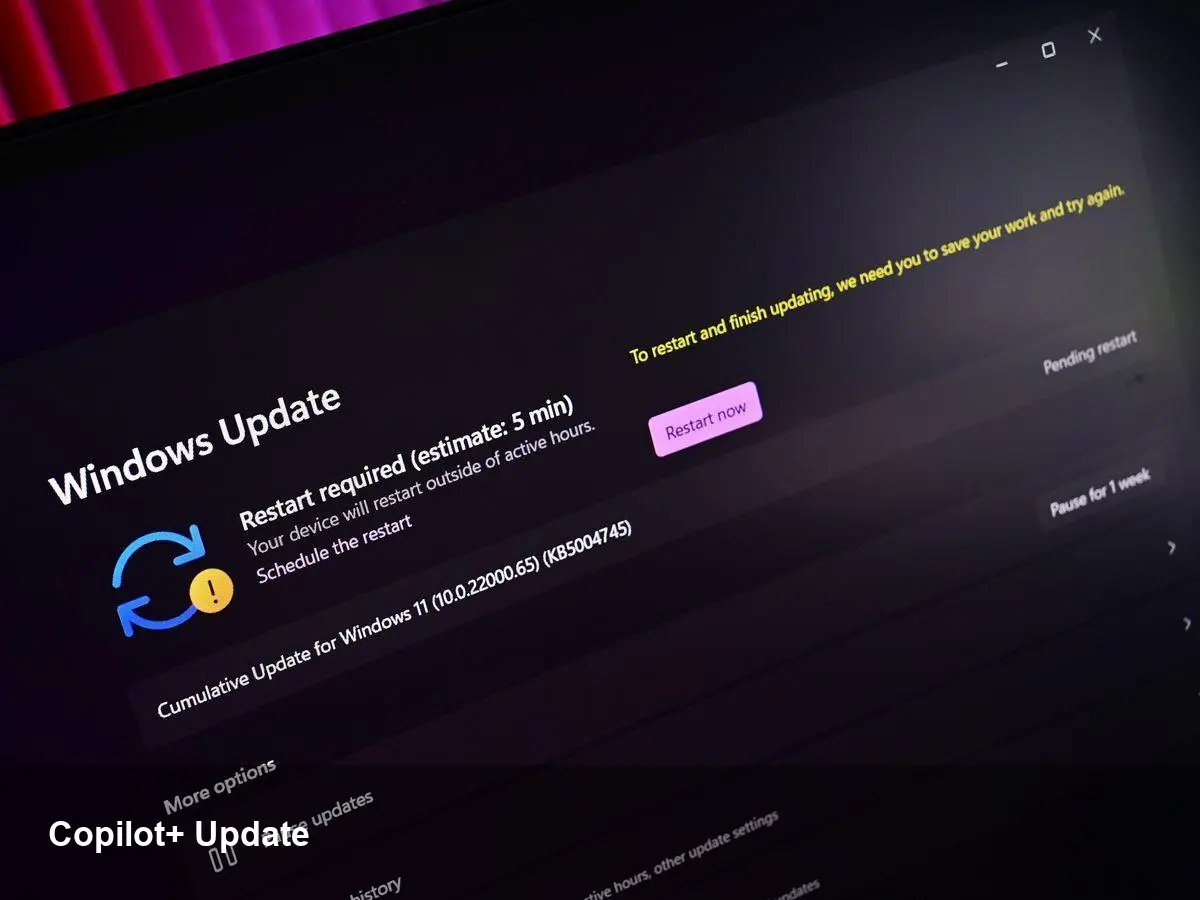
- Microsoft released the first Windows 11 preview build of 2026, expanding Copilot+ PC features to more users.
- The update introduces a new mobile "Resume" workflow to continue tasks from phone to PC.
- The build is available through the Windows Insider preview channel and focuses on Copilot integrations, cross-device continuity, and quality improvements.
What Microsoft shipped in the 2026 preview build
Microsoft’s early 2026 Windows 11 preview build emphasizes deeper Copilot integration and cross-device continuity. The company says it’s rolling a set of Copilot+ PC features to a wider set of preview users while introducing a mobile Resume feature that bridges phone and PC sessions.
Expanded Copilot+ PC features
The build broadens access to Copilot+ PC functionality across the Windows experience. That includes tighter assistant integration within core surfaces such as the desktop, File Explorer, and system settings, improving how users ask for help, find files, or get context-aware suggestions.
Microsoft positions Copilot+ PC as a more capable assistant that blends cloud and local intelligence to speed common tasks. This preview brings those capabilities to more testers so Microsoft can refine responsiveness, context awareness, and UI flows ahead of wider release.
Mobile Resume: continue on PC where you left off
One of the headline features in this build is mobile Resume, a continuity feature designed to let you pick up tasks on a Windows 11 PC that you started on a mobile device. Microsoft’s approach aims to reduce friction when switching devices for documents, browser tabs, and app sessions.
The feature relies on your Microsoft account and the company’s cross-device tooling to sync state between phone and PC. In practice, mobile Resume should make it faster to move from a call or note on a phone to finishing work on a PC without hunting for files or recreating context.
Other changes and quality improvements
Alongside Copilot+ and mobile Resume, the preview build includes routine bug fixes and performance optimizations. Microsoft often uses early preview builds to test reliability improvements and telemetry before a public rollout.
How to try the preview build
Interested users can access the update via the Windows Insider Program. Microsoft is typically rolling these builds to preview channels first, inviting feedback from testers before moving features to general availability.
Why it matters
The update signals Microsoft’s continued push to bake AI into everyday Windows workflows. Expanding Copilot+ and adding cross-device Resume can boost productivity for users who split work between phone and PC, and helps Microsoft refine features based on real-world usage.
Enterprises and IT pros should monitor the preview for potential impacts to device management, privacy, and deployment plans. For consumers, expect more Copilot-driven features to appear gradually as Microsoft iterates from preview to stable builds.



