
What Samsung’s 'Advanced Audio' in One UI 8.5 Means for Users and Developers

Why this matters
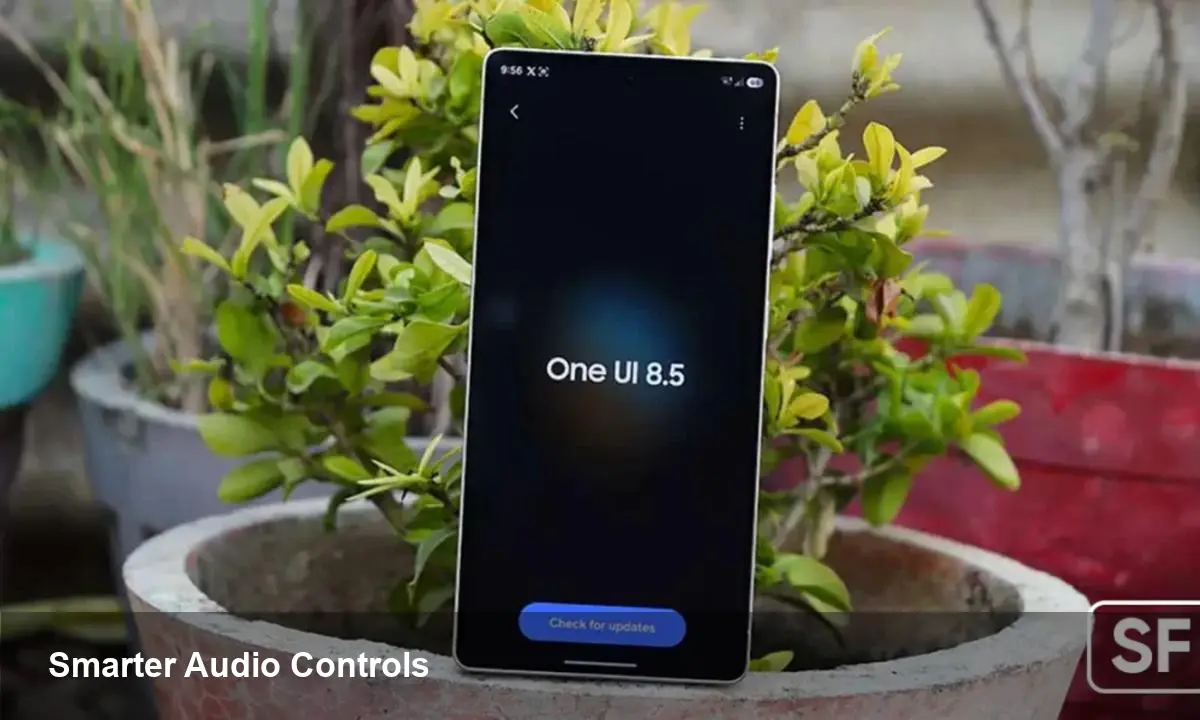
Samsung is rolling out One UI 8.5 in public beta ahead of the Galaxy S26 launch, and one quietly surfaced setting — "Advanced Audio" tucked under Connected Devices — signals a meaningful step toward more granular audio control on Android phones. If you care about wireless audio quality, low-latency gaming, or building apps that behave predictably across headsets and car systems, this is worth paying attention to.
Quick background: One UI, the S26 timeline, and where this lives
One UI is Samsung’s customization layer on top of Android. Version 8.5 is currently in public beta and expected to ship as a stable update alongside the Galaxy S26 series. The Advanced Audio option appears inside the Settings > Connected Devices section — the same place where you manage Bluetooth peripherals, earbud features, and audio routing.
That placement is a clue: this isn’t a cosmetic toggle. Putting Advanced Audio in Connected Devices suggests Samsung is centralizing device-specific audio behavior — codec choices, latency modes, and multi-stream handling — into a single control surface.
What Advanced Audio likely offers (and why it matters)
Samsung hasn’t published a full technical spec for the feature yet, but the logical capabilities we can expect — and why they matter — are:
- Per-device audio profiles: Assign different defaults for headphones, car systems, or speakers (e.g., high-bitrate codec for home earbuds, low-latency mode for gaming controllers).
- Codec and quality preferences: Let the phone prioritize codecs such as Samsung’s Scalable Codec, aptX variants, or LDAC where supported, helping balance fidelity vs. battery use.
- Low-latency/priority mode: A system-level switch to reduce audio buffering and processing for games or video calls, likely at the expense of power or bitrate.
- Spatial audio and virtualization controls: Quick toggles to enable dynamic head-tracking or spatial rendering for supported earbuds and media apps.
- Multi-device and app routing: Rules for when audio should switch — e.g., pause music when a call starts on a different connected device, or route app-specific audio to a dedicated output.
For users these features mean fewer surprises: better audio quality automatically where it counts, fewer manual switches during gaming or streaming, and more predictable behavior when connecting a new accessory.
Concrete user scenarios
- A mobile gamer pairs a high-refresh-rate controller and earbuds. With Advanced Audio they can flip the phone into low-latency mode automatically when the controller connects, cutting noticeable lip-sync delays in cloud gaming.
- A commuter sets their car as a high-compression fallback but keeps high-bitrate streaming for home speakers. The phone remembers and applies the right profile when it detects your vehicle vs your living room Wi-Fi.
- A remote worker uses Bluetooth noise-cancelling earbuds. Advanced Audio could prioritize microphone quality and echo control when a video-conferencing app is active, instead of the default music-optimized profile.
These examples show how small system-level choices multiply into a better everyday experience.
What developers should watch and prepare for
Advanced Audio will have several practical impacts if it introduces new audio routing policies or exposes controls through APIs:
- Test audio behavior under different system modes. Your app should handle codec switches, re-routes, and sudden latency changes without dropping audio or garbling streams.
- Respect system priority modes. If the OS enforces a low-latency mode that reduces buffering, media apps must tolerate smaller audio buffers and avoid assumptions about guaranteed headroom.
- Support spatial/audio metadata. If Samsung exposes spatial audio toggles or expects metadata for rendering, media and game engines should include optional spatial cues (object positions, channel metadata).
- Update QA matrices to include device profiles. Simulate connecting common accessory classes (TWS earbuds, car head units, Bluetooth speakers) and verify app behavior when the system applies Advanced Audio policies.
For accessory makers and audio SDK vendors, this is a reminder that close hardware-software coordination still matters: an accessory’s firmware and the phone’s stack must negotiate codecs and features reliably.
Limitations, trade-offs and privacy considerations
- Compatibility will vary. Legacy Bluetooth stacks and older accessories may not support newer codec prioritization or spatial features, so behavior will fallback.
- Battery impact. Higher bitrate codecs and low-latency operation both increase power draw on phone and accessory — users should expect shorter battery life when those options are active.
- Privacy surface. More sophisticated routing and microphone prioritization means the OS is making decisions about which app’s audio input gets precedence. Clear UI and permission behavior matter to avoid accidental recording or routing.
Business and product implications
- Differentiation: Samsung can use Advanced Audio to differentiate the Galaxy hardware experience, pairing tightly with Galaxy Buds and other accessories.
- Monetization pathways: There’s potential for premium audio profiles or feature gating (e.g., advanced spatial tuning) as part of device or accessory premium tiers.
- Industry nudges: If Samsung’s approach proves popular, other Android OEMs and accessory makers may converge on similar user-facing audio hubs, creating new expectations for audio UX.
Looking ahead: three implications for the audio ecosystem
- A unified audio hub will become table stakes. Users will want one place to manage quality, latency and routing across all connected devices. Expect similar features to appear in rival skins.
- Developer audio hygiene grows in importance. Apps that fail to handle codec switches or system-driven low-latency modes risk poor user experience; robust testing and adaptive buffering will be required.
- Hardware and software co-design will return. Accessory makers who collaborate closely with platform vendors for codec licensing, calibration, and certification will deliver better out-of-box experiences.
How to prepare as a user or developer
- Users: If you’re in the One UI 8.5 beta, explore Connected Devices and test Advanced Audio per accessory. Note the battery and quality trade-offs so you can select sensible defaults.
- Developers: Add Bluetooth and audio routing scenarios to your QA plan. Implement graceful recovery for codec flips and smaller audio buffers, and consider exposing settings or hints in-app to align with system modes.
Advanced Audio in One UI 8.5 won’t solve every wireless audio pain point, but by centralizing audio behavior it can remove many small frictions. For anyone building audio-dependent apps or designing accessories, this is a chance to tighten the experience and reduce the edge cases that frustrate end users.



