What Apple’s iOS, iPadOS and macOS 16.4 mean for users and developers

Why this update matters
Apple’s spring 2023 refresh for iOS, iPadOS and macOS (iOS/iPadOS 16.4 and macOS Ventura 13.4) isn’t a headline-grabbing redesign, but it’s one of those releases that nudges several parts of the platform forward at once. The update bundles a mix of user-facing polish, new web and developer capabilities, and a handful of bug and security fixes. For product teams, engineers and IT managers it’s the sort of release that changes priorities from “do we redesign?” to “what do we need to test and enable?”
Below I unpack the practical implications, real-world scenarios, and a short checklist you can use to act on the changes.
Notable practical changes (high level)
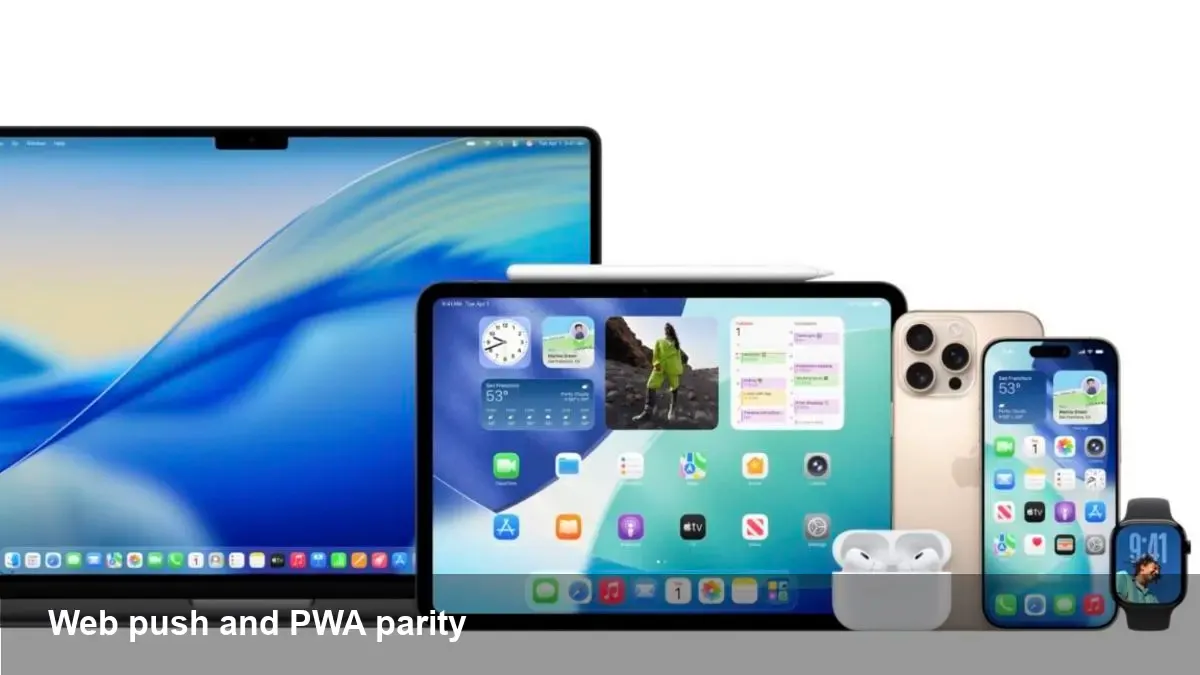
- Web apps and websites: Apple expanded support for web push notifications to Safari on iPhone and iPad. That brings Progressive Web Apps (PWAs) closer in capability to native apps when it comes to re-engaging users.
- Usability and polish: a number of smaller refinements and accessibility improvements that improve day-to-day reliability and user experience.
- Platform maintenance: security patches and stability fixes that matter for managed deployments and users who prioritize reliability.
I’m deliberately calling these “practical” rather than “sexy” because they change how teams operate more than they change how devices look.
A concrete scenario: a news startup chooses web push over a native app
Imagine a regional news startup with limited engineering resources. Before this update they faced a tradeoff:
- Build and maintain native apps (Apple App Store overhead, review cycles, separate codebases); or
- Rely on email and social to re-engage users (slow, costly, lower open rates).
With web push now supported on iOS/iPadOS, the site can:
- Implement a service worker and push subscription flow.
- Ask users (with a respectful prompt) to allow notifications after they’ve shown interest.
- Send breaking alerts for major stories with deep links back into their PWA or website.
Outcome: faster time-to-market, unified codebase, and improved re-engagement without the App Store burden. Caveat: the user must add the PWA to their home screen in some cases and grant permission—so onboarding UX still matters.
Developer checklist: what to update and test
If you manage web or native experiences, focus your sprint on these items:
- Service workers and manifests: ensure your web app has a correct manifest and a robust service worker. Implement PushManager.subscribe() and server-side push logic.
- Permission UX: design a good permission prompt flow. Don’t hit users with the native browser permission immediately—use an in-page education prompt first.
- Cross-browser testing: verify behavior on Safari (iOS/iPadOS), Chrome (Android), and desktop browsers. Expect subtle differences in permission prompts and push payload handling.
- Offline / background behavior: test how your app handles delivery when the device is offline or in low-power mode.
- Analytics and attribution: update your attribution flow and analytics to track delivery, opens, and conversions from web push vs. other channels.
- App Store fallback: if you maintain a native app too, make sure push behavior and deep links are consistent across channels.
Tools that help: Lighthouse for PWA checks, browser devtools for service workers, and your existing CI for automated smoke tests of push flows.
For IT and product managers: rollout considerations
- MDM & compliance: schedule compatibility testing with your mobile device management solution. Minor OS updates can change policy behavior around app permissions or network routing.
- Release notes and support docs: update internal KBs and support scripts to reflect the new notification behavior and how users can opt-in/opt-out.
- Staged rollouts: if you rely on web push for critical alerts (e.g., emergency notifications), roll it out in stages and monitor for false positives or spam complaints.
Risks and limitations to keep in mind
- Permission fatigue: web push works, but users can decline notifications. You still need an onboarding flow that explains value and frequency.
- Platform differences: Apple’s implementation brings parity closer, but there remain nuances in payload size limits, action buttons, and background processing vs. Android.
- Privacy and consent: notification channels are sensitive. Make sure you obey local regulations and offer clear unsubscribe controls.
Business implications
- Lower cost of entry for notifications: startups and mid-sized companies can now test re-engagement strategies without a full native app build.
- New channels for conversion: PWAs + web push can increase direct traffic and conversions, especially for content-driven businesses.
- Marketing and ops must coordinate: product, marketing and compliance teams should align on cadence and governance for notifications to avoid damaging brand trust.
Two technical examples to illustrate implementation
1) Basic flow for web push
- Add a web app manifest (icons, name, start_url).
- Register a service worker and handle push events.
- On the server, store subscriptions and send push payloads through a compatible push service.
2) Permission onboarding pattern
- Wait until a user performs a meaningful action (e.g., reads multiple articles).
- Show a custom in-page prompt explaining the types of alerts and frequency.
- If the user opts in, call the browser permission API and subscribe to push.
Both patterns are standard for PWAs today—what’s changed is that iOS users can now be included in these flows more reliably.
What this update signals for the future
- Incremental parity between web and native will continue: Apple’s continued investment in web capabilities suggests a future where PWAs are a viable primary delivery mechanism for many services.
- Platform convergence shifts spend: companies might reallocate engineering resources away from multiple native codebases toward richer web experiences when appropriate.
- Attention will move to UX and governance: as channels multiply, the winners will be teams that manage onboarding, frequency, and user trust well—not just the teams that can send the most messages.
If you manage product or engineering, the immediate action is straightforward: add iOS/iPadOS and macOS to your test matrix, prototype a permission-friendly onboarding flow, and treat web push as a strategic channel—not a gimmick.
For end users, these changes should feel like steady improvements: fewer missing notifications, better PWA behavior, and the sort of polish that quietly makes devices more useful every day.