Use Your Phone to Browse and Play with Fire TV App

Why the redesigned Fire TV app matters
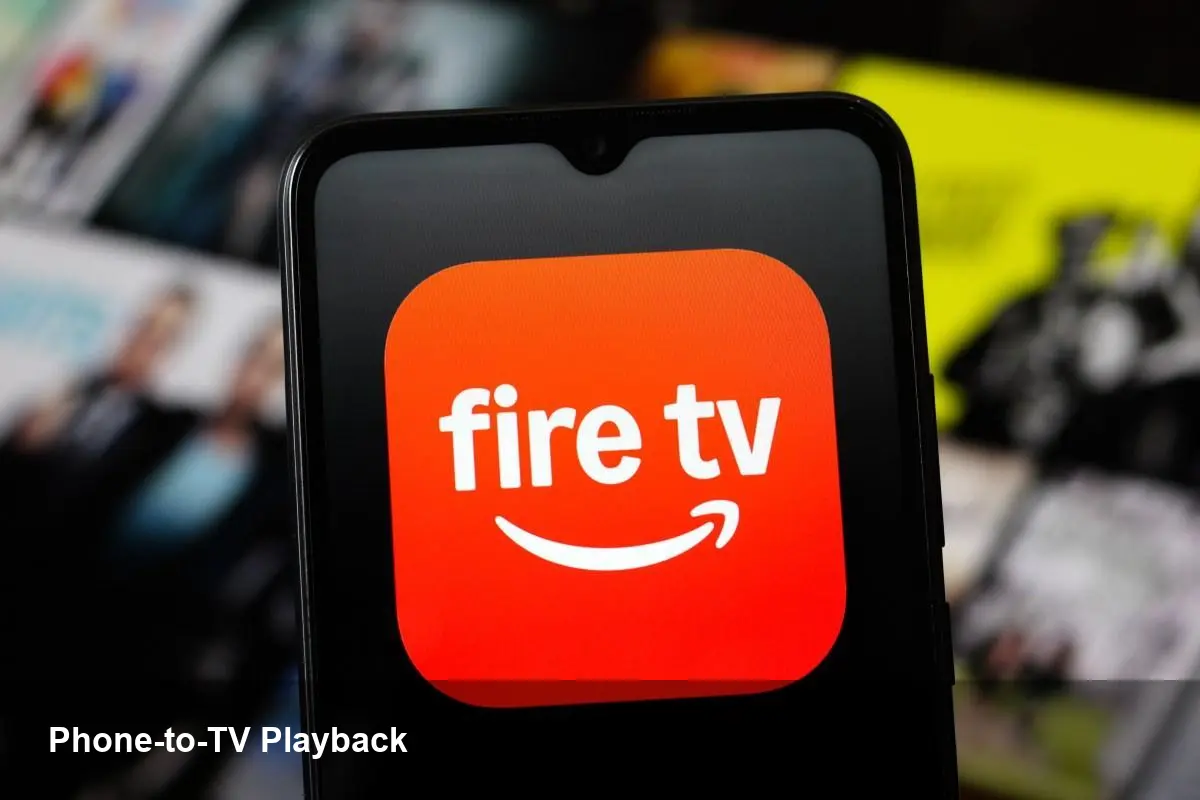
Amazon has updated the Fire TV mobile app so it does more than act as a remote. The new app focuses on discovery, queue management and a simpler path to start playback on a paired TV. For anyone who uses streaming services regularly — parents managing family profiles, viewers who plan watch parties, or cord-cutters with multiple streaming subscriptions — the change shifts much of the discovery workflow from the TV screen to the phone.
That matters because phones are where we spend most of our digital time: searching, sharing links, and deciding what to watch. Making the phone the primary surface to browse titles and push them to the TV shortens friction and increases the chance users will actually watch what they discover.
A quick overview of what’s new (and how it behaves)
- Browse and discover movies and shows in the app’s catalog, including recommendations and content from installed streaming apps.
- Add items to a centralized watchlist while you’re out and have them ready to play on the TV later.
- Initiate playback directly from the phone: tap “Play on TV” (or equivalent) and the selected title starts on a paired Fire TV device.
- Use your phone as a remote control with transport controls, keyboard input, and voice search.
The experience requires a Fire TV device paired to the same Amazon account and typically present on the same Wi‑Fi network. Pairing and handoff are designed to be simple: the app discovers compatible devices and lists available TVs to push playback to.
Real-world scenarios where the mobile-first approach helps
Scenario 1 — Planning a weekend watchlist: You’re commuting and see a new documentary on your favorite streaming service. Instead of bookmarking or trying to remember it later, you add it to the Fire TV app watchlist. Once home, the title is waiting on the TV — one tap on your phone and the documentary begins.
Scenario 2 — Quickly starting a show for a guest: Guests arrive and you don’t want to fumble the TV UI. Browse on your phone, search by actor or title using your keyboard, then push the episode straight to the TV. No navigating slow TV menus.
Scenario 3 — Managing a family queue remotely: Kids want a specific movie while you’re out. From your phone, you can add approved titles to the queue so it’s ready when they turn on the TV, reducing the need for parental micromanagement.
Scenario 4 — Discovering cross-service content: The app surfaces titles from multiple installed services. If a search returns content from Netflix, Prime Video, or other apps installed on Fire TV, you can see where to watch and jump to that app on the TV.
For developers and publishers: what changes and what to optimize
Developers of streaming apps and studios should view the mobile app redesign as an extension of their discovery surface. A few practical implications:
- Metadata matters more than ever. Clean titles, accurate artwork and granular metadata (season/episode numbers, ratings, runtime) increase the chance your content looks attractive in the mobile browsing experience.
- Deep linking and playback intents are essential. If the Fire TV app hands off to your app on the TV, make sure your app supports immediate playback from an external intent or deep link, with robust resume behavior.
- Session and resume tokens need to be robust. If a user starts playback via the phone and resumes later on TV, consistent resume points improve UX and reduce frustration.
- Be ready for higher traffic to discovery endpoints. Mobile-first discovery can increase click-through rates to your content catalog; optimize those endpoints and caching layers.
For independent developers building companion apps, this is also an opportunity to integrate with handoff APIs (where available) and to craft experiences that make the transition between mobile and big screen seamless.
Business impacts and where Amazon wins
There are several strategic upsides for Amazon with this redesign:
- Higher engagement: making it easier to discover and immediately play content should increase total viewing minutes across Fire TV.
- Cross-sell opportunities: the mobile surface can highlight Prime Video content and Amazon channels alongside third-party apps, nudging users toward Amazon-owned services or paid add-ons.
- Improved data signals: phone-based browsing yields rich signals about preferences and intent, helping Amazon refine recommendations and target promotions.
For streaming services, the net effect is mixed: easier discovery can increase views for their titles, but enhanced Amazon promotion can skew visibility toward Amazon’s ecosystem.
Limitations and friction points to watch for
- Network and account requirements: the smoothest experience usually requires the phone and Fire TV to be on the same network and logged into the same Amazon account, which can be a barrier in guest or public-network scenarios.
- Fragmentation across platforms: iOS and Android may behave slightly differently; some features might be staged in waves during rollout and appear on one OS before the other.
- Privacy and permissions: the app needs permissions to discover local devices and control playback. Users should be aware of what they grant and manage devices in their Amazon account settings.
What this means for the future of TV discovery
- Mobile-first discovery will become the norm. As phones grow more capable as input devices, expect more streaming platforms to offer rich companion apps that replace slow on-TV navigation.
- Unified watchlists will increase competition on metadata quality. With a centralized watchlist surface, content providers with cleaner, richer metadata will have an advantage.
- Companion-app handoff standards could emerge. If multiple platforms adopt similar mobile-to-TV handoff patterns, the industry may coalesce around shared protocols (or extend existing ones) to make cross-device playback seamless.
If you’re a user: try the app by adding items to your watchlist and playing them directly on your TV — it can save time and make discovery feel less transactional. If you’re a developer or content owner: audit your deep links, metadata and resume behavior — small improvements here will pay dividends as more discovery happens off the TV screen.