tvOS 26.4: What Apple TV Owners and Developers Need

A modest but important update
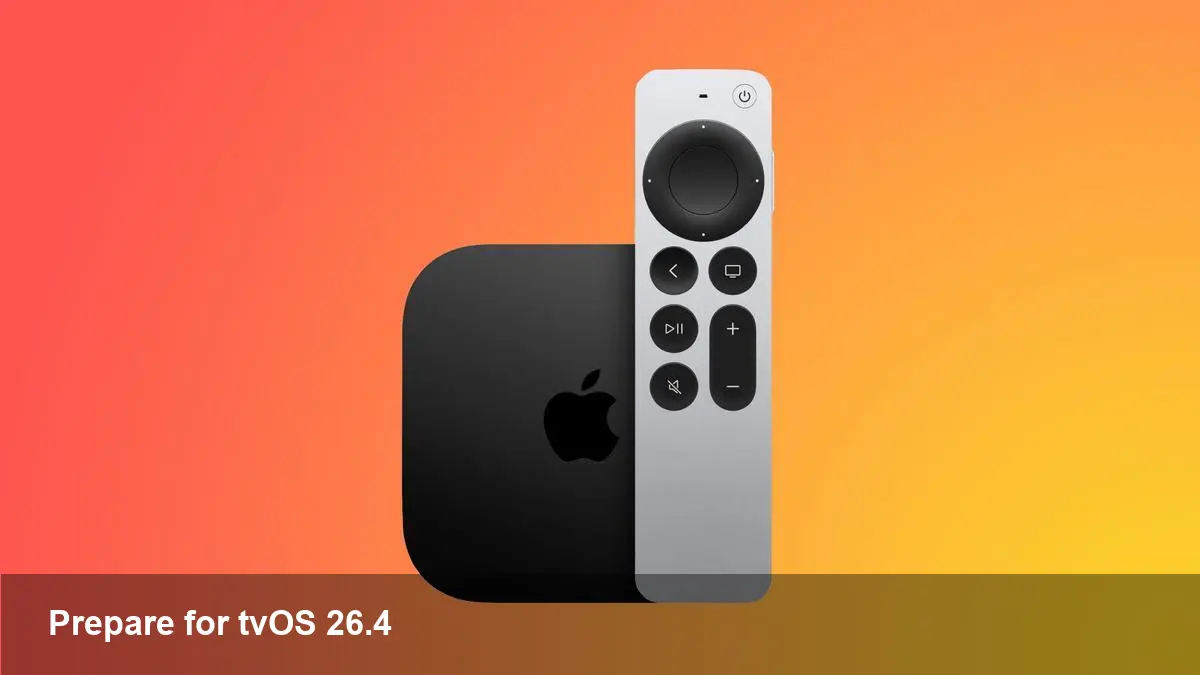
Apple pushed tvOS 26.4 this week for Apple TV devices, and while it isn’t a headline-grabbing platform overhaul, it matters if you run apps, stream content, or manage fleets of devices. The release is compatible with Apple TV 4K and Apple TV HD models going back to 2015. To install it manually: open Settings → System → Software Updates → Update Software on your Apple TV.
This article focuses less on marketing copy and more on practical implications: how to update, how to test, and what product and engineering teams should prioritize after a minor tvOS release.
Why minor tvOS releases matter
Minor point releases like 26.4 typically deliver a mix of security patches, platform tweaks, bug fixes, and subtle API adjustments. For many end users the changes are invisible; for developers and operators they can be consequential:
- Security fixes can close vulnerabilities that affect streaming DRM, local network permissions, or remote control handling.
- Small behavior changes in frameworks (multimedia, networking, input handling) can cause regressions in playback, login flows, or remote interactions.
- Performance and stability improvements on certain hardware models can reduce crashes and improve battery life for remotes.
Treating point releases as no-ops is a risk if you run commercial apps, hospitality deployments, ad-supported streaming, or any environment where uptime and user experience matter.
How to update (step-by-step)
- On Apple TV: go to Settings → System → Software Updates.
- Select Update Software and follow the prompts.
- If you manage many devices, use an MDM solution to schedule updates and monitor success rates.
If you maintain a development device, install the update on at least one unit before pushing changes to testers or customers.
Developer checklist after tvOS 26.4
Use this checklist to catch issues quickly after the platform update.
- Smoke test core user flows: app launch, sign-in, playback start/stop, seek, AirPlay, subtitles, and content purchases.
- Run automated UI tests on representative hardware (Apple TV HD and recent 4K hardware). Prioritize playback metrics and remote control interactions.
- Verify framework compatibility: if your app uses AVFoundation, MediaPlayer, Network.framework, HomeKit, or SiriKit, confirm there are no new deprecations or altered behaviors.
- Validate DRM and license exchanges: test Widevine/PlayReady/ FairPlay (as applicable) to ensure playback continues without license errors.
- Re-run onboarding and account-recovery flows that rely on external browsers or secondary-device authentication.
- Check background processes and app extensions: tvOS background execution is limited—any change to lifecycle events can surface bugs.
- Test Siri and remote interactions: voice control or remote gestures are common failure points after OS tweaks.
For teams with CI/CD, add a tvOS device matrix to automated pipelines and mark a build gate for successful post-update test runs.
Concrete scenarios
- Startup streaming service: imagine a provider that pushed a UI refresh last month. After customers update to tvOS 26.4, report volume spikes in playback stalling. Quick steps: reproduce on both Apple TV HD and 4K, collect system logs, and check AVFoundation error codes. If the issue only appears on older hardware, roll out a hotfix that reduces simultaneous decoding quality or offers an adaptive baseline codec.
- Hospitality deployment: a hotel chain managing dozens of Apple TVs via MDM should stagger updates. Schedule 10% nightly rollouts, monitor for network-authentication failures, and have a rollback plan if guests report widespread problems.
- Ad-supported app: ads rely on third-party SDKs that may have tight timing assumptions. Post-update, ensure ad SDKs still initialize and track impressions correctly; shadow tests can verify correct behavior without impacting users.
Business and operational implications
- Revenue impact: a playback regression or sign-in outage can directly hit subscription and ad revenue. Test and monitor critical user journeys immediately after any tvOS update.
- Support load: plan for a spike in customer support tickets after rollouts and have engineering on-call with device access to reproduce issues quickly.
- Release cadence: if you ship frequent server-side changes, coordinate server and client deployments around OS updates to avoid compounding risks.
- MDM strategy: enterprises and venues should keep an update cadence and approval workflow. Minor OS updates are a good trigger to validate device inventory and certificate expirations.
Limitations and things to watch
- Hardware variability: Apple TV hardware spans several generations. An issue confined to an older Apple TV HD or a first-generation 4K can be easy to miss if your test matrix is too small.
- Limited telemetry: unlike mobile, tvOS apps have less granular crash and usage telemetry by default; invest in logging and observability tailored for big-screen experiences.
- App review/Store timelines: if you need to ship a fix in response to an OS change, account for App Store review windows—hotfixes aren’t instantaneous.
Where tvOS is headed — three practical signals
- Convergence with iOS frameworks: expect Apple to continue aligning tvOS APIs with iOS/esoteric frameworks, which simplifies cross-platform app maintenance but raises the need for early compatibility testing.
- TV as a home hub: Apple TV’s role in HomeKit and smart-home orchestration is likely to grow. Developers should design apps that play nicely as part of a broader ecosystem (notifications, local interactions, HomeKit triggers).
- Emphasis on streaming reliability: as competition intensifies, even minor stability improvements will be treated as differentiators by major platforms and service providers.
Quick action plan for teams
- Update one test device to tvOS 26.4 today and run your smoke suite.
- Schedule staged rollouts if you manage devices at scale.
- Monitor support channels for unexplained regressions and be ready to escalate with logs.
Small OS updates are often quiet, but for teams delivering content or managing devices at scale they’re a trigger for disciplined testing and operational readiness. Run the checks now and you’ll avoid reactive firefighting later.