Samsung Browser for Windows Adds Perplexity AI

What just happened
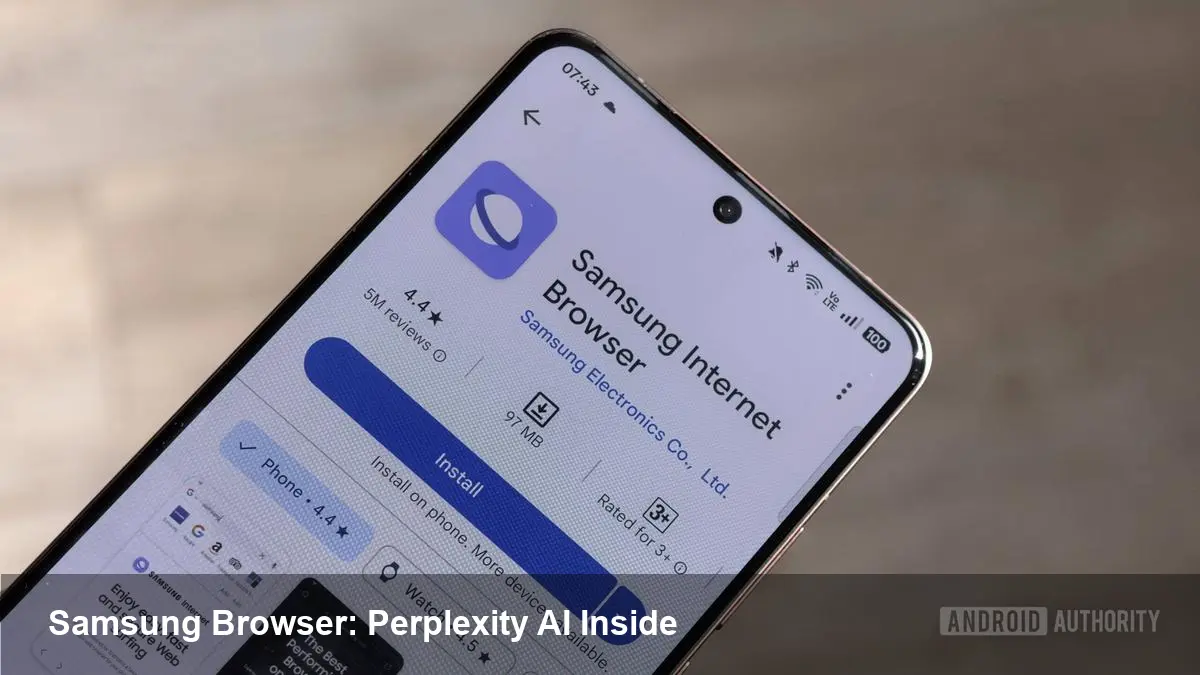
Samsung moved its Internet browser onto Windows in a public release after a beta period — and it did so with a notable twist: integrated agentic AI functionality powered by Perplexity. That combination turns what used to be a simple cross-platform browser rollout into a strategic effort to differentiate on intelligence and usefulness, not just rendering speed or UI polish.
A quick background on the product and partners
Samsung Internet has been a mobile-first browser for years, primarily known on Android and Samsung devices. The Windows arrival marks the company’s more serious effort to own a desktop browsing presence beyond OEM tie-ins. The AI capability is delivered in partnership with Perplexity, a company focused on web-aware question-answering and research assistants. Together they surface an AI layer inside the browser that can perform multi-step web tasks and answer queries using live web sources.
What the agentic AI brings (in plain terms)
Rather than just giving keyword search results or a chatbox, the browser’s agentic AI is designed to be proactive in the browsing workflow. Think of it as a web-skilled assistant that can:
- Summarize a long article or thread into bite-sized notes.
- Locate and compare information across multiple web pages.
- Suggest follow-up queries or handle a sequence of navigation steps on your behalf.
For users this means fewer tab hunts and less manual curation. For power users, it adds a second brain that understands how to operate on the live web rather than on a static dataset.
Practical scenarios where this matters
- Research and reporting: A product manager or journalist can ask the browser to gather the latest statements, compile sources, and return a short dossier. That saves hours of copying links and writing summaries.
- Competitive analysis: Instead of switching between sites, spreadsheets and saved PDFs, the AI can extract pricing, feature lists and links into a single view for quick comparison.
- Learning and onboarding: New team members can ask the browser to pull together tutorials, blog posts and documentation and receive an annotated study plan.
- Everyday productivity: Summarize weekly meeting notes, synthesize long-form posts, or generate a quick pros/cons list about a technology decision.
These are realistic, accessible wins: you don’t need to be an AI expert to get value.
Developer and business implications
If you build for the web, a browser with built-in web agents changes assumptions around where intelligence lives:
- Richer client-side experiences: Web apps can lean on the browser’s assistant to perform searches, fetch context, or recommend content without embedding heavy custom LLM features.
- New integration points: Developers should think about how their sites and APIs present structured data — good metadata, clear headings, and accessible APIs will make sites more discoverable to agentic assistants.
- Competitive pressure on Chromium extensions and search: A browser that surfaces actionable results and automations inside the UI could reduce the need for third-party extension solutions and push search providers to offer deeper, task-oriented interfaces.
For enterprises, a Windows-native Samsung Browser with AI could be a useful productivity tool, but one that raises questions about data governance and vendor lock-in.
Privacy, trust and compliance — the tricky parts
Agentic AI that operates on live web content raises three important considerations:
- Data handling: Who logs the prompts, pages visited, and extracted summaries? If Perplexity or Samsung processes that data, enterprises will want clarity on retention, access, and anonymization.
- Source transparency: When the assistant synthesizes an answer from multiple pages, users need clear citations and the ability to trace assertions back to originals.
- Security and manipulation: Agentic assistants that act on the web could be exploited by malicious pages if safeguards aren’t in place. Browser-level permissions and rate limits for actions are essential.
Until these policies and controls are proven in enterprise deployments, many organizations will treat agentic browsing tools cautiously.
How realistic is the claim that it could replace Chrome?
"Replace Chrome" is a bold framing — Chrome has deep integration with Google services, a massive extension ecosystem, and cross-platform ubiquity. Samsung’s Windows browser offering is notable because it competes along a different axis: ambient intelligence.
A few practical points:
- Switching from Chrome requires convincing users to migrate data, extensions, and habits. That’s a high activation cost.
- If Samsung’s AI actually saves users measurable time for certain workflows (research, synthesis, planning), it can win niche, high-value users even without dethroning Chrome.
- Long term, browser choice could fragment by feature sets: some users prioritizing privacy, others looking for AI assistants baked into the UI.
So, replacing Chrome universally is unlikely overnight. But shifting user expectations — where intelligent assistance is an expected browser feature — is a realistic and meaningful outcome.
Limitations to watch for
- Accuracy and hallucinations: Synthesis can be fast but sometimes incorrect. Users still need to verify important facts.
- Coverage: An AI optimized for web research may struggle with proprietary internal resources behind authentication unless explicit enterprise connectors exist.
- Dependence on partner stack: Tying the assistant to Perplexity (or any single provider) creates a single point of technical and commercial dependency.
What this signals for the next few years (three implications)
- Browsers will compete on intelligence as much as performance. Expect other vendors to accelerate integrations between browsing UIs and web-aware AI assistants.
- Web content quality and structure matter more. Creators who add clear metadata, structured data and machine-readable summaries will be surfaced more reliably by agentic assistants.
- Regulation and enterprise controls are overdue. As browsers add action-capable agents, we’ll see tighter standards for auditing, provenance, and data handling.
Who should try it now
- Researchers, journalists and product teams who gather and synthesize lots of web content will see immediate gains.
- Developers and site owners should test how their sites are interpreted by the assistant and adjust content structure accordingly.
- Privacy-conscious users and enterprises should pilot with clear policies and monitor how the browser handles sensitive inputs.
Samsung’s Windows browser isn’t just another tab renderer — it’s an experiment in embedding web-native, task-oriented AI directly into the browsing experience. Whether it becomes the Chrome replacement some headlines suggest is less important than the signal it sends: intelligence at the browser layer is now a major battleground.