One UI 8.5 LockStar Adds Custom Unlock Animations Now

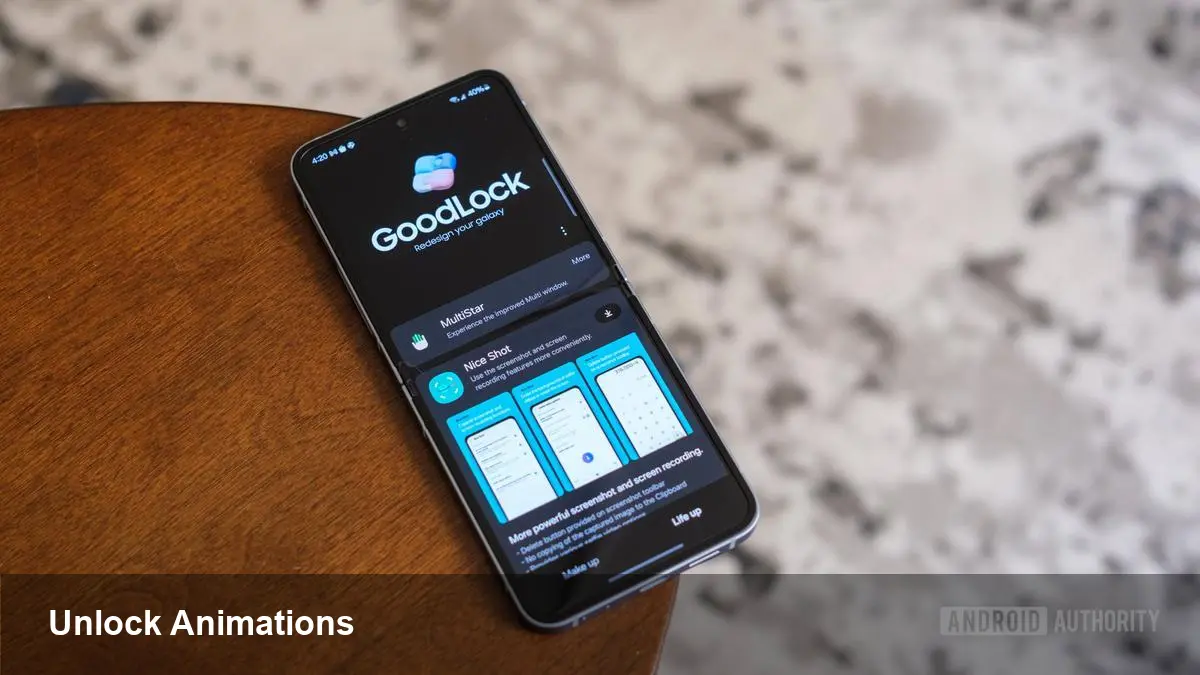
• LockStar v8.5.00.8 brings fully customizable unlock animations to One UI 8.5. • Users can choose effects like Slide, Expand, Spread, Wave, Warp, and Ripple and tweak speed, distortion, and physics. • LockStar also adds manual Always On Display (AOD) brightness control, overriding auto-brightness on compatible devices. • This update targets enthusiasts via Good Lock rather than the main Settings menu, affecting Galaxy S24/S25 and other One UI 8.5 devices.
What’s included in the LockStar update
Samsung’s Good Lock module LockStar has been updated to version 8.5.00.8 on devices running One UI 8.5. The headline feature is a set of dynamic, fully customizable unlock animations that replace the default static transition.
Animation types and controls
The update introduces multiple transition styles: Slide, Expand, Spread, Wave, Warp, and Ripple. Each effect can be tuned—users can change speed, direction, distortion amounts, and the animation interpolator to alter how motion accelerates and decelerates.
For example, Ripple lets you adjust distortion and physics so the unlock feels either subtle or dramatic. These granular settings let enthusiasts dial in timing to the millisecond for a personalized unlock experience.
Manual AOD brightness override
Beyond visuals, LockStar now allows manual control of the Always On Display (AOD) brightness. Previously, AOD brightness was largely governed by Samsung’s auto-brightness algorithms.
This change benefits devices with full-screen AOD, such as Galaxy S24 and S25 series phones, letting users choose dimmer settings to save battery or brighter levels to showcase wallpapers and widgets.
Why Samsung put this in Good Lock
Instead of adding these settings to the core One UI Settings app, Samsung kept them in Good Lock’s LockStar module. That signals a continued focus on power users who want deep customization without altering the default, out-of-the-box experience.
How to get the update
LockStar’s changes were reported by tipsters on X (Ice Universe and Tarun Vats) and are rolling out to One UI 8.5 beta testers and users who install Good Lock updates through Samsung’s Galaxy Store.
Quick steps
Open Good Lock > LockStar > look for version 8.5.00.8 and update. Explore the Unlock Animation settings to pick an effect and fine-tune AOD brightness from the same module.
With this update Samsung gives users more control over one of the smallest interactions—unlocking—turning it into a customizable and expressive part of the phone experience.