One UI 8.5 arrives: practical guide for Samsung Galaxy users

Why the April 2026 stable rollout is important
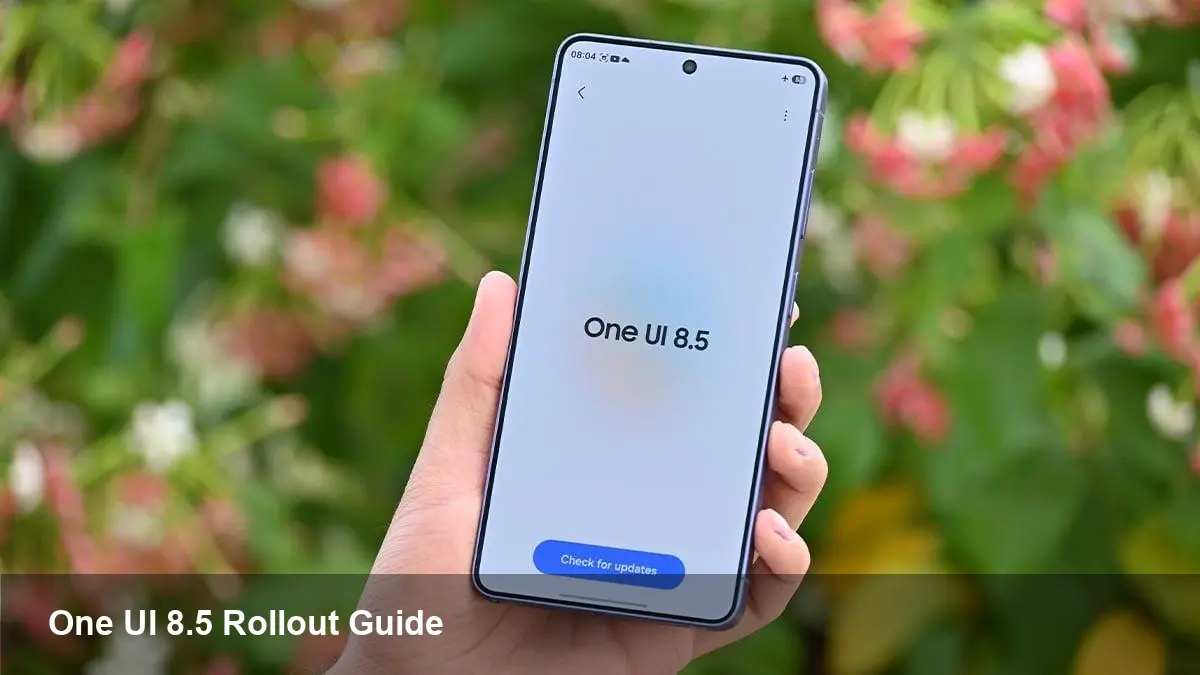
Samsung's One UI updates are more than fresh icons and subtle animations — they shape device behavior across millions of Samsung Galaxy phones, tablets, and foldables. A stable One UI 8.5 release in April 2026 marks a transition from beta testing into broad availability, meaning consumers, enterprises, and app developers will need to plan for upgrades, testing, and deployment.
This version continues Samsung’s cadence of incremental platform improvements: UI polish, security patching, and features that leverage new hardware (foldable screens, larger RAM footprints, and on-device AI accelerators). For businesses and developers, the arrival of a stable build is the signal to move from compatibility checks into full support and user communication.
What to expect in the first two weeks
Samsung traditionally phases stable updates by flagship-to-midrange tiers and by region. Expect this pattern in April 2026:
- Week 1–2: Flagship models and carrier-unlocked Galaxy devices receive the OTA notification first (typically the latest S and Fold/Flip lines). These units act as a wider litmus test for compatibility issues in real-world networks.
- Week 3–6: Carrier-locked models and midrange Galaxy A and M series roll out, after carriers finish certification, which can delay delivery by days or a few weeks.
- Ongoing: A staggered, device-by-device rollout continues, with smaller markets and older devices getting updates later.
If you depend on a phone for business-critical tasks, wait a week after the initial flagships are updated to watch community feedback and early bug reports rather than immediately installing on a fleet.
Which Samsung Galaxy models are likely prioritized
While Samsung doesn't publish a fixed public list for every incremental release, history and Samsung’s device support policies make priorities predictable:
- Top priority: Current-gen Galaxy S and Galaxy Z flagship lines (e.g., Galaxy S24 series, Galaxy Z Fold/Flip models) and recent Note-branded devices still in support windows.
- Secondary: Recent midrange Galaxy A and M series that remain within Samsung’s multi-year update promise.
- Later: Older or lower-end models, which may receive security patches but slower feature rollouts.
For administrators managing device fleets, consult Samsung Knox/EMM dashboards and carrier release notes — they’ll indicate when specific models in your inventory are cleared for the update.
Practical upgrade checklist for users and IT teams
Before installing the stable One UI 8.5 OTA, follow these steps to reduce friction and downtime.
For individuals:
- Backup: Use Samsung Cloud, Google Drive, or local backup to secure photos, messages, and app data.
- Charge: Ensure at least 50% battery or plug in during the update.
- Storage: Free up 3–5 GB to accommodate the download and temporary installation files.
- Read release notes: The in-OTA notes often list known issues and new permissions.
For IT administrators:
- Stage tests: Push the update to a small pilot group (10–20 devices) representing different carriers and hardware profiles.
- Verify enterprise apps: Test EMM-managed apps, VPN clients, and SSO workflows on updated devices.
- Security checks: Validate that device encryption, Knox policies, and MDM profiles are intact after the upgrade.
Developer considerations: compatibility, testing, and opportunities
Developer teams should treat a stable One UI release as both a compatibility milestone and an opportunity:
- Test windowing and multi-resume: Samsung’s foldable devices have nuanced lifecycle and multi-window behavior. Verify your app resumes and preserves state across folding, multi-instance windows, and large-screen layouts.
- Adaptive UI and resources: Re-check layouts, density buckets, and resource qualifiers under the new system UI to prevent clipped content or layout regressions.
- Permissions and privacy: Confirm that any changes to runtime permissions, foreground service behavior, or background access policies do not break functionality.
- Leverage new features: If One UI 8.5 includes AI-powered or privacy-focused APIs, consider optional features or progressive enhancement paths that improve UX for compatible devices without penalizing older phones.
A small internal QA matrix—covering multiple devices, Android API targets, and different network types—saves costly hotfix cycles post-rollout.
Business value and operational impact
Upgrading to One UI 8.5 offers tangible benefits for enterprises and service providers:
- Security: New stable builds bundle the latest Android security patches and Samsung-specific fixes, reducing exposure to vulnerabilities.
- Standardization: A single OS baseline across a fleet reduces fragmentation, simplifies troubleshooting, and streamlines support documentation.
- Productivity features: UI refinements, improved multitasking, and system-level tools (clipboard, quick sharing) benefit mobile-first teams and field workers.
However, expect short-term costs: time for testing, possible app updates, and user training for any UI changes affecting workflows.
Limitations and risks to be aware of
No OS upgrade is risk-free. Common pitfalls to watch for include:
- Staggered carrier delays: Carrier certification can add days or weeks; a device may not receive the stable OTA in April if your carrier is slower.
- Early bugs: Initial stable waves sometimes uncover region-specific regressions that weren't caught in beta.
- App regressions: Third-party apps might behave differently under altered runtime or UI paradigms, especially on foldables.
Maintain rollback plans for mission-critical fleets: have spare devices on the prior build or a tested method to re-image hardware if an issue blocks business operations.
Three implications for the next year
- Faster iterative updates: Samsung’s move to more frequent incremental One UI releases suggests future updates will focus on iterative polish and security rather than sweeping Android-version jumps.
- Foldables and tablets become the driver features: Continued One UI investment will prioritize foldable UX and large-screen multitasking, nudging developers to design adaptive experiences.
- Enterprise expectations rise: IT teams will expect predictable certification windows and clearer communication from carriers and OEMs to keep device fleets secure and consistent.
If you’re planning an upgrade, use April 2026’s stable rollout as the moment to move from testing to production, but pace the rollout to match your tolerance for early-adopter friction. For developers, it’s the time to validate and possibly ship progressive enhancements that leverage Samsung’s evolving hardware and software capabilities.