Nothing’s Essential Apps hit beta — vibe-code homescreen

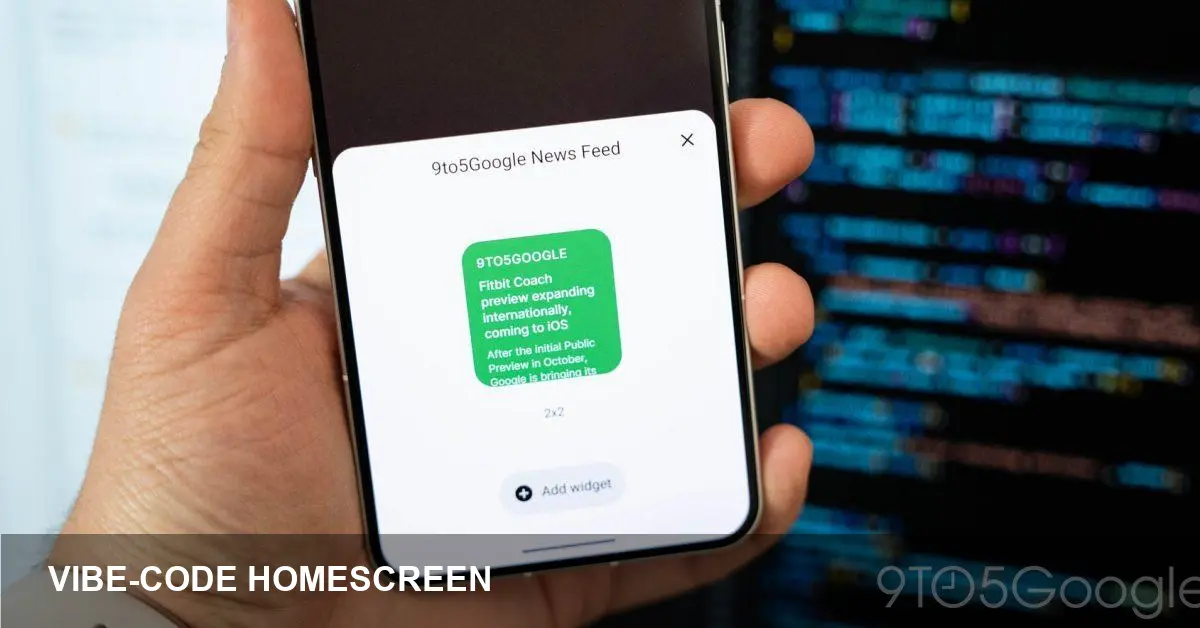
- Nothing has pushed its "Essential Apps" into beta, offering a new way to "vibe-code" and personalize your homescreen.
- The move taps into a broader trend where AI and developer tools are lowering the barrier to app creation and customization.
- Beta access suggests early experimentation; expect iterative updates and community-driven features.
- This release signals greater focus on user-driven aesthetic and functional customization for Nothing devices.
Overview
Nothing has announced that its Essential Apps collection has entered beta, bringing a fresh approach to homescreen customization the company calls "vibe-code." The beta release invites users to experiment with new ways to style and configure their home interface.
What "vibe-code" means
"Vibe-code" describes a user-forward method for shaping homescreen look and behavior. It frames customization as a creative activity, blending visual themes, layouts and small behavior tweaks into a single workflow users can experiment with.
While the beta branding implies this is an early-stage feature set, it’s intended to let people move beyond static widgets and basic launchers toward more expressive, personalized homescreens.
Why it matters
This beta sits at the intersection of device design and app tooling. By making homescreen customization more modular and accessible, Nothing is betting users will value deeper personalization over one-size-fits-all interfaces.
It also points to a growing pattern in consumer software: companies shipping developer-style tools directly to end users to foster creativity and community-driven innovation.
AI’s role and the broader trend
One of the places AI has really made an impact is on app coding, opening new doors both for professionals and hobbyists. Tools powered by AI accelerate prototyping, generate code snippets, and suggest designs that non-developers can adopt.
Nothing’s timing dovetails with that trend: offering a beta for Essential Apps lets the company iterate quickly with user feedback while leveraging emerging toolchains and AI-assisted workflows in app creation.
What to expect from the beta
As a beta, Essential Apps will likely evolve. Expect updates that refine the customization UI, add templates or presets, and possibly include community-shared themes. Stability and feature completeness may vary early on.
Nothing typically uses betas to collect user feedback and shape final releases, so community input could materially influence how the apps mature.
Bottom line
Nothing’s Essential Apps beta is a clear push toward giving users more creative control over their device experience. If you’re interested in homescreen customization or the way AI is lowering barriers to app creation, this beta is worth watching.