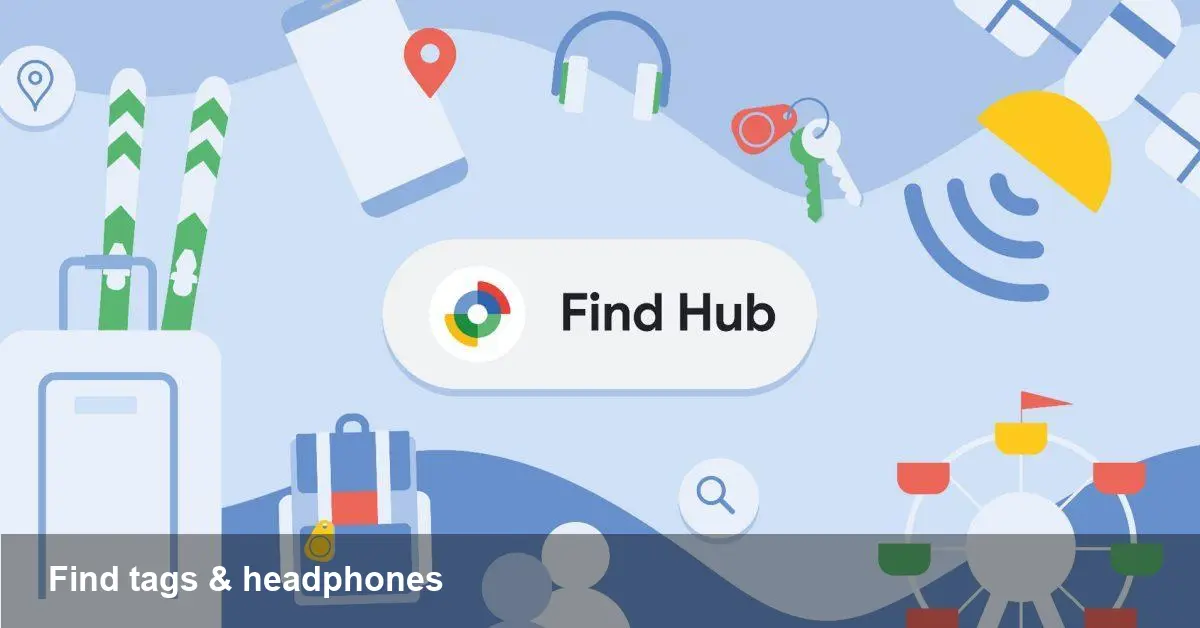
Google’s Find Hub website: Locate tags and headphones from your browser

What Google just put on the web
Google has extended its device-locating efforts with a lightweight web front end called Find Hub. Where device-finding used to live mostly inside phone settings or dedicated apps, this new website gives you a browser-based way to see and manage trackers, earbuds and other compatible accessories tied to your Google account.
This complements two recent moves: Google added Find Hub integration to the Messages app, and introduced a sharing workflow aimed at lost luggage. The web portal brings those capabilities into a place you can access from any computer, public kiosk, or secondary device without digging through menus.
Why a web interface matters
A simple web dashboard changes the user experience in three practical ways:
- Accessibility: You don’t need your phone to check last-known locations—handy at airports, hotel desks, or a friend’s laptop.
- Shareability: A browser URL (or sharing flow) makes it easier to pass location info to airline agents, concierge staff, or family members when coordinating a recovery.
- Cross-platform parity: If a device you’re trying to locate is tied to a Google account, the web removes platform lock-in from the retrieval process.
These are small UX shifts but meaningful for real-world recovery scenarios where time and convenience matter.
How the Find Hub web experience typically works
While specifics can vary with Google’s rollout, expect a few consistent behaviors familiar from other “find my” systems:
- Sign in with your Google account and open the Find Hub site.
- The dashboard lists devices and attached trackers (Bluetooth earbuds, tags, etc.), showing status and a last-seen location on a map.
- For nearby items you can trigger a sound or request directions to the last known spot. For missing luggage or items out of range, the network shows approximate locations based on other users’ devices that spotted your tracker.
- There’s a lost-item sharing option where you can generate a time-limited link or share details with a third party (useful to send to an airline or a friend).
The underlying mechanics rely on anonymized, crowdsourced location pings from participating devices in Google's network, not continuous active tracking of other people.
Two everyday scenarios where Find Hub saves time
Scenario 1: At the airport with lost luggage
You arrive, but your suitcase didn’t. Instead of calling multiple airline numbers, you open the Find Hub website on a rental-car kiosk or laptop at the information desk. The site shows your bag’s tag last pinged at a baggage-sorting area. You generate a share link and send it to the airline agent so they can confirm the bag’s last location and coordinate delivery.
Scenario 2: Forget your earbuds in a café
Your earbuds are registered to your Google account but your phone is in the car. On your laptop, you sign into Find Hub, ring the earbuds, and see they were last seen near the café’s table. You walk back and locate them within minutes. If they’re out of range, the crowdsourced map helps you find the general area.
Developer and business opportunities
The Find Hub site isn’t just a consumer convenience. It opens integrations and product ideas for startups and device-makers:
- OEM and accessory makers can prioritize compatibility with Google’s network to give customers a smoother recovery experience.
- Airline and hospitality software providers can hook into sharing workflows to automate lost-and-found workflows—reducing friction and improving recovery rates.
- Enterprise asset tracking for rental fleets, audio-visual equipment, or tools could layer Google’s network with internal tracking dashboards for improved inventory reconciliation.
If you’re building hardware that people are likely to misplace, integrating with a broadly available find network is a low-cost way to improve product stickiness.
Privacy, limits and things to watch
Find Hub’s power comes from crowdsourced pings and account association, so there are inherent trade-offs:
- Accuracy: Bluetooth-based tags and earbuds will give approximate positions and “last seen” moments, but not GPS-grade precision.
- Offline gaps: If an item is in a remote area without any devices in Google’s network nearby, the map will only show the last reported location.
- Privacy controls: Google’s system uses anonymized handshakes to protect bystanders, and owners must opt into lost-item sharing. Still, users should audit device lists and sharing permissions periodically.
From a product perspective, these limitations make Find Hub best-suited for recovering commonly misplaced consumer items—not for exact, real-time tracking of high-value assets without additional safeguards.
Practical tips for getting the most from Find Hub
- Register trackers and earbuds to your Google account during setup. The sooner a device is associated, the better the chances of recovery.
- Keep firmware and device software up to date; manufacturers often improve compatibility and signal behavior.
- Use the sharing link or “lost” workflow when dealing with service teams (airlines, hotels). It reduces confusion and provides a verifiable last-seen point.
- If you rely on Find Hub for business inventory, treat it as a complementary layer and combine it with on-premises tracking solutions for critical items.
Where this could go next
- Tighter interoperability: Expect Google to expand integrations with accessory makers and possibly with device-communication standards so trackers work more seamlessly across ecosystems.
- Enterprise adoption: As the web portal matures, hospitality and logistics providers may build tailored workflows around lost-item sharing to speed recovery operations.
- Privacy and regulation: As device-finding networks grow, regulators and privacy advocates will focus on consent, anonymization, and potential misuse. That will shape future features and controls.
The move to a web-first Find Hub is an incremental but sensible one: it takes functionality many users already rely on and makes it easier to reach from any device. For everyday items like headphones and tags, that convenience can mean the difference between a quick recovery and a replacement purchase. For businesses, it’s an opening to reimagine lost-and-found as a measurable, automatable process rather than a phone call loop.
If you’re a developer or product manager working on connected accessories, now is a good time to consider how your devices appear in these third-party networks—the benefits to users are immediate, and the long-term payoff is reduced churn and better product experiences.