
Apple Creator Studio Subscriptions: What Changes Now

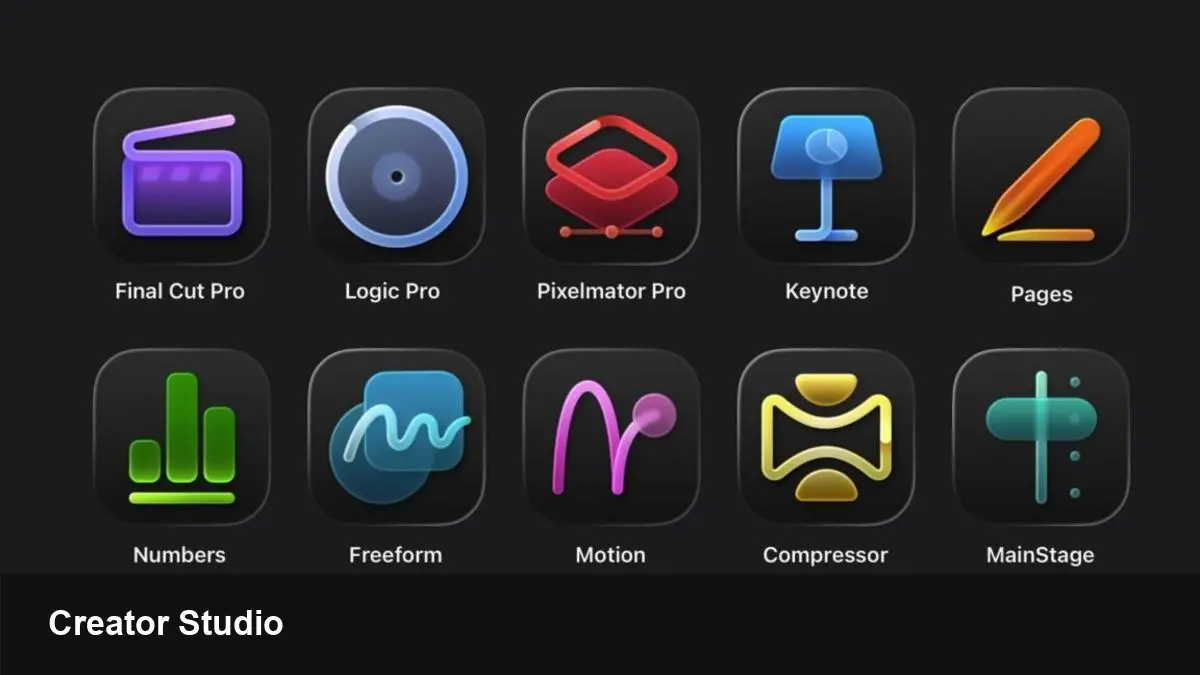
- Key Takeaways:
- Apple’s Creator Studio subscriptions are rolling out as a central way to manage paid creator tools and services.
- For Mac versions of professional apps, the short description says “things aren't actually changing much (yet).”
- Creators should review billing, cross‑platform access, and app updates to avoid surprises.
- Expect gradual changes: updates will likely arrive incrementally, not as an immediate disruption.
What Apple’s Creator Studio subscriptions are
The Creator Studio subscriptions label groups paid tools and services that creators use to publish, monetize, and manage content within Apple’s ecosystem.
Apple positions this kind of subscription system as a single place for creators to manage entitlements, billing, and distribution across Apple platforms.
Seven things to know
1) A central subscription hub: Creator Studio subscriptions act as a consolidated place to control multiple creator tools and services from one account.
2) Mac pro apps mostly unaffected — for now: As noted, Mac versions of professional apps aren’t seeing major immediate changes. That suggests any migration will be staged.
3) Billing and payment continuity: If you already subscribe to pro apps or creator services through Apple, expect billing to continue but double‑check renewals and invoices.
4) Cross‑platform considerations: Check whether a Creator Studio subscription covers iOS, iPadOS and macOS versions, or whether separate entitlements apply for each platform.
5) Trial and tiering behavior: Many subscription systems support free trials and tiered plans. Creators should verify which tiers carry over and whether trials reset with migration.
6) Developer and creator controls: Creator Studio likely provides settings for publishing, content moderation, and monetization options—review these controls to maintain workflow and revenue streams.
7) Watch the terms and privacy details: Any subscription consolidation can change how data is shared or processed. Review Apple’s terms and privacy disclosures when new features roll out.
How creators should prepare
Start by auditing all active subscriptions related to your apps and services in Apple’s ecosystem. Note renewal dates and billing methods.
Contact app vendors or consult developer documentation if you rely on third‑party plugins or teams; staged rollouts mean compatibility checks are important.
Keep an eye on Apple’s official announcements and support pages for timelines and migration guides to avoid surprises when changes arrive.
Bottom line
Creator Studio subscriptions aim to simplify how creators manage paid tools in Apple’s ecosystem. Based on available descriptions, Mac pro apps aren’t seeing major changes immediately, but creators should proactively review subscriptions, entitlements, and privacy details to prepare for a gradual rollout.



