
Android Auto 16.1 Reverts Recent UI Change

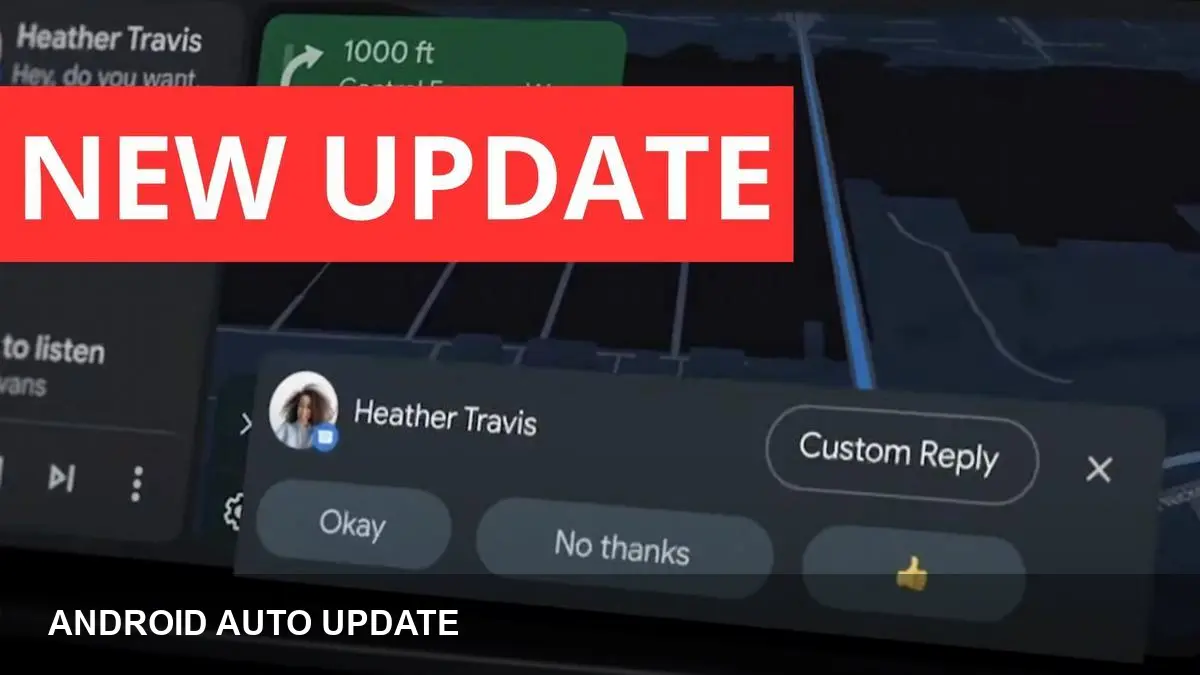
- Key Takeaways:
- Android Auto 16.1 is now rolling out to users and devices.
- The update appears to undo a recent cosmetic UI change introduced earlier.
- The change was unannounced; Google has not published release notes explaining the reversal.
- Users should expect a visual rollback only; functionality is unchanged unless otherwise reported.
What happened
Android Auto version 16.1 is now available for download to users. The release is notable because it quietly reverts a cosmetic tweak that Google pushed in a recent update.
There was no public announcement or detailed release notes explaining the reversal, so the rollout looks to be unannounced and aimed at restoring the previous appearance rather than adding new features.
Why it matters
Cosmetic changes in in-car platforms like Android Auto can affect ease of use and driver familiarity, so companies sometimes backtrack when a tweak draws complaints or creates edge-case issues with car displays.
For drivers and passengers, a UI rollback is unlikely to change core behavior, navigation, or app compatibility. But it can alter how information is presented on dashboards, which matters for glanceability and accessibility while driving.
How to get the update
If you use Android Auto the most straightforward path is to check the Google Play Store for updates to the Android Auto app. The update may also arrive automatically depending on your device and Play Store settings.
Users who track releases via APK sites will likely see the 16.1 package appear there shortly. As always, be cautious with side-loaded APKs—download only from reputable sources and verify checksums if available.
What to watch for
Because this was an unannounced change, watch for user reports in forums and social channels about other unexpected behavior. If you notice functionality regressions after installing 16.1, report them through the Android Auto feedback mechanism or Google’s support channels.
Automakers and head-unit vendors sometimes surface compatibility issues after app updates; if your car’s display looks odd or certain functions behave differently, rebooting both phone and head unit can help as a first troubleshooting step.
Bottom line
Android Auto 16.1 restores a previous visual state after an earlier cosmetic experiment, and it’s arriving without fanfare. The change appears cosmetic, but users should remain alert for any related bugs and report problems so Google and partners can address them quickly.



