Samsung's 'Inactivity Restart' Lands on Galaxy S26

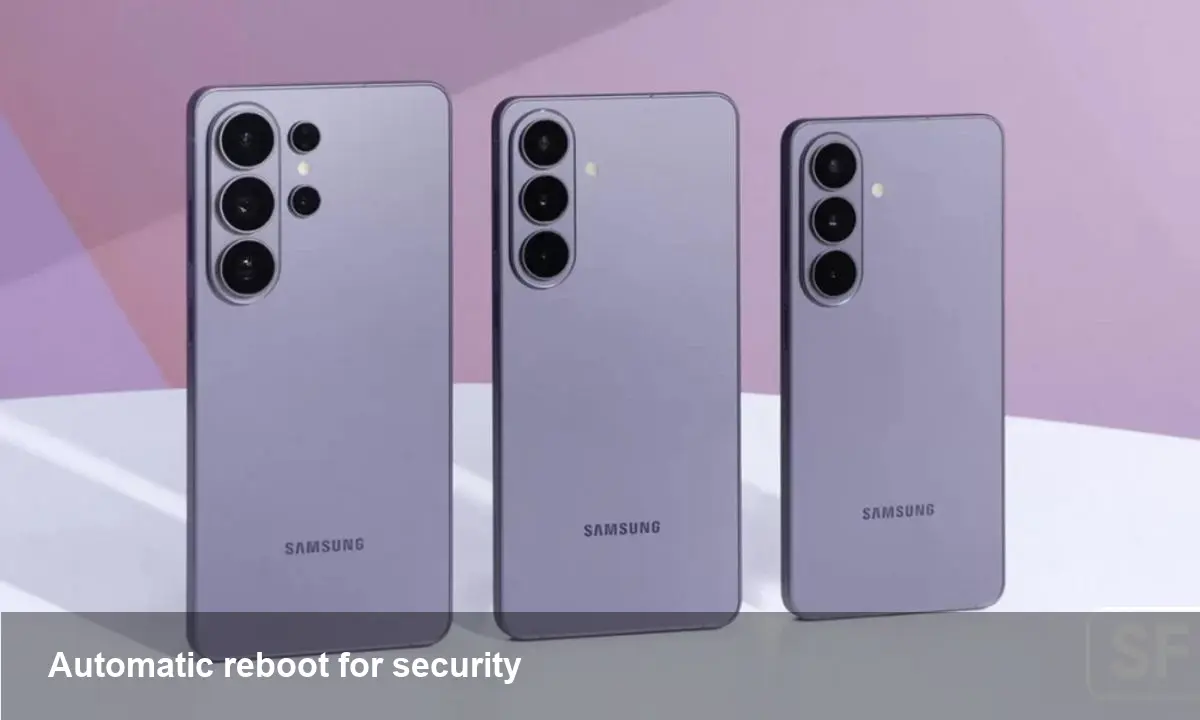
What Samsung shipped and where you’ll find it
With the February 2026 security update, Samsung quietly added a new toggle to the Galaxy S26 family labeled Inactivity restart. The option appears in the Settings app under the device security section and — when enabled — automatically reboots a handset after a period of detected inactivity.
Samsung describes the function as an extra hardening measure: restarting a device clears transient state, stops running processes, and can break persistence techniques used by some malware and attackers who rely on long-running services.
Why a stealthy reboot can improve security
Reboots aren’t glamorous, but they’re effective. Many attack techniques rely on processes that run continuously (for example, persistently running background binaries, in-memory hooks or abused accessibility services). A scheduled, automated restart reduces the window for these techniques to operate unnoticed. Consider these practical effects:
- Memory-resident malware that has no durable persistence will be wiped from RAM after a reboot. This forces attackers to reinfect the device or rely on a more resilient implant.
- Long-lived credentials or sessions stored only in volatile memory are terminated, forcing re-authentication and reducing abuse windows.
- Misbehaving or compromised third-party services are stopped and restarted, which can disrupt malicious activity and make forensic analysis easier.
For everyday users this equates to an additional layer of defense with minimal user effort: enable the toggle and let the OS clean the runtime slate periodically.
Real-world scenarios where Inactivity restart helps
1) Shared devices and kiosks
Phones used as point-of-sale terminals, information kiosks, or shared test devices often accumulate temporary state and third-party apps. A timed restart can prevent an attacker or careless app from keeping a foothold between uses.
2) Lost or unattended phones
If a handset is left in a public place overnight, an expiration-style restart reduces the chance an attacker can leverage ephemeral compromises before the owner regains control.
3) Post-install fallout from sketchy apps
Malicious apps that exploit accessibility or background execution may leave in-memory hooks that survive until a manual reboot. An automated restart cuts this short without user intervention.
How this fits with enterprise device management
IT teams have long used reboots as part of device hygiene—think scheduled Windows or macOS restarts for updates and cleanup. For Android fleets, Samsung’s toggle offers a lightweight option beyond mobile device management (MDM) policies. Some considerations for administrators:
- Compatibility: If your organization uses Samsung Knox or other MDM tools, validate whether Inactivity restart can be controlled centrally or if it should be disabled to avoid disrupting managed workflows.
- Workflows: Field workers running long-running data-collection jobs or VPN sessions might be affected. Test for critical apps that expect persistent background connections.
- Security posture: For high-risk users or kiosks, enabling the restart is a low-cost way to reduce the attack surface between shifts or sessions.
Samsung hasn’t published an explicit API for the feature as of the February 2026 rollout, so centralized control will depend on future firmware updates or MDM integration.
Tradeoffs and limitations to keep in mind
No single countermeasure is a silver bullet. Automated restarts have useful properties but also drawbacks:
- Potential disruption: Reboots terminate active tasks and can interrupt uploads, downloads, or long-running computations. Any app that doesn’t persist state safely may lose user data.
- Accessibility concerns: Users who rely on continuous services or background assistive tools need a way to opt out or schedule restarts at convenient times.
- False sense of security: Restarting clears volatile state but won’t remove persistent malware or fix misconfigurations. It’s a complementary layer, not a replacement for patching, secure app sourcing, and endpoint protections.
Practical tips for users and developers
- Users: Try the feature for non-critical devices first. If you frequently leave your phone unattended (for example, in a workplace kiosk), enable Inactivity restart and pick a restart window that avoids disrupting normal use.
- Developers: Ensure your apps gracefully handle unexpected reboots. Persist essential in-progress work frequently and restore sessions quickly. If your app relies on long-lived background processing, inform users and provide a way to disable automatic restarts when necessary.
- IT administrators: Conduct a pilot before enabling across a fleet. Identify roles and devices where restarts are beneficial (e.g., kiosks, shared terminals) and those where they cause operational issues (e.g., monitoring endpoints or remote diagnostic units).
A view toward future device hygiene
Three implications that matter beyond this initial rollout:
1) OEMs will likely bake more automated hygiene features into devices. Simple, low-friction mechanisms like timed restarts are attractive because they’re easy for non-technical users to adopt.
2) Expect tighter MDM integration. Enterprises won’t rely on manual toggles long-term; they’ll want policy controls so reboots can be scheduled centrally and coordinated with updates, backups, and user activity windows.
3) A push for complementary protections. Restart alone won’t stop sophisticated threats. Look for bundles that combine automated restarts with runtime integrity checks, verified boot enforcement, and improved app-install restrictions.
Should you enable it now?
If you own a Galaxy S26 device and your workflows tolerate occasional reboots, enabling Inactivity restart is a reasonable, low-effort way to reduce certain attack vectors. For managed devices or phones running critical, continuous tasks, validate behavior before rolling it out broadly.
Small additions like this—quiet, software-level hygiene measures—won’t replace good security hygiene, but they can shift the balance in favor of defenders by making short-lived attacks harder to sustain.