Do You Still Need a Password Manager? The rise of passkeys and OS managers

Why this debate matters now
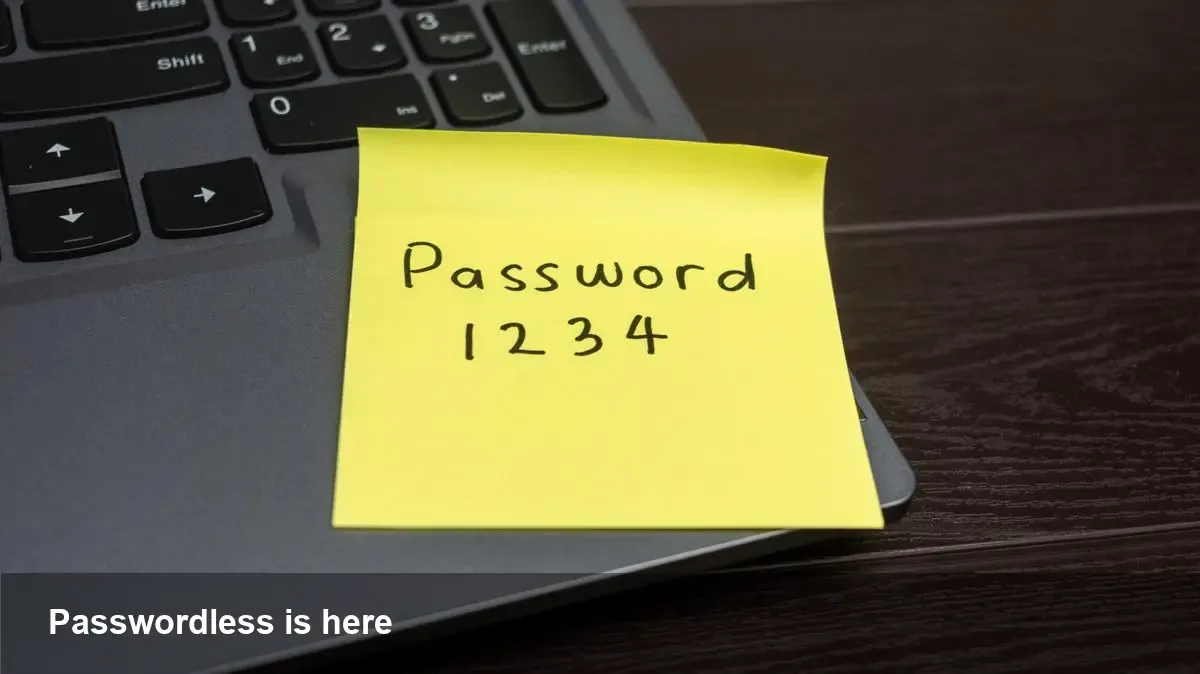
Passwords have been the default way to protect online accounts for decades. But over the last few years we’ve seen a shift: operating-system password managers, passkeys built on FIDO2/WebAuthn, and biometric unlock (Face ID, Touch ID, Windows Hello) are becoming the mainstream authentication stack on phones, tablets, and laptops. That raises a practical question for people and businesses: is there still a role for third‑party password managers?
This piece looks at the technology, how real users and developers are affected, and practical approaches that balance convenience and security.
A quick primer: the players and tech
- OS-level password managers: Apple’s iCloud Keychain, Google Password Manager (integrated in Chrome and Android), and Microsoft’s password management inside Windows and Edge offer integrated storage and sync for credentials. They pair tightly with OS biometrics for unlocking.
- Passkeys (FIDO2/WebAuthn): A standard that replaces shared, typed passwords with public-key credentials tied to a device and optionally synced across devices. Passkeys aim to eliminate phishing by proving possession of a private key.
- Biometrics: Face and fingerprint authentication remove the need to type complex secrets on each login locally; they typically unlock the private key or access the credential store.
Each of these reduces friction for end users and improves resistance to phishing compared with reusable passwords.
Everyday scenarios: how this changes user behavior
- Consumer: You buy an iPhone and a Mac. iCloud Keychain syncs your website logins and fills them automatically. You use Face ID to unlock. For most consumer services this is seamless and fast; you rarely think about passwords.
- Android user: Chrome’s integrated manager and Google account sync mean your saved credentials follow you between phone and laptop. Biometric unlock on the phone and biometric prompt on laptops complete the flow.
- Multi‑device power user: If you switch ecosystems (say Android phone and Apple laptop), cross‑platform passkey support (when both ends implement standards and the vendor offers sync) reduces friction—but gaps still exist.
For many users these built‑in tools provide everything they need for daily logins.
What third‑party password managers still do better
- Cross‑ecosystem portability: Standalone password managers (1Password, Bitwarden, LastPass, etc.) have long focused on consistent cross‑platform sync across browsers, OSes, and teams. They can be less dependent on a single vendor’s ecosystem.
- Shared vaults and team workflows: Built‑in OS managers are improving but third‑party tools have mature team sharing, access controls, auditing, and enterprise admin features.
- Secret storage beyond passwords: Password managers often store SSH keys, software licenses, secure notes, bank cards, and custom fields in a way designed for teams and automation.
- Advanced security tooling: Features such as password health reports, breach monitoring, and automated password rotation are staples of premium password services.
If you run a small company, manage contractors, or need to share credentials across non‑homogeneous environments, third‑party solutions still hold strong advantages.
Migration realities and lock‑in risks
Switching from a third‑party manager to an OS-embedded solution is not always frictionless. Export/import tools exist, but differences in metadata, shared vault constructs, and account‑recovery processes can complicate moves. And while OS managers are convenient, they can create vendor lock‑in: if your identity sync lives inside a single cloud vendor, leaving that ecosystem becomes harder.
For enterprises, vendor lock‑in can be a compliance and procurement concern. For consumers, it’s a privacy and portability issue.
For developers: adopting passkeys and protecting users
If you’re building or maintaining a product that requires user authentication, here are practical steps:
- Implement WebAuthn for passwordless or second‑factor flows. It’s supported in major browsers and enables passkeys.
- Offer a progressive experience: allow users to register passkeys but keep a password fallback for legacy clients and account recovery—avoid breaking users who don’t yet have passkey-capable devices.
- Design account recovery carefully: the new attack surface is account recovery. Consider multi‑step recovery, backup codes, or device attestation to avoid creating an easy bypass.
- Educate users in the flow: explain why a passkey is safer, how it syncs, and what to do if they lose a device.
Passkeys significantly reduce phishing and replay attacks, but proper UX and recovery are critical for adoption.
Where passkeys and OS managers fall short
- Cross‑platform inconsistencies: Although standards exist, vendor sync and UX differ. A passkey created on an iPhone may not appear seamlessly on an Android phone unless you use an account‑level sync offered by a vendor.
- Shared accounts and service accounts: Many teams still rely on shared logins for admin panels, CI/CD, or legacy SaaS—these scenarios are not solved by passkeys alone.
- Regulatory and audit needs: Enterprises often need centralized auditing and policy enforcement; built‑in OS solutions are catching up but enterprise password vaults are mature here.
- Device loss/recovery: Recovering passkeys or OS-bound credentials after total device loss can be harder than resetting a password, unless clear recovery paths exist.
A practical security posture for individuals and organizations
- Individuals: Default to OS-level password managers and passkeys for consumer accounts. Use hardware security keys (YubiKey, Titan) for high-value services (email, banking). Keep a reputable third‑party manager as a backup for legacy passwords and for account sharing.
- Small businesses: Combine OS‑level convenience with a team password manager. Use third‑party tooling for shared credentials, role-based access, and audit trails.
- Enterprises: Push passkey adoption where possible, but maintain centralized secret management (vaults, PAM) for privileged accounts and systems. Integrate SSO and MFA for workforce identity.
What comes next (3 practical implications)
- Passwordless will accelerate: As major platforms push passkeys, expect reduced password reuse and fewer phishing successes. Developers should prioritize WebAuthn integration over incremental password-complexity tweaks.
- Recovery and portability become strategic battlegrounds: Vendors who solve cross‑platform passkey sync and robust recovery will capture more users. Standards will evolve around account recovery and credential portability.
- Hybrid environments persist: Enterprises and multi‑device users will continue to need both OS-level ease and third‑party features for several years. Password managers won’t vanish overnight—they’ll evolve into complementary tools.
For users and teams the practical rule is simple: embrace passkeys and OS managers for daily convenience and improved security, but don’t rip out mature team and secret-management workflows overnight. Carefully plan migration, keep recovery options, and adopt passkeys incrementally so you get the security benefits without operational surprises.
If you’re responsible for authentication in a product, start building with WebAuthn today—and design your recovery and cross‑device sync strategy before inviting users to go passwordless.