Developer's PowerShell Removes Windows 11 AI Features

- Key takeaways:
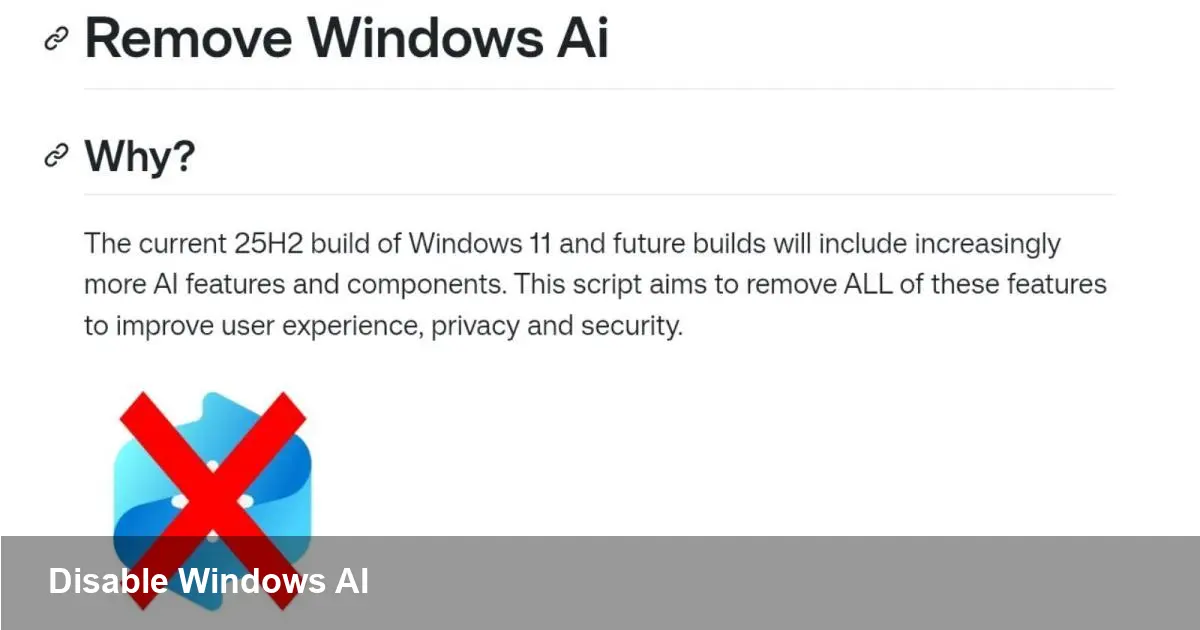
- Zoicware released Remove Windows AI, a PowerShell script that removes or disables Windows 11 AI components like Copilot, Recall and Windows Studio Effects.
- The script is actively maintained on GitHub; users are encouraged to review code, report missing components, and back up the system before running it.
- Running the script can affect AI-enabled apps and system services; Windows Update or feature changes may reinstate removed components.
What Remove Windows AI does
Remove Windows AI is a community-developed PowerShell script that targets Microsoft’s growing set of AI features in Windows 11. It focuses on disabling Copilot, Recall, Windows Studio Effects and several background services and registry keys that enable on‑device AI behavior.
Scope and maintenance
The project is maintained by developer Zoicware on GitHub and is updated to catch newly added AI components as Microsoft expands features. Contributors and users can report registry keys or services the script misses so they can be added in future releases.
How to get and use the script
Download Remove Windows AI from its official repository: https://github.com/zoicware/RemoveWindowsAI. The repo includes the PowerShell script and issue tracker for reporting unaddressed components.
Best practices before running
Treat the script like any powerful system tool: review the code before running, create a system restore point or full backup, and run PowerShell as an administrator. These precautions reduce risk from unintended side effects and make it easier to revert changes.
Why users are adopting it
Many Windows 11 users cite privacy concerns and a desire to keep the OS minimal as the primary reasons for disabling AI features. Copilot integration in the taskbar, Recall’s automatic screen captures, and Studio Effects’ background processing are frequently mentioned pain points.
Trade-offs to consider
Disabling AI components can break or degrade features in Microsoft 365 apps, the system search experience, or third‑party software that leverages Windows' AI APIs. Additionally, Windows updates or feature rollouts may reinstall or re-enable components over time.
Community and support
The GitHub page provides a mechanism for reporting missed items and tracking updates. Users who want a quieter, less AI-driven Windows experience can contribute by logging findings or testing the script on their configurations.
Final note
Remove Windows AI offers a pragmatic option for power users and privacy-conscious individuals who want to disable Microsoft’s built-in AI features. Follow safe practices—review the code, back up your system, and monitor Windows updates after applying changes.