Which Flagship Should You Buy: Apple, Galaxy S26, Dell XPS 16

Why this roundup matters now
Every year brings incremental improvements that shift which devices make sense for different workflows. This roundup looks at the practical trade-offs between the current crop of Apple devices, Samsung’s Galaxy S26, and Dell’s XPS 16 — focusing on real-world use cases for creators, developers, and business buyers.
I’ll sketch what each platform does best, where it falls short, and how those differences affect productivity, software development, and device management.
Quick background on the makers
- Apple: Known for tight hardware/software integration and long-term software support. Its platforms (iOS, iPadOS, macOS) favor seamless continuity across devices, which benefits users invested in the ecosystem and organizations using device-management tools.
- Samsung (Galaxy S series): Leads Android flagship hardware with aggressive camera and display tech, and increasingly adds on-device AI features. Samsung’s customization and hardware variety make it a favorite for power users who prioritize hardware specs and flexibility.
- Dell (XPS line): XPS laptops aim to be premium Windows workhorses for professionals — balancing performance, display quality, and build. The XPS 16 targets creators and power users who need large screens in a portable chassis.
Apple devices: productivity that plays well with others
What they offer
- Seamless handoff and continuity across devices (calls, clipboard, app states).
- M-series chips that deliver strong single-thread performance and excellent battery life for many tasks.
- For creatives: strong app ecosystem (Final Cut Pro, Logic, Pixelmator) optimized for Apple silicon.
Real-world scenarios
- Product manager: An M-series MacBook with an iPhone allows quick prototype testing on-device, tight integration with cloud tools, and reliable battery life during travel.
- Small creative studio: iPads with Apple Pencil for on-the-fly sketching, MacBook Pros for rendering and editing.
Pros and limitations
- Pros: Polished UX, long OS support, strong developer tooling for native apps (Xcode), and excellent battery/thermals.
- Cons: Higher entry prices, less flexibility for hardware upgrades, and ecosystem lock-in for enterprises that need cross-platform parity.
Developer and business implications
- iOS/macOS remain priorities for consumer-facing apps; Xcode and native frameworks are stable but macOS-only for some tooling.
- IT teams appreciate Apple’s MDM (mobile device management) integrations and predictable update cadence.
Galaxy S26: Android flagship that pushes on-device AI
What it brings
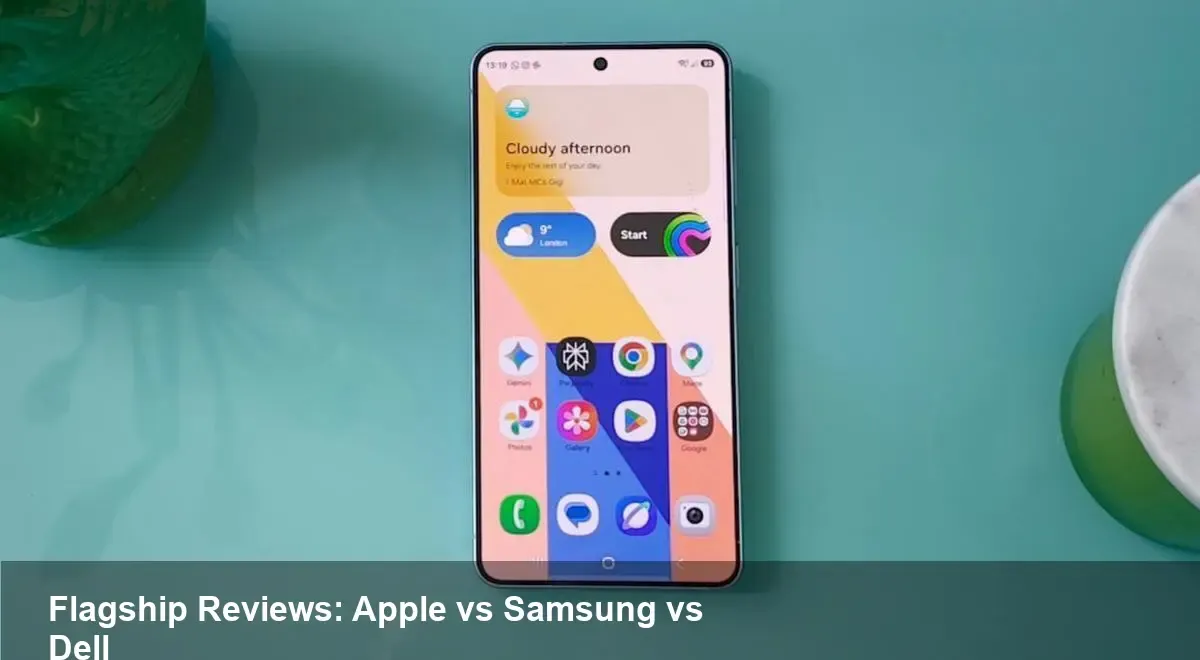
- Samsung continues to push display, camera, and hardware innovation. The Galaxy S26 focuses heavily on computational photography and local AI features.
Real-world scenarios
- Mobile-first content creator: Advanced camera modes and AI-powered editing tools let creators capture and process publish-ready shots on the phone without a laptop.
- Android app developer: Testing on a feature-rich device with Samsung’s APIs is valuable for apps that leverage advanced sensors and on-device ML.
Pros and limitations
- Pros: Customization, cutting-edge sensors, and often more flexible storage and accessory options compared to locked-down ecosystems.
- Cons: Android fragmentation remains a challenge; OS and security update cadence can vary by carrier and region. Battery life under heavy AI workloads can be a concern.
Developer and business implications
- Android developers should optimize for on-device AI models and consider Samsung’s extended platform features (if targeting Galaxy users).
- Enterprises weighing Android adoption must plan MDM and update strategies to avoid gaps in security patching.
Dell XPS 16: a big-screen, portable creative tool
What it targets
- Designers, video editors, and developers who need more screen real estate and sustained performance than a 13–14" laptop can give.
Real-world scenarios
- Video editor: The larger 16-inch panel and higher thermal headroom translate to shorter export times and a more comfortable editing timeline.
- Full-stack developer: Plenty of screen space for IDEs, terminals, and browser windows; optional discrete GPUs help with model training or other GPU-accelerated workflows.
Pros and limitations
- Pros: Excellent display, sturdy build, and a balanced port selection. It sits between ultraportables and desktop replacements.
- Cons: Larger footprint and weight reduce mobility; battery life can drop under sustained loads compared with ultraportables.
Developer and business implications
- IT teams can deploy XPS 16 units as developer workstations where power and screen size matter more than ultimate portability.
- For creative agencies, the XPS 16 is often cheaper to maintain than beefy desktop rigs while still meeting production timelines.
Choosing the right device: scenario-based recommendations
- If you prioritize seamless cross-device workflows and long OS support: pick Apple devices (Mac and iPhone/iPad). They lower friction for teams already tied to Apple’s ecosystem.
- If you want the best out-of-the-box mobile photography, flexible customization, and an Android-first experience: Galaxy S26 is compelling — especially for creators who publish directly from their phones.
- If your work is screen-intensive (video, large spreadsheets, multi-window development) and you need a Windows environment: Dell XPS 16 offers the most balanced productivity experience.
Two practical tips before you buy
- Match device strengths to your daily tasks. Heavy multitaskers and creative pros will value the XPS 16’s screen and thermal headroom; mobile creators and social-first brands benefit from Galaxy S26’s camera + on-device AI; cross-device teams often win with Apple devices.
- Consider total cost of ownership. Look beyond up-front price to support, accessories (docks, monitors), and software subscriptions. Enterprises should factor device management and security update windows into procurement choices.
What these trends mean next
- On-device AI will reshape workflows: Expect more tasks (editing, transcription, image processing) to move onto devices, reducing cloud costs and latency but increasing demands on battery and thermals.
- Ecosystem lock-in vs. flexibility: Apple doubles down on integration, Samsung keeps innovating hardware features, and PC OEMs focus on workspace productivity. Businesses will increasingly choose platforms based on workflow compatibility rather than raw specs.
- The middle ground wins for many teams: Devices like the XPS 16 that balance portability, power, and expandability will remain attractive for companies that need desktop-class work without full desktop complexity.
If you’re choosing for a team, pilot one model per role (mobile-first, creative, developer) rather than a single homogeneous fleet — that often saves time and money while matching tools to real work.
What’s your main daily bottleneck — battery, screen space, or camera? That single answer will steer you to the right flagship.