M5 MacBook Air: Small Upgrades, Big Practical Wins

A concise refresh that matters
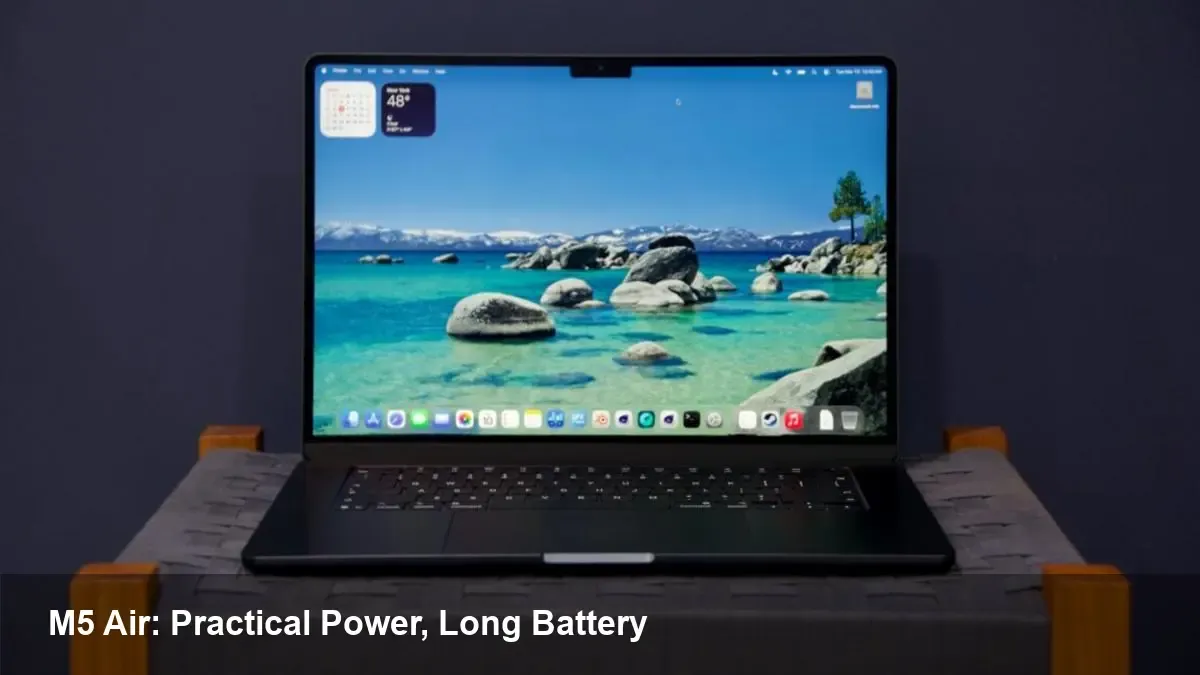
Apple’s MacBook Air line has settled into a rhythm: a thin, fanless chassis fitted with Apple Silicon that targets mainstream users who value portability and battery life. The M5 MacBook Air continues that tradition. This isn’t a radical redesign; it’s an iterative silicon and system refinement that nudges day-to-day experience in ways that add up.
In this piece I’ll walk through what the M5 MacBook Air actually changes for users, how those changes play out in real workflows (students, creators, and developers), where it still trips up, and what these incremental updates say about Apple’s roadmap for notebooks.
What’s new in plain terms
- Apple M5: a generational update to the system-on-chip family powering recent Macs. Expect modest gains in single-threaded and multi-threaded tasks, better GPU efficiency, and improvements to media encoding/decoding throughput compared with prior Air chips.
- Same chassis, same fanless design: the Air keeps its razor-thin profile and silent operation. That constrains sustained heavy-load performance compared with active-cooled MacBook Pros, but yields excellent portability.
- Incremental battery-life and thermals improvements: real-world gains are subtle — a few extra hours in light tasks, and cooler surfaces under typical loads.
Think of the M5 MacBook Air as a refinement that doesn’t change what the MacBook Air is, but improves how it performs the tasks it was already best at.
Real-world scenarios where the M5 matters
- Students and remote workers: The extra battery top-up makes a difference across a long day of Zoom, web browsing, Slack, and note-taking. Boot and app responsiveness are snappier, which improves perceived speed more than raw benchmark numbers.
- Writers and knowledge workers: For long sessions with dozens of browser tabs and multiple productivity apps, the M5’s efficiency cores help keep background tasks off the main cores, preserving responsiveness even when several services sync in the background.
- Casual creators: Photo edits in apps like Lightroom and 4K timeline previews in apps such as Final Cut Pro feel smoother. Exports still take time on a fanless Air for big projects, but incremental gains in the media engine shorten common export times by noticeable margins.
- Developers doing local builds: For many day-to-day dev tasks — editing, running local dev servers, and containerized testing — the M5 delivers reliable responsiveness. Large compile jobs still benefit from higher sustained thermal headroom you’d get in a Pro model, but small-to-medium projects compile faster and consume less battery.
Workflow examples and measurable impacts
- A content creator working on a 6–8 minute 4K edit will notice faster timeline scrubbing and slightly shorter export times, making iteration faster. But if you batch-export many large projects, a MacBook Pro with fans and more cores is still the better tool.
- A developer running frequent unit tests and hot reloads will see shorter wait times between code-save and app-refresh. For CI-type builds or large C++/Rust toolchains, though, expect the Pro line to be significantly faster in sustained runs because of thermal headroom.
- A frequent traveler appreciates the unchanged ultra-light chassis combined with better battery life: more flights, fewer chargers. Silent operation in meetings and coffee shops is a small but meaningful quality-of-life win.
Trade-offs you should know
- Sustained heavy loads are not the Air’s strength. The fanless design limits how long the M5 can hold peak performance. If your typical workload is hours-long renders or big data processing, the MacBook Pro remains the practical choice.
- Ports and expandability haven’t changed. If you rely on multiple high-bandwidth peripherals or need native Ethernet and extra ports without dongles, the Air still forces compromises.
- The improvements aren’t headline-grabbing. If you already own a recent M-series Air (M2 or M3), the upgrade yield is modest unless you specifically need the efficiency boosts or slightly better GPU performance.
For developers: practical guidance
- Optimize for efficiency cores where possible. Background tasks and daemons can run on the M5’s efficient cores, preserving battery and keeping responsiveness high for interactive work.
- Use the Air as a highly portable dev machine: ideal for code editing, containers for testing, and remote development workflows (VS Code Remote, GitHub Codespaces). For heavy local builds, push heavy jobs to CI, remote runners, or a cloud VM.
- Test on real hardware. If your team ships software to macOS users, validating on an M5 Air is important because thermal and performance behavior can differ meaningfully from Pro-class machines.
Business and product implications
- Apple’s strategy of staggered, incremental improvements to the Air makes it a lower-risk upgrade for enterprises and individuals who prioritize stability and predictable platform lifecycles. IT teams can standardize on Air configurations for knowledge workers while keeping Pros for creative and engineering teams.
- For startups, the M5 Air is an efficient option for founders and product teams who need portability and solid all-around performance without the extra cost and weight of a Pro.
Where this points next
- Expect Apple to continue prioritizing efficiency: improvements that increase battery life and background responsiveness will keep being the focus for ultraportables.
- The iteration cadence also suggests Apple will reserve larger architectural shifts for the Pro line, while the Air becomes a platform for steady refinement.
- On the software side, more macOS apps will tune for mixed-core scheduling and hardware media acceleration, favoring laptops that balance performance and power.
If you want a light, silent laptop that gets more done between charges and keeps your daily workflows feeling snappy, the M5 MacBook Air is a practical, low-friction upgrade. But for sustained heavy lifting, the proven path is still a MacBook Pro with active cooling and higher sustained throughput.