Wire Your Smart TV for Reliable Streaming

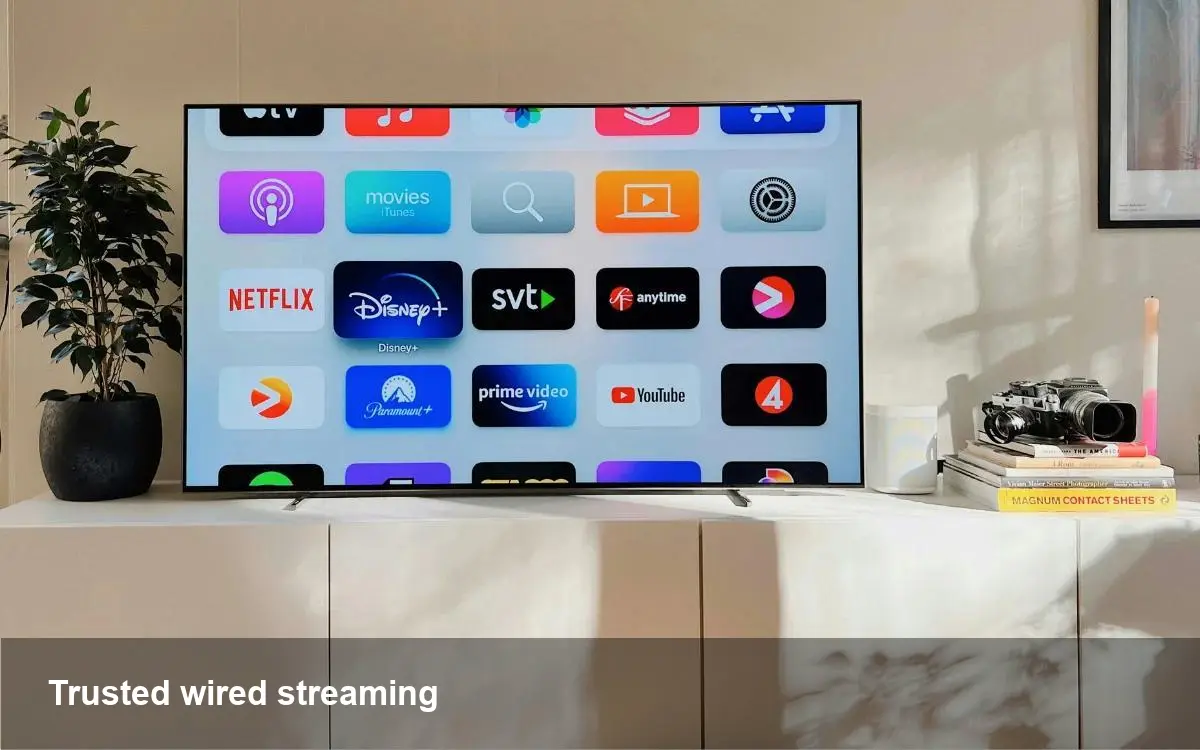
Why your Smart TV struggles on Wi‑Fi
Streaming 4K movies, live sports, and video calls pushes home wireless networks in ways web browsing never did. Smart TVs run apps that stream high-bitrate video and depend on stable throughput. Even if your ISP advertises fast speeds, the weakest link is often the Wi‑Fi path between router and TV: distance, walls, interference, and cheap TV antennas turn a 300 Mbps plan into a jittery 10–20 Mbps experience.
Before spending on a new TV or changing providers, consider that switching the TV from Wi‑Fi to a wired connection usually fixes the problem faster and cheaper.
Short primer: wired vs wireless for streaming
- Ethernet (Cat5e/Cat6): lowest latency, most reliable. Ideal for 4K HDR and multi-device homes.
- MoCA (coax): uses existing cable coax wiring to carry Ethernet-grade network speeds. Great for apartments or homes wired for cable TV.
- Powerline adapters: send network over household electrical wiring. Performance depends heavily on wiring quality and shared circuits.
- Wi‑Fi (mesh or router): convenient but variable. Mesh systems and Wi‑Fi 6 help, but wireless remains susceptible to interference and range limits.
Practical options and when to pick them
Below are real-world scenarios and the concrete steps to implement fixes.
1) Apartment with coax cable: MoCA is the fastest no-drill option
Why it works: Most buildings with cable TV have coax run to each room. MoCA adapters convert coax to Ethernet with multi-hundred Mbps throughput and low latency. What to buy: two MoCA adapters (if your gateway doesn't already support MoCA) or a single adapter if the ISP gateway is MoCA-enabled. Setup steps:
- Connect one adapter to your router/gateway (Ethernet out) and a coax jack.
- Connect the second adapter to the TV’s Ethernet port and the coax jack near the TV.
- Disable any splitters that aren’t MoCA-friendly or replace them with MoCA-compliant splitters. Expectations: Close to wired performance for streaming and gaming with minimal fuss.
2) House with thick walls: powerline adapters as a pragmatic fallback
Why it helps: Running cable through plaster or stone walls is expensive. Powerline adapters send network over your electrical wiring and can be installed in minutes. What to buy: HomePlug AV2 or G.hn adapters (look for gigabit Ethernet ports and pass-through outlets to avoid losing a socket). Setup steps:
- Plug one adapter near your router; connect it by Ethernet.
- Plug the other adapter near the TV and connect it by Ethernet. Notes: Avoid plugging adapters into power strips or surge protectors; they work best on the same electrical circuit. Performance varies—testing is critical.
3) Rented place or temporary setup: use a long flat Ethernet or a wireless bridge
If you can’t change wiring, a flat Ethernet cable can be routed along skirting boards and under rugs without drilling. For a cleaner solution, use a small travel router in client or bridge mode to join the TV to your router without a direct Wi‑Fi link.
4) Mesh Wi‑Fi with wired backhaul: best of both worlds
If you already own a mesh system, use wired backhaul between mesh nodes. Place one node next to the TV and connect it by Ethernet—your TV then gets a near-wired connection while the mesh covers the rest of the house.
5) Use an Ethernet-enabled streaming device
If your TV has no Ethernet port or a weak Wi‑Fi module, consider a streaming player with Ethernet (Apple TV, Roku Ultra, NVIDIA Shield). These devices tend to have better Wi‑Fi and codec support than many integrated TV platforms.
Quick troubleshooting checklist before re-wiring
- Run a speed test from the TV or mirror a phone test in the same room.
- Ensure the TV firmware and app software are up to date.
- Swap 2.4 GHz for 5 GHz or vice versa; 2.4 GHz travels farther but is slower and noisier, while 5 GHz has higher throughput at shorter range.
- Reduce competing traffic: pause large uploads, cloud backups, or other streaming in the home.
- Try changing streaming quality in the app (720p/1080p) to see if buffering disappears.
Cost, latency and performance expectations
- Ethernet: $10–$40 (cable) + wall plates if you hire an installer — best latency and stability.
- MoCA: $80–$200 for a pair of adapters — typically close to wired performance and simple to install.
- Powerline: $50–$150 — good when wiring is decent, variable results in older homes.
- Mesh/wireless fixes: $100–$500 depending on gear — improves wireless but doesn’t match wired stability.
Latency matters for live sports and cloud gaming. Ethernet and MoCA usually offer single-digit millisecond latency; powerline can be tens of milliseconds when circuits are noisy.
What this means for developers and businesses
Streaming platforms and smart TV app developers should assume variable home networks. Optimize by:
- Implementing wider adaptive bitrate ladders and faster start-up bitrates.
- Caching critical startup assets locally to reduce initial buffering.
- Providing clear low-bandwidth modes and settings that users can switch when network conditions degrade. For installers and managed Wi‑Fi providers, packaging MoCA or wired backhaul options creates a better customer experience than promoting the latest router alone.
Near-term trends worth watching
1) Wi‑Fi 6E and Wi‑Fi 7 will expand wireless capacity but won’t eliminate the physics of range and obstruction—wired connections will still be preferable for peak performance. 2) More TVs and set-top boxes are adding multi-gig Ethernet ports as 4K/8K streaming and local cache services demand higher throughput. 3) Local edge caching and ISP-hosted streaming nodes could reduce peak home network stress, but only if network operators and content providers coordinate.
If your Smart TV stutters, start by testing the connection and then prioritize Ethernet or MoCA where possible. For renters or tricky wiring, powerline or a short Ethernet run are low-friction alternatives. In short: when predictable streaming matters, wire it where you can.