Sony’s PSSR Upscaler: Practical Impact for Developers and Players

A quick background on PSSR and why it showed up now
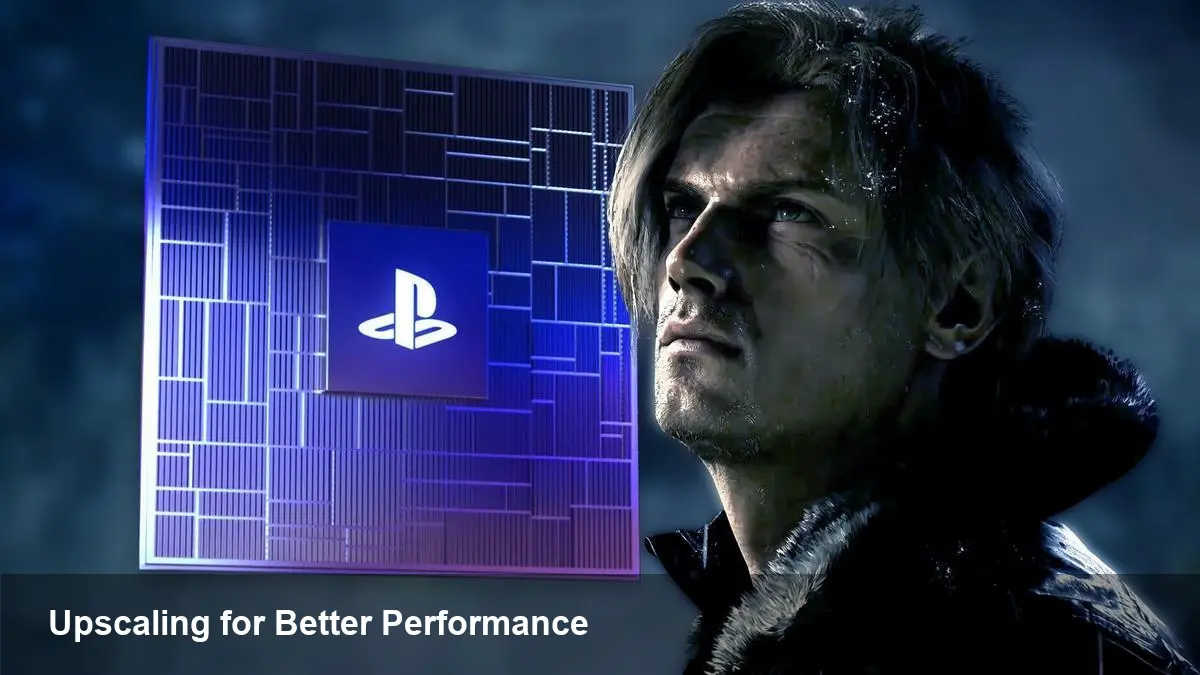
Sony recently introduced a new upscaling technology called PSSR, and the first high-profile example of it in action is Resident Evil Requiem. Upscalers have become essential in modern game development: they let studios render at a lower cost and reconstruct a higher-resolution image, trading some native pixels for much better performance or added effects like ray tracing.
PSSR joins a crowded field that already includes Nvidia’s DLSS and AMD’s FSR4. Each solution takes a different technical route and has different implications for image quality, CPU/GPU overhead, platform reach, and developer integration. Because PSSR is coming from a console platform holder, expect it to be optimized primarily for PlayStation development pipelines.
What PSSR seems to prioritize (practical takeaways)
- Tight console integration: Platform-first upscalers usually exploit known hardware characteristics and SDK hooks. For PS-targeted builds that can simplify tuning and give consistent results across consoles.
- Developer ergonomics: If Sony provides good engine plugins and tooling, studios can iterate faster on quality/perf trade-offs without bespoke upscaler pipelines.
- Visual goals over raw math: Game teams will pick an upscaler not just for peak quality but for how it fits with motion, temporal stability, and post-process stacks (film grain, DOF, motion blur).
For teams shipping on PlayStation, PSSR will be attractive because it’s likely to be available as a supported path inside Sony’s SDKs, with profiling and debugging tools tuned to that implementation.
Comparing PSSR to DLSS and FSR4 — what matters in practice
Here are the practical comparison points that matter to developers and studio leads when choosing an upscaler:
- Image reconstruction approach: Nvidia’s DLSS historically uses neural networks and motion vectors, producing high-quality outputs but relying on trained models. AMD’s FSR family focuses on shader-based spatial/temporal methods that are broadly platform-compatible. PSSR’s details are Sony-specific, but the expectation is a hybrid approach tuned for PlayStation hardware.
- Platform reach and portability: DLSS is tightly tied to Nvidia GPUs, though DLSS support has broadened in engines. FSR4 aims to be cross-vendor. PSSR will almost certainly be first-class on PlayStation hardware and may or may not be made available to PC or other consoles depending on Sony’s plans.
- Development and QA overhead: Supporting multiple upscalers increases test matrices. Every upscaler interacts differently with temporal anti-aliasing, motion vectors, and ray-traced reflections. Teams need per-upscaler QA passes and sometimes per-platform rendering paths.
- Performance and feature synergy: Upscalers can enable heavier effects (RT, volumetrics) or higher frame rates. On PlayStation, a PSSR path that’s tuned top-to-bottom may allow studios to ship higher frame-rates or better ray-tracing fidelity without fracturing development further.
Concrete scenarios — how studios will actually use PSSR
- Single-platform PlayStation titles: Use PSSR as the default upscaling path. Expect minimal porting hassle and consistent visual targets. Studios can tune PSSR aggressively to squeeze frame-rate or fidelity for a single SKU.
- Multiplatform AAA: Most big studios will ship multiple upscaler paths (DLSS on Nvidia GPUs, FSR on AMD/Intel, and PSSR for PlayStation). That increases maintenance cost but delivers the best user experience per platform.
- Indie and mid-size teams: For smaller studios targeting PlayStation primarily, adopting PSSR can cut development time versus integrating third-party cross-platform solutions. Indies targeting PC-first might still prefer FSR4 or DLSS (if they want AI-driven results).
- Ray-tracing heavy scenes: Upscalers are crucial here — rendering 4K ray tracing natively is expensive. An optimized PSSR solution can be the difference between playable frame rates and unusable ones on consoles.
Developer workflow and integration tips
- Treat upscalers as first-class render paths: Build your QA checklist around each technology’s artifacts (ghosting, shimmer, edge softness) and test with real motion and particle-heavy scenes.
- Profile early and often: Upscalers move cost, not eliminate it. Measure where CPU/GPU savings are spent (e.g., more ray-tracing, richer particles) so you don’t run into unexpected bottlenecks.
- Automate visual regressions: With multiple upscalers, pixel tests are less useful. Use perceptual metrics and motion-aware difference tools to flag visual regressions across resolutions and frame-rates.
- Plan fallback behavior: For PC ports where PSSR might not be available, ensure smooth fallbacks to FSR/DLSS or native rendering without breaking settings or presets.
Business and player implications
- User expectations will diverge by platform: Players compare screenshots and videos. If PSSR produces notably different visuals on PlayStation compared to PC ports using other upscalers, that can fuel perception gaps.
- Marketing and benchmarks will matter: Early demos (like Resident Evil Requiem) serve both as validation and marketing. Publishers will use frame-rate and visual quality comparisons to position platform performance.
- Licensing and exclusivity: Platform-specific technologies can become soft differentiators that influence platform negotiations. Teams should account for any contractual obligations when choosing in-house or third-party upscalers.
Three practical implications for the near future
- Middleware will get more important: Expect engines and third-party middleware to provide standardized abstractions so developers can swap or combine upscalers with less bespoke work.
- Quality will converge around hybrid methods: The best results likely come from mixing temporal accumulation, motion-vector-aware reconstruction, and learned components. Competition will drive refinement rather than radical divergence.
- Cross-platform parity will be a repeated challenge: Studios that prize visual parity will need deeper toolchains to tune multiple upscalers and communicate trade-offs to QA and community teams.
If you’re shipping a game now: prioritize automated testing for multiple upscaler pipelines, maintain clear visual goals per platform, and work with your platform contacts early to get access to SDK tools and profiling guidance. For players, the takeaway is straightforward — you’ll see better performance and more visual fidelity as studios and platform holders iterate, but subtle differences between platforms will likely remain for the foreseeable future.