ROMEO IS A DEAD MAN: PC Benchmark Preview

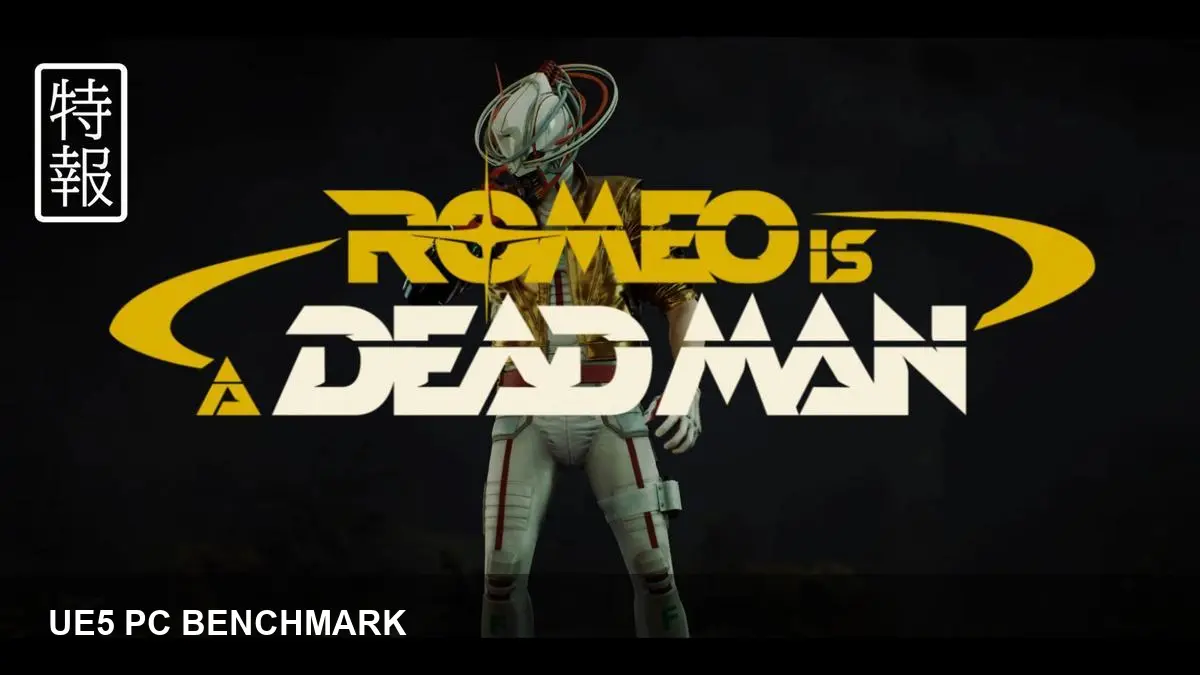
- ROMEO IS A DEAD MAN runs on Unreal Engine 5, so expect next‑gen rendering features to drive performance trade‑offs.
- This analysis outlines a PC benchmarking methodology, common bottlenecks (GPU, CPU, VRAM), and practical tuning tips.
- Test at multiple resolutions, use frame‑time capture tools, and compare upscalers like DLSS/FSR where available.
- Follow a checklist for drivers, background apps, and capture settings to get repeatable results.
Why benchmark ROMEO IS A DEAD MAN now
ROMEO IS A DEAD MAN is built on Unreal Engine 5, which brings features such as Nanite, Lumen and advanced lighting that can change performance profiles significantly across hardware. A careful benchmark helps players and reviewers separate visual fidelity choices from raw performance and identify which settings matter most.
How to approach testing
Baseline setup
Test at three target resolutions (1080p, 1440p, 4K) and at least two quality presets (High/Ultra). Use both native rendering and any available upscalers (NVIDIA DLSS, AMD FSR, or temporal upscalers) to measure the effective tradeoffs between image quality and frame rate.
Tools and metrics
Capture average FPS plus 1%/0.1% low frame times for consistent playability analysis. Tools such as CapFrameX, PresentMon, and GPU vendor overlays (NVIDIA/AMD) give frame‑time histograms and percentile data. Monitor GPU/CPU utilization and VRAM to spot resource limits.
Key UE5 features to watch
Nanite can shift workload from CPU to GPU and increase VRAM/VRAM‑like usage. Lumen (software or hardware ray tracing) has a heavy cost on lighting and reflections. If the game exposes ray tracing toggles, test with them both on and off to see the impact.
Practical tuning tips
If GPU-bound, reduce native resolution or enable an upscaler. If CPU-bound in crowded scenes, lower object/actor density or shadow/physics options if available. Keep an eye on texture streaming settings and ensure you have an NVMe SSD if texture pop‑ins occur.
Repeatable checklist
1) Update GPU drivers; 2) disable background captures and overlays that affect timing; 3) set power profile to high performance; 4) use consistent in‑game scenes for repeat runs; 5) record multiple runs and report averages plus lows.
This benchmarking primer prepares readers to analyze ROMEO IS A DEAD MAN on PC responsibly: compare presets, test upscalers, and prioritize frame‑time consistency for real‑world playability results.