Fortnite, PSN Withstand Christmas Server Surge

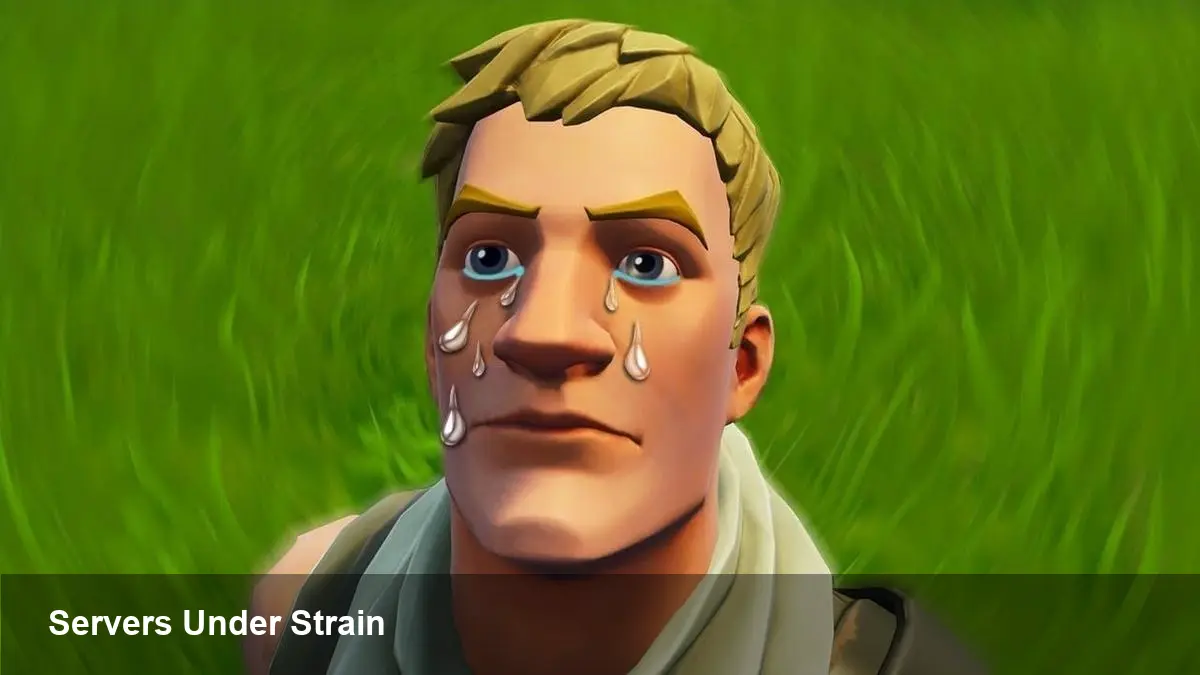
• Fortnite and PlayStation Network saw major login spikes on Christmas Day, briefly stressing servers. • Epic Games CTO Tim Sweeney acknowledged issues as "the servers are melting down, sorry fam." • Fortnite Status later reported logins were recovering; PSN experienced limited, intermittent problems. • Engineers responded quickly; most players were able to reconnect after mitigation steps.
What happened on Christmas Day
High traffic on Christmas Day pushed matchmaking and authentication systems hard for several multiplayer services, most notably Fortnite and Sony’s PlayStation Network (PSN).
Early reports showed players encountering login failures and matchmaking dropouts as the West woke up and millions of users tried to connect simultaneously.
Fortnite's outage and Epic's response
Epic Games’ Tim Sweeney publicly acknowledged the strain, tweeting that "the servers are melting down, sorry fam." That candid message captured the scale of the surge.
The official Fortnite Status channel followed with an update noting: "Fortnite log-ins are recovering and players should be able to play again. We're continuing to monitor and we'll update you with any new info about this issue." Engineers applied short-term fixes to restore authentication and matchmaking.
PSN saw intermittent issues but largely held up
PlayStation Network also registered problems via outage-tracking sites, but disruptions were less widespread than Fortnite’s initial failures. Many users reported they could connect after brief interruptions.
Sony and its engineering teams historically scale capacity for holiday demand; this incident appears to have been a traffic spike rather than a systemic failure.
Why this happened
Holiday hours drive unusually high concurrent usage as players log on to play together, redeem seasonal events such as Winterfest content, or try new consoles and gifts received on the day.
Authentication services, matchmaking, and regional capacity are the usual stress points when millions of connections spike at once.
How to check status and what to do
1) Check the Fortnite Status account (official status page) and PlayStation Network status pages for live updates. 2) Restart your console or client and ensure software is updated. 3) If issues persist, wait 10–20 minutes and try again — engineers often roll incremental fixes that restore access in short windows.
Outlook
Engineers successfully staved off a larger collapse and restored much of the service quickly. Expect occasional hiccups during holiday spikes, but the immediate risk of extended outages appears to have passed.