Why some Galaxy S26 Ultra users are reporting eye strain

What’s happening with the Galaxy S26 Ultra screen
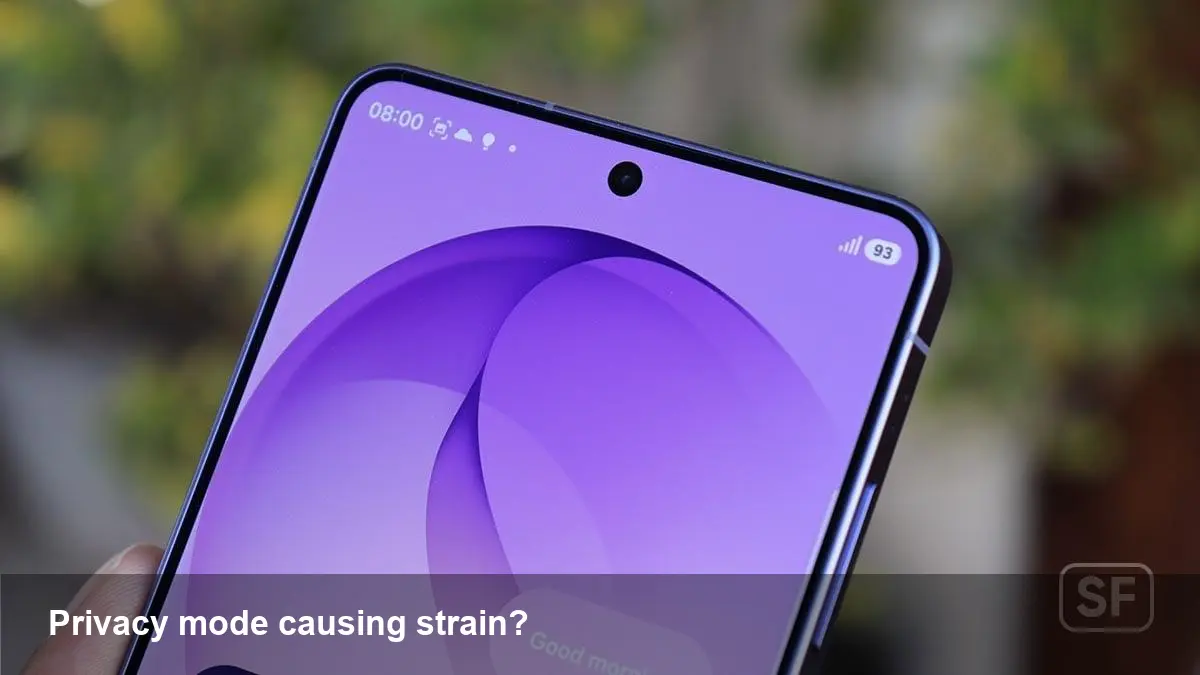
Shortly after the Galaxy S26 Ultra shipped, a number of users began reporting headaches, eye strain and fatigue they associated with the phone’s screen. The complaints center on a new software-hardware feature Samsung calls Privacy Display — intended to reduce onlookers’ ability to see your screen — and on perceptible differences in how the panel behaves when that feature is active.
Samsung has acknowledged it’s looking into the reports. For anyone who uses the phone heavily for work, media, or reading before bed, the situation raises three practical questions: is this a design flaw, how can affected people mitigate symptoms, and what does it mean for businesses that deploy these devices?
Quick background: what Privacy Display is and how it tries to protect your screen
Privacy Display is Samsung’s take on an in-display privacy filter. The general idea is simple: reduce the viewing angle or make off-axis pixels darker so someone beside you can’t read the screen. Implementation can combine optical layers (micro-louvers, polarizers) with software-driven brightness and pixel adjustments.
On the S26 Ultra, the feature is promoted as an easy toggle in Settings and a key selling point for privacy-conscious users. In many cases these filters work well, but they also change the way light leaves the screen, which can interact with human vision in unexpected ways.
Why a privacy filter might trigger headaches or eye strain
Several technical behaviors could explain the symptoms users report:
- Brightness and contrast shifts: Privacy modes often reduce perceived brightness to shrink viewing angles. Your eyes may work harder to compensate for lower luminance, especially in mixed lighting.
- Flicker/PWM interaction: Some displays use pulse-width modulation (PWM) to control brightness. If a privacy filter changes how light is emitted, it can make flicker more noticeable to people sensitive to it. Even subtle flicker that’s normally ignored can cause headaches in some users.
- Color and gamma changes: Software adjustments to preserve legibility off-axis can alter color balance or gamma curves, producing slightly unnatural visuals that increase visual fatigue during long reading sessions.
- Microstructure diffraction: Optical layers like micro-louvers can create patterns or diffraction at certain angles or brightness levels. For a small percentage of users, these patterns are uncomfortable.
Not everyone experiences these problems — sensitivity to flicker, contrast, and optical artifacts varies widely.
Immediate steps for affected users
If you have a Galaxy S26 Ultra and believe the screen is causing headaches or eye strain, try these diagnostic and mitigation steps:
- Turn off Privacy Display and compare. If symptoms disappear, the privacy filter is a likely cause.
- Reduce adaptive brightness or lock brightness at a comfortable level. Sometimes adaptive algorithms exaggerate changes when combined with privacy settings.
- Switch refresh rate settings between the lowest available and the highest. Some users find a stable refresh rate reduces perceptible flicker.
- Disable any blue-light filters or eye-comfort modes temporarily to test whether their interaction with Privacy Display is the issue.
- Update to the latest system software — Samsung has said it is investigating and may push firmware fixes.
- Test in a different environment (bright daylight and dim indoor lighting) and with multiple apps (e-reader vs. video vs. social feed) to isolate where the problem is strongest.
If symptoms persist even with Privacy Display off, stop using the device and consult a medical professional about photic sensitivity.
Business and developer implications
- IT procurement: Companies that standardize on the S26 Ultra should temporarily pause wide-scale rollouts to staff who need prolonged screen time or who work in safety-critical roles. Consider swapping to devices without the privacy feature for those users until the issue is resolved.
- Accessibility testing: This situation highlights an area often overlooked in device QA — human factors testing for new display modes. Organizations that distribute phones internally should expand acceptance tests to include sensitivity groups (photically sensitive users, migraine history).
- App developers: Apps that rely on fine text or low-contrast layouts (banking apps, telemedicine) should provide in-app display controls (font scaling, high-contrast themes) that can mitigate visual strain when a system-level privacy mode modifies output.
Example scenarios
- Journalist on a flight: A reporter toggles Privacy Display to block sideways glances during a long flight. After a few hours of reading notes, they start experiencing headaches. Turning the privacy mode off resolves the issue, but they’re left with the dilemma of either sacrificing privacy or comfort.
- Remote call center: An enterprise rolled out S26 Ultras to frontline agents for secure customer data handling. Several agents report eye fatigue during 6–8 hour shifts. The IT manager pauses new hardware orders and issues replacements while awaiting Samsung’s fix.
- App maker: An e-book reader app developer notices a spike in support tickets from S26 Ultra users. They roll out an update that automatically switches to a high-contrast theme when the system privacy mode is active, easing readability.
What Samsung could do (and what to expect next)
Samsung investigating is the right first step. Potential fixes range from software updates that alter how Privacy Display is implemented (different dimming curves, modified PWM behavior, adjustable privacy intensity) to firmware or even hardware recalls if an optical layer proves problematic. Practically, expect a staged response:
- Guidance and troubleshooting tips pushed to users.
- Firmware or OS updates that change privacy mode behavior.
- If necessary, hardware-level remedies for a minority of affected devices.
Broader implications and three forward-looking insights
- Human-factor testing will rise: Vendors will face pressure to include broader visual-sensitivity testing when introducing display innovations. It’s no longer enough to bench-test contrast ratios; companies must test how new modes affect people with migraine or photophobia.
- Privacy features need user-adjustable intensity: One-size-fits-all privacy filters create trade-offs between protection and comfort. Future phones will likely include sliders for privacy strength, and per-app privacy settings, so users can tune the trade-off.
- Enterprises will demand clearer compatibility data: IT teams purchasing devices at scale will add new checklist items — “display modes verified for prolonged clinical use” or “no adverse interaction with accessibility tools.” Vendors that provide this data will have a procurement advantage.
If your S26 Ultra is bothering you, start with the simple diagnostics (turn off Privacy Display, update software) and contact Samsung support. For businesses, this is a reminder to validate new hardware across the full range of user conditions before deployment — features that look marketable on spec sheets can have real human consequences in daily use.