What the March Pixel Feature Drop Means for Users

A quick primer on Pixel Feature Drops
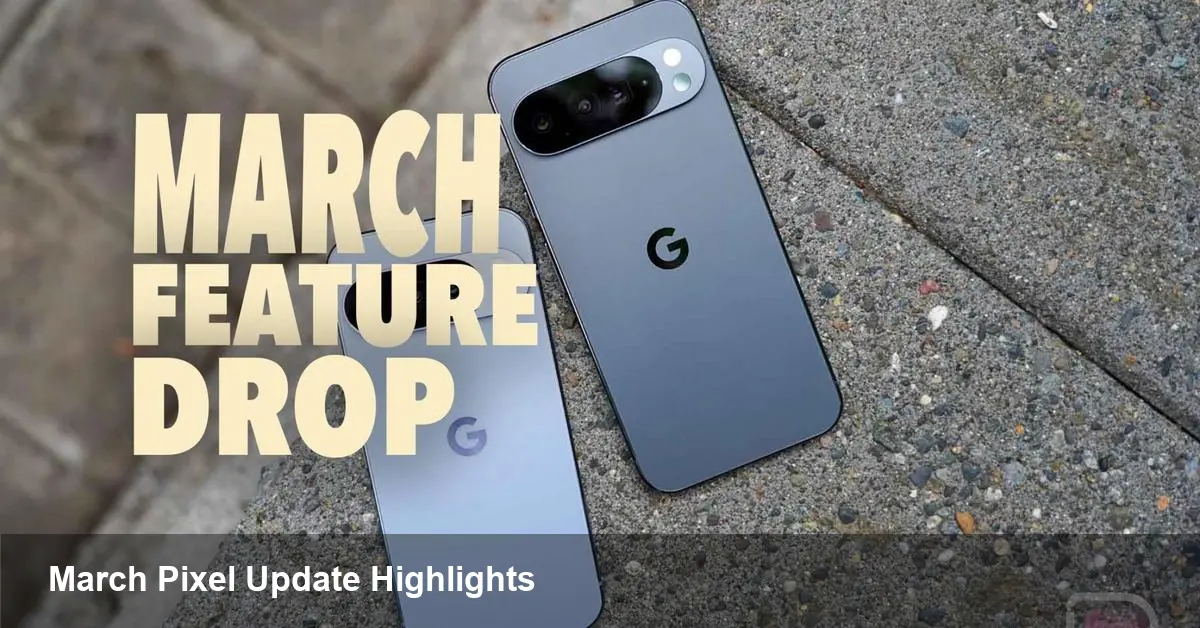
Google’s Pixel phones get regular monthly patches, but Feature Drops are the bigger, more noticeable updates that arrive a few times a year. The March Pixel Feature Drop is one of these bundles — it includes more than a dozen additions and refinements across camera, on-device AI, accessibility, and security. For anyone who owns a Pixel device or manages Pixel fleets, this release is worth scheduling time to test and explore.
Why these updates matter beyond novelty
Feature Drops are not just shiny extras. They represent how Google differentiates Pixel from the broader Android ecosystem by combining hardware capabilities with bespoke software. That combination matters in three practical ways:
- Daily productivity: Small refinements (faster access to tools, better speech recognition, cleaner photo editing workflows) add up into measurable time saved across routine tasks.
- Device longevity: Feature-backed improvements often extend a device’s usable life by unlocking new capabilities without buying new hardware.
- Security and manageability: Monthly fixes plus targeted improvements reduce risk for individual users and for organizations that deploy Pixel devices at scale.
Below I unpack how the March drop could change real workflows and what developers and IT leaders should pay attention to.
Camera and imaging: faster edits, cleaner shots
Google has long used software to stretch the value of Pixel cameras. In practical terms, expect a mix of quality-of-life changes that help both casual shooters and content creators:
- Easier post-shoot edits: If the update adds additional editing tools or speeds up existing ones, photographers can complete quick fixes (remove an object, adjust color cast) directly on-device without moving files to a laptop.
- Smarter capture: Improvements to auto-exposure, low-light capture, or motion handling mean fewer wasted frames and less need for retakes when you’re shooting family moments or product photos for a small online store.
Example: a local restaurant owner shooting menu items in low light can rely on improved capture to produce usable images for social media without professional lighting.
On-device AI: practical assistant features, not just demos
Recent Feature Drops have emphasized on-device AI — not merely for clever demos but for tasks that reduce friction:
- Live transcription and smart replies may get more accurate and broader language support, making note taking, meeting summaries, and message replies faster.
- Audio-only editing features (if present) let podcasters or journalists trim background noise or remove a cough without exporting audio to a desktop app.
For developers, the implication is that users expect more intelligence locally. If Google exposes new APIs or capabilities, app developers should consider integrating on-device models to improve responsiveness and privacy.
Accessibility and communication: small changes with big effects
Feature Drops often include accessibility upgrades that matter to a subset of users but dramatically improve their daily life:
- Enhanced captioning, hearing aid optimizations, or visual assistance improvements can enable clearer calls, better comprehension of media, and more comfortable device use for people with disabilities.
- Call-screening or spam handling tweaks reduce interruptions — valuable for knowledge workers and frontline staff alike.
Scenario: A teacher running online lessons can rely on improved captions and real-time transcriptions to support students who are hard of hearing, making lesson prep leaner and more inclusive.
Security and enterprise considerations
Every Feature Drop also ships alongside the monthly Android security patch. For IT teams and security architects that manage devices, there are a few immediate actions and considerations:
- Test before mass rollout: Even minor UX or API changes can affect device management tooling or enterprise apps; staged rollouts and pilot groups remain best practice.
- Update policies: If the drop introduces new privacy controls or authentication options, review corporate policies and MDM configurations to take advantage of them.
- Compliance benefit: Keeping devices current reduces exposure to known vulnerabilities and helps maintain regulatory compliance for industries that require up-to-date patching.
Example: a startup using Android Enterprise to provision sales devices should pilot the update on a small group to ensure CRM apps and VPN profiles behave as expected.
For developers: new hooks and opportunities
If the March drop brings expanded on-device AI or assistant features, developers should consider the following:
- Look for new SDKs or system intents that enable richer interactions without requiring cloud access.
- Test voice and speech recognition flows under the new models — small accuracy gains can enable new features (e.g., voice-first form filling, improved accessibility shortcuts).
- Optimize for power: On-device features are attractive only if they don’t decimate battery life; profile energy impact on target devices.
Actionable step: subscribe to the official Pixel and Android developer release notes, then schedule a short sprint to experiment with any newly announced APIs.
How to get the update and what to check first
Most Pixel owners will receive the Feature Drop through the usual system update channel. A simple checklist before you install:
- Back up important data (photos, notes, accounts).
- Plug into a charger and connect to Wi‑Fi for a smoother install.
- After updating, test the core apps your work depends on (email, VPN, CRM, messaging) and any MDM profiles.
If you manage devices centrally, deploy to a small pilot group, gather telemetry for a week, then widen the rollout.
What this signals about the future
- On-device AI becomes table stakes: Expect Google and hardware partners to continue pushing models that run locally for speed and privacy.
- Incremental differentiation: Feature Drops suggest a product strategy focused on incremental, high-impact updates rather than only hardware releases — a model other manufacturers may emulate.
- Stronger enterprise positioning: As these updates improve security and manageability, Pixel is increasingly credible for business deployments, especially where native Android features are preferred.
Whether you’re an individual Pixel owner appreciating better photos and call handling, a developer hunting for new APIs, or an IT admin planning a fleet rollout, the March Pixel Feature Drop is worth attention. Install on a test device, explore the new tools, and prioritize the changes that deliver the most value to your workflows.