Six Essential Apps That Make the Google Pixel Feel Complete

- Customization, privacy, automation, file management and photo editing fill gaps in the stock Pixel setup.
- Action Launcher, Snapseed and Solid Explorer add speed, power and cloud access.
- Signal and 1Password strengthen privacy and security beyond default apps.
- Tasker automates routines so your Pixel works the way you do.
Why this Pixel starter pack matters
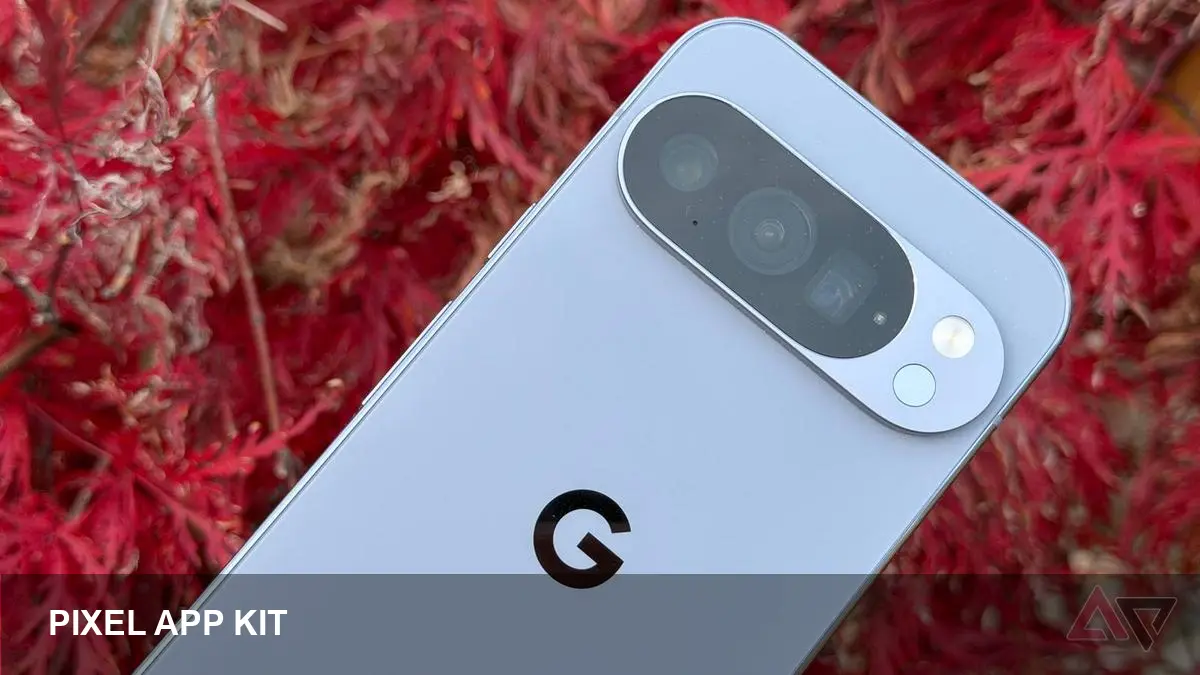
Google Pixels are polished out of the box, but a few well-chosen apps can unlock practical features and workflows the default build doesn’t emphasize. These six apps focus on customization, privacy, power-user tools and photo editing — areas where a Pixel benefits most from third-party polish.
The six apps
Action Launcher — Faster, smarter home screen
Action Launcher brings customizable shortcuts, adaptive theming and quick-size widgets that help Pixel owners tailor the home screen without replacing familiar Google features. It’s a good middle ground if you want more control than the Pixel Launcher offers.
Snapseed — Precise photo editing
Snapseed is Google’s own advanced image editor and pairs well with the Pixel’s camera. It adds selective adjustments, healing, perspective correction and granular control over color and tone — handy when you want to polish shots beyond Google Photos’ automatic enhancements.
Solid Explorer — Better file and cloud management
Solid Explorer replaces the basic Files app with a dual-pane file browser, archive support, encryption and seamless cloud integrations (Drive, Dropbox, OneDrive). It’s especially useful if you move large files or manage multiple cloud accounts on your Pixel.
Signal — Private messaging alternative
Signal gives end-to-end encrypted messaging and calling as a privacy-focused complement to Android Messages and RCS. It’s simple, fast and widely recommended when you want stronger encryption and fewer ties to a single platform.
1Password — Strong, synced credentials
1Password stores passwords, secure notes and payment details behind a single master vault with biometric unlock. It supports sync across devices and modern features like passkeys — a meaningful upgrade for Pixels used for work or sensitive accounts.
Tasker — Automate your Pixel
Tasker automates single-phone and cross-device routines: change settings by location, trigger Do Not Disturb for calendar events, or flip hardware buttons into shortcuts. It takes a little effort to learn but rewards you with time saved and fewer repetitive taps.
How to pick and pair
Start with one category you care about (privacy, photos, automation) and try the free tiers or trials. Keep Google’s default apps for core experiences and add third-party tools where they clearly save time or protect data.
Each app is available on the Google Play Store. Together they round out a Pixel into a more personalized, private and powerful phone without losing the strengths of Google’s software stack.