MacBook Air with M5: A Developer-Focused Portable Powerhouse

Why the M5 MacBook Air matters now
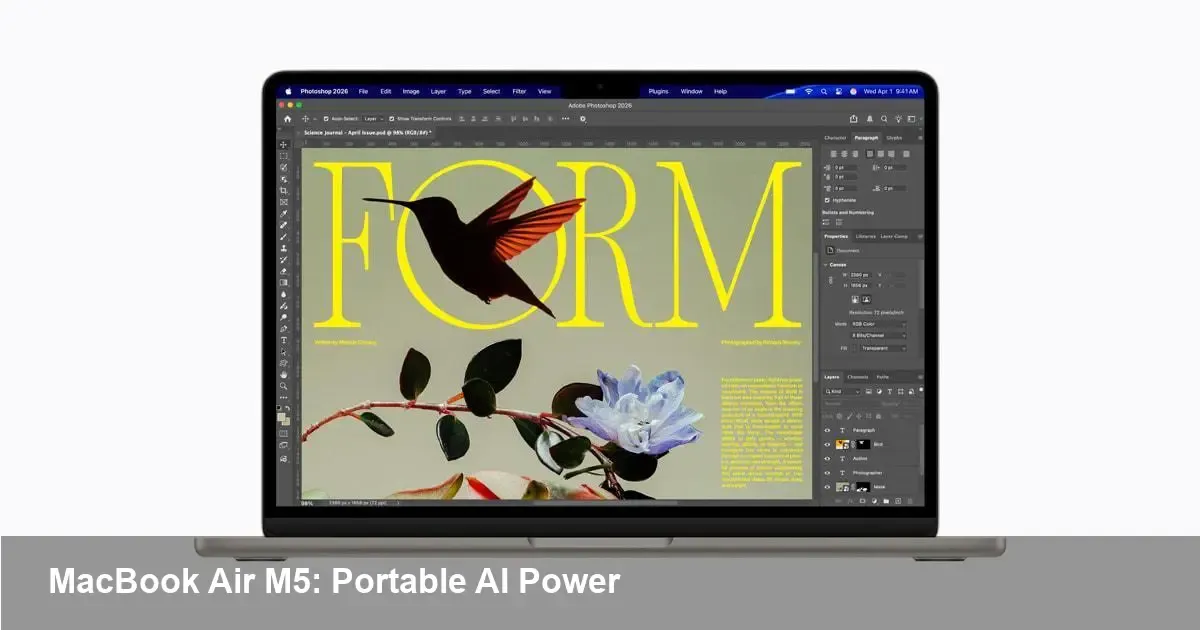
Apple’s refreshed MacBook Air with the M5 silicon isn’t just another incremental update. It’s the company taking its lightest, most popular laptop and shifting its value proposition toward on-device intelligence and sustained performance for everyday pro work. For developers, founders, and power users this model signals where mainstream notebooks are headed: thin, fanless (in many configurations) designs that still handle real creative and coding workloads while offering expanded AI capabilities for apps and workflows.
A brief background on Apple’s approach
Apple has spent the last several years transitioning the Mac line to its own Apple Silicon chips, building a single-architecture ecosystem across macOS, iOS and iPadOS. The M-series chips emphasized efficiency, tight OS-hardware integration, and strong single-threaded performance. With the M5 inside the new MacBook Air, that continuity continues but with a clearer push: enable more advanced machine learning and inference on-device without compromising battery life or thermal comfort.
What this means for developers (concrete scenarios)
- Local model inference for apps: If you build tools that rely on ML (transcription, summarization, recommendation, image processing), the M5 makes it realistic to run smaller models locally on the laptop. That reduces latency and gives offline capability — important for privacy-focused apps or workflows that can’t depend on network connectivity.
- Faster local testing and iteration: Compiling code, running unit tests and building native apps benefits from the M5’s performance-per-watt improvements. For a solo founder or small team, that means shorter edit-compile-test loops on a portable machine during travel or at coffee shops.
- Creative workflows on the go: Video scrubbing, color grading, and exporting short projects are more feasible as a mobile setup. Developers building plugins or apps for creative professionals can prototype and demo without needing a bulky desktop.
- Native ARM development: If you support cross-platform or multi-architecture builds, the M5 continues the trend where ARM-native builds are first-class. Expect toolchains, containers and CI templates to increasingly optimize for Apple Silicon, which can simplify local test environments.
Example use case: a startup building an offline-first notes app with embedded summarization. With the M5, a lightweight summarization model can run on-device for instant previews, falling back to server-side models for heavy lifting. That hybrid architecture minimizes latency and keeps sensitive text off the network.
Practical tips for app makers
- Prioritize Core ML and Metal where possible. Converting models to Core ML and using Metal acceleration will extract the best performance from the M5 hardware and maximize battery life.
- Optimize for memory and thermal headroom. Laptop environments have constrained thermals; design background tasks to be interruptible and limit long-running heavy GPU use.
- Provide graceful degradation. If a feature depends on on-device AI, include a cloud fallback for older machines or heavier models. This keeps your user base inclusive while leveraging the M5’s strengths.
Business and startup implications
- Faster prototyping cycles: Founders prototype demos that perform well locally—useful for customer meetings or pitching without relying on a network connection.
- Lower edge-inference costs: Startups can shift some inference from cloud GPUs to device inference, cutting operating costs and improving margins for AI-enabled products.
- Privacy as product differentiation: On-device AI enables a stronger privacy story: apps that process data locally can advertise reduced data transfer and storage, which is increasingly attractive to enterprise and EU users.
However, be mindful: shipping on-device features increases maintenance for multiple model formats and requires monitoring model updates and compatibility.
Trade-offs and limitations to consider
- Not a replacement for server-class GPUs. While the M5 advances on-device AI, it won’t replace large-scale training or high-throughput inference hosted on data center GPUs for production workloads.
- Fragmentation risk. As Apple keeps iterating on Apple Silicon, developers must decide how much optimization to invest in new chips versus maintaining broad compatibility.
- Battery vs. sustained heavy workloads. If you push the GPU and ML accelerators for extended periods, battery and thermals will still constrain long sessions compared with plugged-in desktops or workstations.
How IT and enterprises should think about the new Air
For IT teams building device fleets, the M5 Air is attractive as a lightweight endpoint that still supports developer tools and remote management. The device’s improved on-device AI capabilities can enable new secure, privacy-sensitive features without routing data through corporate servers.
Procurement teams should weigh whether the Air fits specific departmental needs: it’s likely excellent for sales, product, and design teams, and for developers doing client-side work. For heavier backend engineering or ML training, retain a pool of higher-end machines or cloud credits.
Three implications for the next 24–36 months
- Mainstream on-device AI: Expect more consumer and pro apps to ship with offline ML features — from smarter search and summarization to privacy-first collaboration tools. The barrier to offering basic inference locally will continue to fall.
- Toolchain evolution: Build systems, CI pipelines and third-party libraries will increasingly optimize for Apple Silicon as it becomes the default development platform for many macOS-first teams.
- New product differentiation: Startups and established apps will use on-device AI as a selling point — not just for features but for trust and cost savings. That will create opportunities for small teams to compete effectively against cloud-first incumbents.
When to upgrade (and when to wait)
If you travel frequently, depend on a lightweight machine for development, or are building apps that would benefit from local inference, the M5 MacBook Air is a compelling candidate. If your workload centers on large-scale training, multi-GPU rendering, or server-side heavy lifting, a workstation or cloud resources remain necessary.
The M5 Air is a strong example of how mobile Macs are becoming more capable for real professional work. For developers and founders, the key is to design apps that can leverage local AI where it fits — and fall back to the cloud where it doesn’t. That hybrid approach will be the most pragmatic way to harness the new Air’s strengths while avoiding its inherent limits.