Logitech Mice Stop Working on Macs — Manual Patch Now

Key Takeaways:
- Many Logitech mice lost functionality on macOS when Logitech’s Apple developer certificate expired.
- Companion apps (Options+ and G HUB) entered boot loops and could not auto-update.
- Logitech admitted the error and published manual patch installers and a support page.
- Users must download and run the Options+ or G HUB installer to restore device settings.
What happened
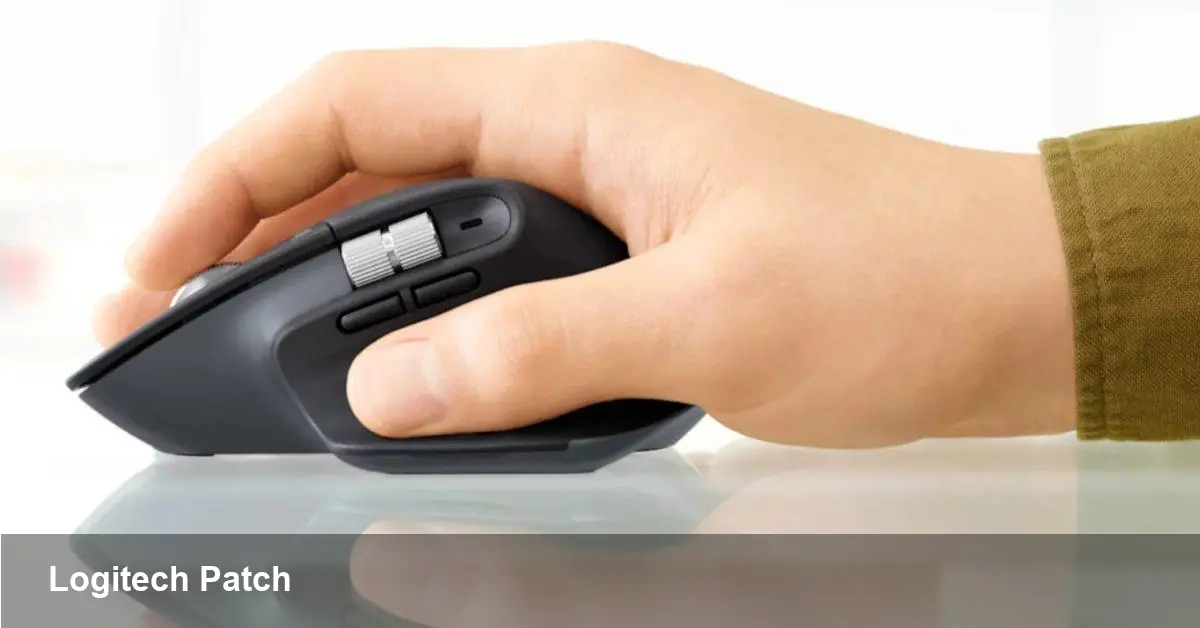
Users began reporting that Logitech mice, including the MX Master 3S, suddenly lost custom button mappings and experienced reversed scroll directions on Macs. Attempts to open Logitech’s companion apps produced boot loops or prevented the apps from launching.
Where it went wrong
Investigations and user reports pointed to an expired Apple Developer Certificate issued to Logitech. Once that certificate lapsed, macOS blocked the affected apps from running and also prevented automatic updates that might have fixed the problem.
Logitech’s response
Logitech publicly acknowledged the mistake and apologized, calling it “inexcusable” and saying the company had “dropped the ball.” The company published a support article with step-by-step instructions and provided patched installers for its Options+ and G HUB apps.
How to fix it
If your Logitech mouse has stopped behaving on macOS, you’ll need to manually install the patched software. Logitech’s patches are designed to restore the apps without erasing your device profiles and settings.
Options+ patch
1) Download the updated Options+ installer (Logitech provides a ZIP archive for the patched installer). 2) Double-click the downloaded file to run it. 3) The installer should close automatically and launch Options+. 4) Your devices, settings, and customizations should be restored.
G HUB patch
1) Download the updated G HUB installer (Logitech’s patched ZIP). 2) Double-click the patch installer. 3) If you see a “software already exists” prompt, exit the installer; G HUB should then launch and reconnect to your devices.
Support and verification
Logitech posted a support page outlining both fixes and links to the patched installers. If you rely on Logitech mice for work, install the appropriate patch as soon as possible to restore functionality and avoid longer disruption.
Takeaway
This incident is a reminder that certificates and code-signing are critical for macOS app distribution. Even established peripheral makers can be sidelined by an expired certificate, so keep an eye on vendor advisories and install patches promptly.