iPhone 17 Pro: Charging Causes Speaker Hiss for Some

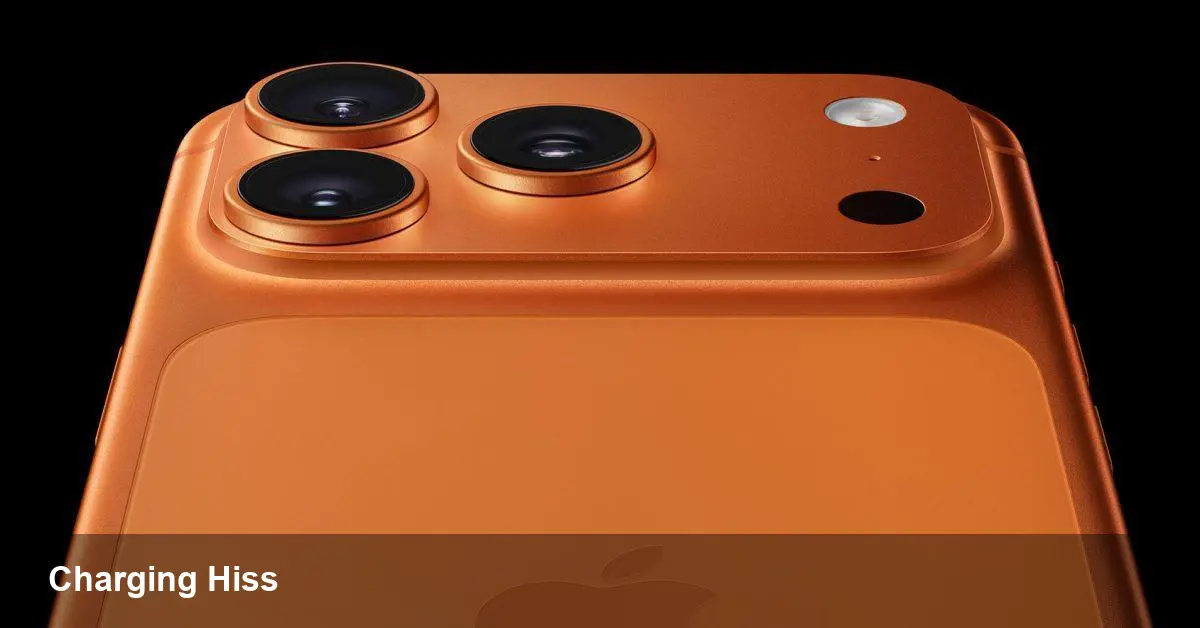
• Some iPhone 17 Pro and Pro Max owners report a static or hissing noise when the phone is charging. • Reports appear on Reddit, MacRumors forums and Apple Support Communities; severity varies across users. • Some users fixed it by swapping devices; others see the issue across multiple units and iOS 26.2. • A software patch (iOS 26.3) could resolve it, but Apple has not confirmed a fix yet.
What users are hearing
Multiple threads on Reddit, the MacRumors forums, and Apple’s Support Community describe a static, crackle or low hiss coming from iPhone 17 Pro and Pro Max speakers while the device is charging.
Affected users describe the sound as “like an old radio,” and say it can appear when audio plays, when volume is lowered, or even with no media playing. Some report hearing the noise while scrolling web pages on a charger.
How widespread is the problem?
There’s no official count from Apple, but community discussions suggest a minority of devices are affected. Severity ranges from a faint background hiss to louder crackling in extreme user videos.
Some users first reported the behavior months ago and say it persisted through iOS 26.2. Other owners report that replacing their iPhone at an Apple Store eliminated the issue for their unit.
Notable example
One user video demonstrating a pronounced speaker noise while charging is available here: https://youtu.be/iBo3mFpN9k8
Possible causes and likely fixes
At this stage Apple hasn’t published a root-cause. The symptom could stem from software (audio routing, power-management changes in iOS 26.x) or hardware (grounding, speaker assembly, USB-C power interaction).
Because some users saw the problem resolved by swapping hardware while others did not, both software and hardware explanations remain plausible.
Workarounds users should try
- Update to the latest iOS (watch for iOS 26.3) before troubleshooting.
- Try a different USB-C cable, charger, or power source to rule out accessory-induced interference.
- Toggle Silent/Do Not Disturb, restart the iPhone, and test with/without active audio apps.
- If possible, test the same SIM/settings on another iPhone 17 Pro to see if the issue follows the device or configuration.
When to contact Apple
If the hiss is persistent, audible at low volumes, or remains after basic troubleshooting and updates, contact Apple Support or visit an Apple Store. Users who experienced a fix through device exchange should mention that when seeking service.
Watch for Apple software updates — iOS 26.3 is expected soon and could include an audio-related fix, but Apple hasn’t confirmed a specific remedy for this symptom.
Bottom line
A subset of iPhone 17 Pro and Pro Max owners are hearing a charging-related speaker hiss. Try simple fixes and update iOS; if the noise persists, pursue a device swap or Apple service.