Google Rolls Pixel Buds Pro Firmware 5.11 Update Now

• Firmware 5.11 is rolling out to the original Pixel Buds Pro (2022) with bug fixes and security and performance improvements. • The update is small on detail — Google simply cites “bug fixes and performance and security improvements.” • To update: open the Pixel Buds app > More settings > Firmware update, or visit mypixelbuds.google.com on desktop. • Automatic updates occur when connected to a Pixel or Android 6.0+ device; manual installs take roughly 15 minutes.
What the 5.11 firmware includes
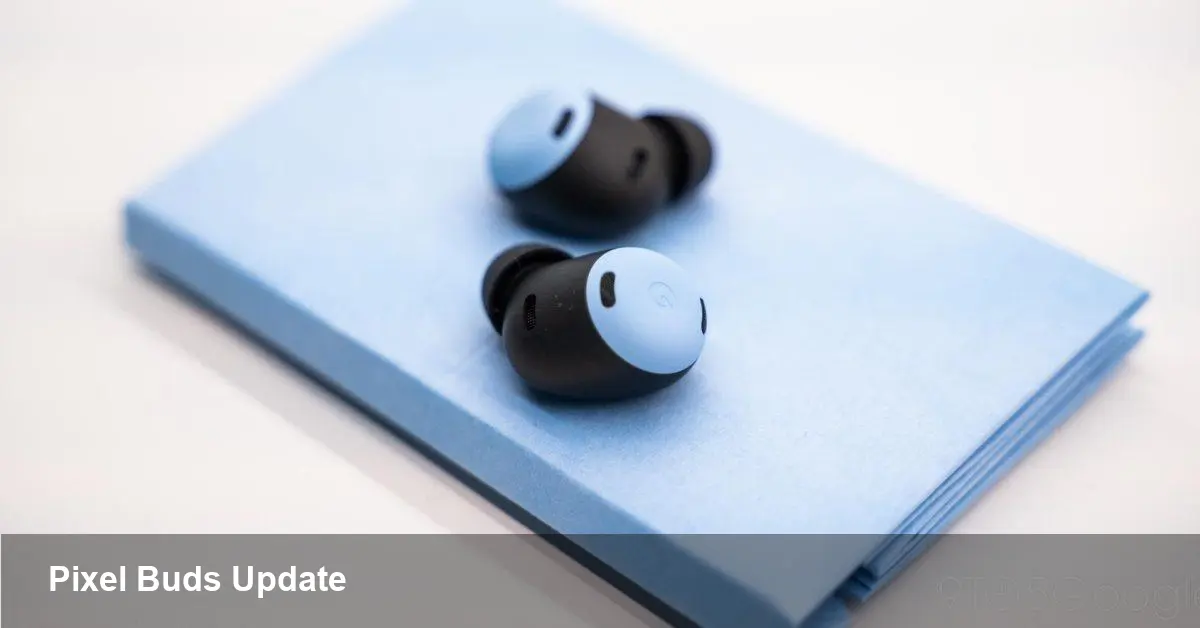
Google announced a new firmware (version 5.11) for the first-generation Pixel Buds Pro. The company’s support post describes the release as delivering “bug fixes and performance and security improvements.”
Google did not publish a detailed changelog for 5.11, so there’s no public list of bug fixes or feature changes beyond that description. Expect incremental stability and security hardening rather than new features.
Context: last major update
The last notable update for the original Pixel Buds Pro was firmware 5.9 in October 2023. That release added Conversation Detection, Hearing Wellness features, and reduced audio latency in gaming scenarios.
By contrast, 5.11 reads as a maintenance release focused on reliability for owners of the 2022 earbuds.
How to get the update
On Android, open the Pixel Buds app and go to More settings > Firmware update to start the process. You can also check for firmware updates from a desktop at mypixelbuds.google.com.
If you have automatic updates enabled, the firmware will download when the buds are connected to a Pixel or any Android device running Android 6.0 or later. Download typically takes about 10 minutes and the earbuds remain usable during that time.
Automatic versus manual installs
Automatic updates: after the download completes, installation begins when you place the earbuds into the charging case with sufficient battery. If no update shows, your firmware is already current.
Manual updates: if automatic updates are off, you’ll get a notification when an update is available but the system won’t download or install it. You can initiate the manual download from the phone; that process can take about 15 minutes.
What owners should do now
Check the Pixel Buds app or mypixelbuds.google.com to confirm whether 5.11 is available for your pair. If you rely on features like Conversation Detection, keep an eye on your device to ensure the update doesn’t change expected behavior and that settings remain intact.
As always with firmware updates, back up any important device settings and make sure the charging case and earbuds have sufficient battery before starting installation.