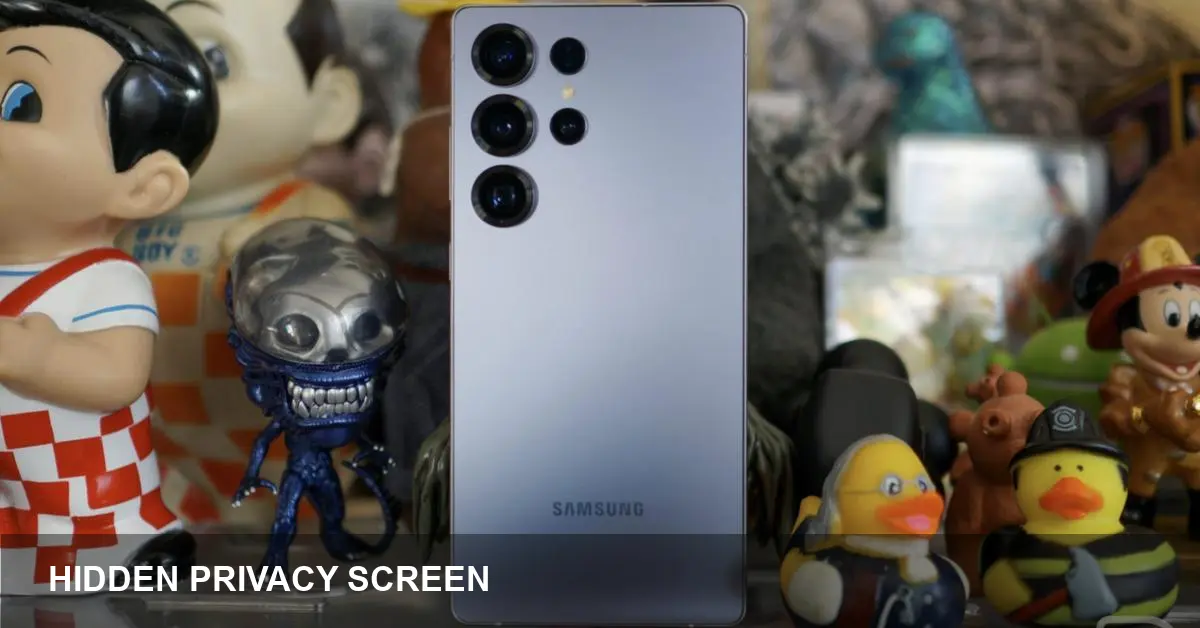
Galaxy S26 Ultra's secret privacy screen feature

• Key Takeaways:
- Samsung’s Galaxy S26 Ultra includes a built‑in privacy screen that darkens the display when viewed off angle.
- The feature hides on‑screen content from shoulder surfers while allowing a clear straight‑on view.
- It’s useful for office and public settings but can reduce visible brightness and widen usability trade‑offs.
What the feature does
The Galaxy S26 Ultra’s privacy screen works like traditional privacy filters: content remains readable when you look straight at the display, but the screen acquires a tint or darkens when viewed from the side. This behavior helps prevent nearby people from seeing sensitive information such as messages, emails, banking apps and documents.
Privacy screens are already common in enterprise and travel-focused workflows, and Samsung’s implementation brings that protection directly into the phone’s display stack rather than relying on a third‑party film.
Why it matters
Built‑in privacy protection reduces the need for aftermarket screen protectors that can add cost and thickness. For professionals who handle sensitive data on the go — or anyone who uses their phone for private tasks in crowded places — an integrated privacy screen is a convenience and a security enhancement.
The feature also signals Samsung’s continued focus on user privacy across hardware and software, giving users another layer of defense against casual shoulder‑surfing.
Practical trade-offs and tips
A privacy screen inevitably narrows viewing angles and can reduce perceived brightness or alter color accuracy at extreme angles. That means outdoors visibility, shared viewing, and certain media experiences may suffer when the privacy filter is active.
If you plan to use it, try these tips: keep the phone straight on for best clarity, disable the feature when watching videos with others, and pair it with other privacy habits (lock screen notifications, secure biometrics, app‑level vaults).
How to access and alternatives
Samsung typically exposes display features in Settings under Display or Privacy sections; expect a toggle you can turn on or off. If you prefer a hardware option, aftermarket privacy screen protectors remain available and offer similar off‑angle tinting without software changes.
Bottom line
The Galaxy S26 Ultra’s built‑in privacy screen is a practical, user‑friendly addition for people who frequently use their phone in public or shared spaces. It balances convenience and privacy, though users should weigh the trade‑offs to brightness and shared viewing before making it a daily default.