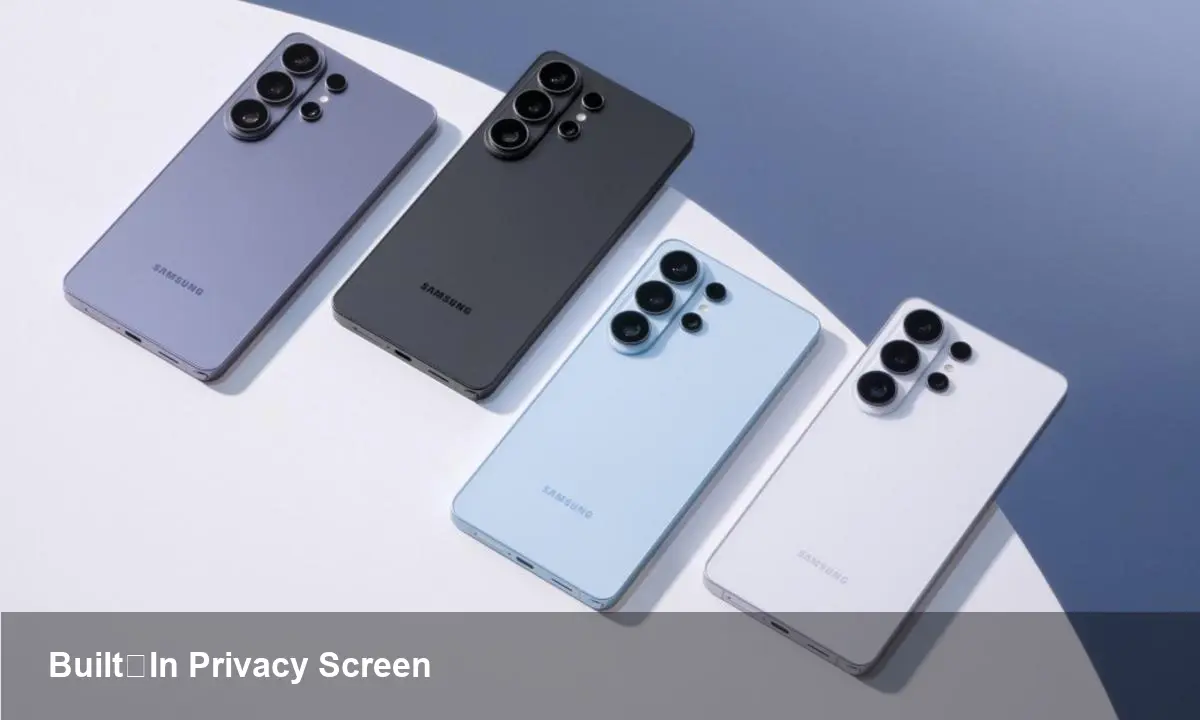
Galaxy S26 Ultra: What a Built‑In Privacy Display Means

Why a built-in privacy screen matters now
Smartphones are the most private computers most people carry, yet they're also the easiest targets for accidental data exposure. The Galaxy S26 Ultra introduces a built-in privacy display — a hardware-first approach to protecting on-screen information from shoulder surfing and casual peeks. This is more than a marketing tweak: it shifts an important privacy control from an accessory or software trick into the physical layer of the device.
A quick background on Samsung’s move
Samsung’s Galaxy S series has long pushed display innovation (high refresh rates, bright OLEDs, advanced color management). Integrating a privacy-focused display into a flagship device signals two things: (1) consumer demand for on-device privacy features is real, and (2) hardware-level solutions are viable at scale. For users, it promises a tighter, more consistent privacy experience than apps that only mask notifications or rely on third-party screen protectors.
How built-in privacy displays generally work (non‑technical overview)
There are several ways hardware can reduce the viewing angle of a screen so only someone directly in front sees the content clearly:
- Micro-louver layers or directional film that narrow the viewing cone.
- Switchable privacy filters that change optical properties electrically.
- Per-pixel emission control on OLEDs to limit off-axis luminance.
A built-in approach avoids the bulk and fit problems of stick-on protectors and toggles privacy at the display layer rather than at the UI layer, offering consistent behavior across all apps and content.
Practical scenarios where this helps
- Commuting: Check bank transfers, emails, or private messages on crowded trains without worrying about adjacent passengers reading your screen.
- Meetings: Preview confidential documents on your lap during a presentation or when sharing a table with others.
- Field work: Health care professionals, social workers, or salespeople can view sensitive data on-site with less risk of exposure.
- Content control: Creators who preview unreleased images or scripts won’t accidentally reveal assets to passersby.
These are everyday examples, but they add up: fewer accidental exposures mean lower personal and corporate risk.
Developer and UX implications
A hardware privacy layer changes how apps might design for privacy:
- Privacy-aware UI states: Apps can detect (or offer user controls for) the display’s privacy mode and adapt — e.g., hide sensitive fields or switch to a condensed view.
- Notification behavior: Developers can offer richer contextual notifications that respect the hardware privacy setting rather than relying solely on OS-level flags.
- Testing and QA: QA teams should include shoulder-surfing tests and simulate privacy mode to validate readability, layout, and accessibility.
APIs that expose privacy-mode status (if provided by the vendor) would let apps behave gracefully without duplicating OS controls. For example, a banking app could request the display remain in privacy mode while a transaction is on-screen, then revert once complete.
Business and enterprise value
For IT teams and security architects, built-in privacy screens reduce one vector of data leakage with minimal user friction. Consider enterprise mobility management (EMM) use cases:
- Device procurement for high-risk roles (legal, HR, finance) where shoulder surfing is a credible threat.
- Compliance: Organizations that must defend against accidental data breaches can add privacy-capable devices to their security playbooks.
- Reduced training overhead: Hardware mitigates the need for repeated behavioral training around public device use.
From a product perspective, vendors can differentiate premium devices by bundling privacy hardware with enterprise support and tailored firmware, creating a new upsell for corporate customers.
Trade-offs and limitations to keep in mind
No technology is perfect. A few caveats buyers and IT teams should consider:
- Shared viewing is harder: If you often pass a device to someone beside you to show photos or maps, a privacy display may make collaboration awkward unless it can be toggled off quickly.
- Potential color and brightness changes: Adding directional control can affect perceived colors and brightness at different angles; manufacturers usually compensate with calibration, but some impact may persist.
- Battery and complexity: If privacy features rely on additional active electronics (switchable filters, per-pixel control), there can be power or reliability trade-offs versus a passive film.
- Accessibility: Users with angled viewing needs or certain disabilities may find a narrow viewing cone uncomfortable; accessibility modes and easy toggling are important.
Practical tips for buyers and IT teams
- Try before you buy: In-store tests will show how the privacy effect behaves in real-world lighting and in your typical viewing angles.
- Pair with software controls: Use OS-level privacy notifications and per-app privacy settings in combination with the hardware layer for better coverage.
- Consider role-based procurement: Offer privacy-display devices to employees in roles that handle sensitive information frequently.
- Audit UX: If you develop apps, test your interfaces under privacy mode to ensure critical information remains usable and accessible.
What this suggests about the future of mobile privacy
1) Closer hardware–software integration: Expect more APIs and OS hooks for privacy hardware so apps can gracefully respect and utilize display privacy modes. 2) New enterprise device tiers: Hardware privacy could become a standard option in enterprise device catalogs, with specific SLAs and support agreements. 3) Standardization pressure: As multiple vendors adopt similar features, we may see the emergence of standards around privacy-mode behavior, measurement of viewing angles, and accessibility expectations.
Adopting a built-in privacy display isn’t a panacea for all privacy risks — it complements encryption, app security, and user behavior. But by taking an important control layer down into the hardware, devices like the Galaxy S26 Ultra move privacy from an afterthought into a visible capability that changes how users interact with sensitive data on the go.
For anyone who regularly uses their phone in public or handles private information for work, this is an innovation worth experiencing in person. If you design software, think about how your app should behave when the screen itself becomes privacy-aware.