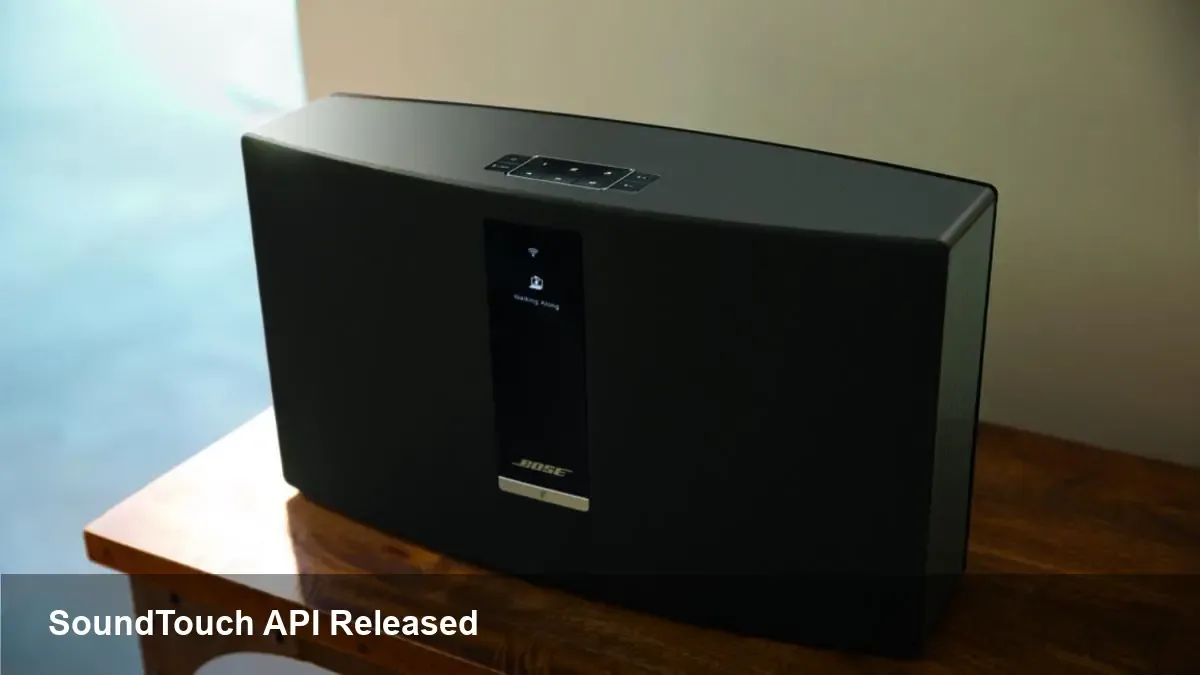
Bose Open-Sources SoundTouch Before End-of-Life API

- Key Takeaways:
- Bose published SoundTouch API documentation so developers can build compatible tools.
- AirPlay, AirPlay 2 multiroom, and Spotify Connect will continue working after cloud shutdown.
- The SoundTouch app will be trimmed but will auto-update on May 6, 2026 to local-only features.
- Bose’s move gives owners and the community options as devices reach end-of-life (EoL).
What Bose announced
Bose told SoundTouch customers that the smart speaker and soundbar line will lose cloud services on February 18, 2026. After that date the devices will work only via AUX, HDMI, Bluetooth, AirPlay, or Spotify Connect.
Bose followed that notice by emailing customers API documentation for SoundTouch. The company said the documentation is intended so "independent developers can create their own SoundTouch-compatible tools and features."
Which features survive
AirPlay and Spotify Connect will keep functioning after Bose ends cloud support. Devices that support AirPlay 2 can still play synchronized audio across multiple SoundTouch units.
The SoundTouch app itself will remain available but stripped of cloud-dependent features. Bose says the app will update automatically on May 6, 2026 to a version that supports only local functions.
Developer access: API and docs
Bose released the SoundTouch Web API documentation (PDF) so developers can inspect endpoints and behavior. That documentation gives community projects the technical detail needed to maintain, extend, or replace app-driven features.
Developers and hobbyists can use the API to recreate presets, remote control flows, or integrations with local media servers and third-party automation platforms.
Why open-sourcing the API matters
Smart device manufacturers increasingly retire older hardware, which can render perfectly functional devices less useful or unusable. Open access to APIs or firmware is a practical alternative to fully "bricking" gear.
By sharing the SoundTouch API docs, Bose reduces the risk of devices becoming e-waste and hands the community tools to preserve or restore functionality.
What owners should do now
Back up any important settings and prepare for the app update in May. If you rely on presets, Bose provided a workaround using favorites in music service apps.
Technically inclined owners should review the API PDF and join community forums where third-party apps or scripts may appear. For offline use, keep AUX/HDMI/Bluetooth as fallback playback options.
Bose’s move doesn’t restore every lost feature, but it gives the SoundTouch user base a path forward as the company phases the product out. Owners and developers can now cooperate to keep these speakers useful beyond Bose’s cloud support.