How Apple’s Business and Siri Apps Will Change Work on iPhone

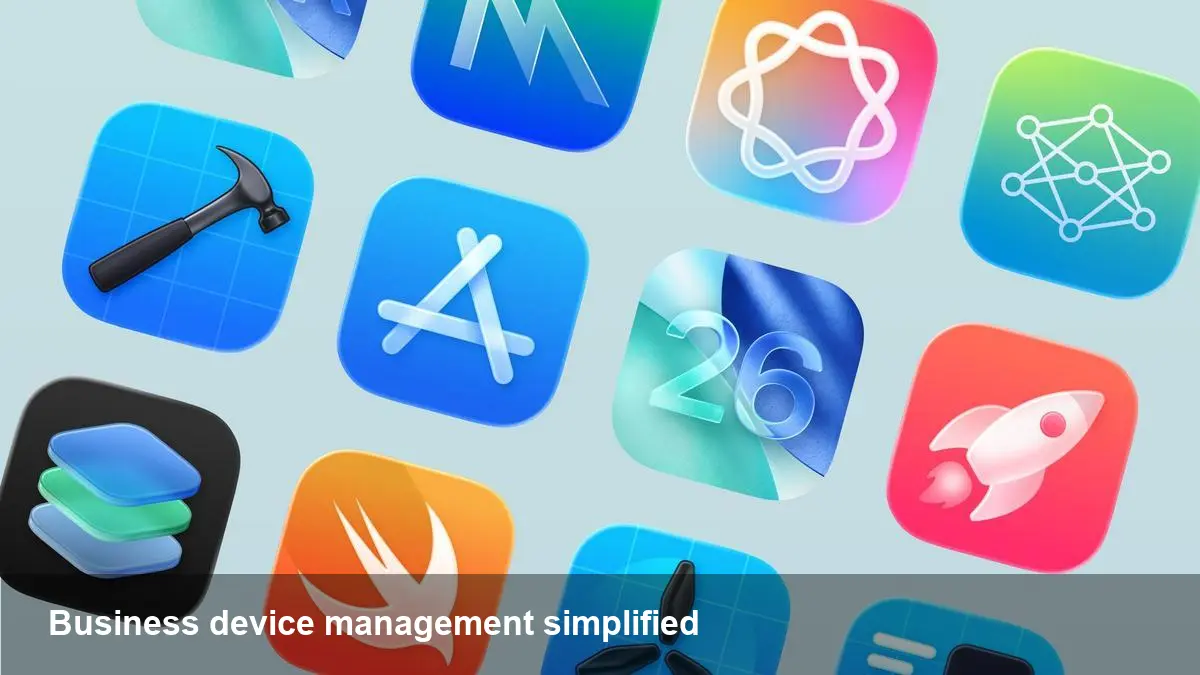
What’s landing on iPhone this year
Apple is rolling out two new first-party iPhone apps that are squarely aimed at workplace productivity and conversational AI: a unified Apple Business app tied to the company’s revamped enterprise platform, and a standalone Siri app with more chat-like interactions. The enterprise platform is scheduled to go live on April 14 and consolidates several legacy services into a single offering. For IT teams, developers, and product managers this is more than a new icon — it’s a modestly disruptive change in how organizations manage Apple devices and how people interact with assistance on iPhone.
A quick primer on the new Apple Business platform
Apple’s new enterprise service replaces Apple Business Essentials, Apple Business Manager, and Apple Business Connect. The goal is to simplify device lifecycle management, app distribution, and business listings under one roof. The Apple Business app will be the employee-facing surface for that system: a place where staff can install company-approved apps, look up colleagues, and request tech support.
For administrators the platform is intended to centralize device enrollment, configuration, and monitoring while retaining Apple’s familiar device management paradigms. For organizations already using Apple’s management tools, the change is primarily consolidation; for smaller outfits or those evaluating Apple as a platform for work, it provides a clearer on-ramp.
Real-world scenarios that matter
- Onboarding a new hire: Instead of juggling email links, configuration profiles, and separate app stores, a new employee opens the Apple Business app, signs in with a work account, and gets a curated list of apps to install. Device settings, VPNs, and certificates can be pushed automatically. That shortens the time-to-productivity and reduces help-desk tickets.
- Device support in the field: A frontline worker reports a problem through the Apple Business app, attaching device diagnostics and a screenshot. The IT team receives the report with contextual metadata (model, OS version, MDM profile) and can push a fix or schedule repair without multiple back-and-forths.
- Managing distributed fleets: For companies with remote employees or mixed personal/work device models, the consolidated platform simplifies policy enforcement and app distribution. It also makes it easier to provide role-based access to corporate apps and internal directories.
These are simple, concrete user flows but they’re the kinds of optimizations that reduce operational overhead and steadily improve employee experience.
The Siri app: conversational assistance gets a standalone home
Separately, Apple is shipping a dedicated Siri app with a conversational interface that leans more toward chat-style interactions than the short, voice-only prompts most users are used to. Although Apple hasn’t published exhaustive feature lists, the app signals a shift: treating Siri as a continuous conversational companion rather than a series of isolated voice commands.
Potential everyday uses include iterative drafting (emails, messages), calendar negotiation, and multi-step prompts that cross apps — for example, "Find this morning’s meeting notes and summarize action items for me." For businesses this could become a productivity multiplier if Siri can access work calendars, corporate documents, and internal knowledge bases (with IT-controlled permissions and privacy safeguards in place).
Developer and admin impact
- App developers: There’s a clear opportunity to surface enterprise-specific actions in the Apple Business app and to integrate apps with Siri’s conversational flows. Developers should prepare to expose relevant intents and ensure their apps support the device management hooks enterprises expect (e.g., managed distribution, per-app VPNs, and data protection policies).
- IT teams: Expect to revisit deployment strategies. Consolidation makes some tasks simpler, but migrating policies from older services to the new platform will require planning. Inventory, automation scripts, and monitoring dashboards may need updates to reflect the new API surface.
- Security teams: Apple’s enterprise stack has always emphasized hardware-backed protections. The new platform continues that trend, but consolidating services also concentrates configuration and metadata — meaning misconfigurations could have wider reach. Strong role-based access control, logging, and least-privilege practices will be essential.
Pros, cons and limitations
Pros:
- Reduced complexity: One platform, one employee-facing app, and fewer admin consoles to manage.
- Better employee experience: Self-service installation, integrated support requests, and a searchable colleague directory speed up routine tasks.
- Opportunity for seamless assistant workflows: A Siri app focused on chat-style interactions opens new productivity patterns.
Cons / limitations:
- Migration friction: Organizations using older Apple services will need to map existing policies and workflows to the new platform.
- Feature parity questions: It may take time for every capability from the predecessor tools to appear or behave identically.
- Privacy and permissions: Broader assistant capabilities raise questions around how and when Siri can access corporate resources; tight governance will be required.
How startups and small IT shops can prepare
- Inventory: Run a complete audit of devices, apps, and current management profiles so you can map them into the new platform correctly.
- Test migration: Use a pilot group to try the Apple Business app and the new platform APIs before a full rollout.
- Surface documentation: Prepare internal how-tos and training for employees to adopt the Apple Business app as their primary channel for work-related installs and support.
For startups building mobile-first workflows, the consolidation lowers the cognitive load of supporting Apple devices at scale.
Strategic implications for Microsoft, Google, and Apple’s enterprise play
Bringing device management, app distribution, and business listing together under a single Apple-controlled umbrella reduces integration complexity for customers already invested in Apple hardware. It also positions Apple to be a more complete endpoint vendor in enterprise discussions — competing indirectly with broader suites from Microsoft and Google that emphasize cross-platform management. Meanwhile, a more capable Siri assistant nudges the AI competition toward richer on-device and hybrid assistant models where privacy and integration matter.
A few near-term predictions
- IT teams will prioritize migration scripts and pilot programs throughout the summer after the April 14 launch.
- Developers of enterprise apps will add or refine intents and management hooks to work smoothly with the new platform and with Siri’s conversational flows.
- Privacy-conscious organizations will demand granular controls over assistant access to corporate data, prompting Apple to clarify permission models and logging capabilities.
The combination of a unified business app and a standalone Siri experience is not a single dramatic revolution — it’s a set of practical moves that smooth life for employees and IT teams while nudging enterprise workflows toward conversational assistants. For businesses already committed to Apple devices, it’s a sensible consolidation and a timely reminder to reassess device management, permissions, and app integration strategies as the workplace gets both more mobile and more conversational.