Security
Critical Gmail Setting: Disable Auto‑Forwarding Now
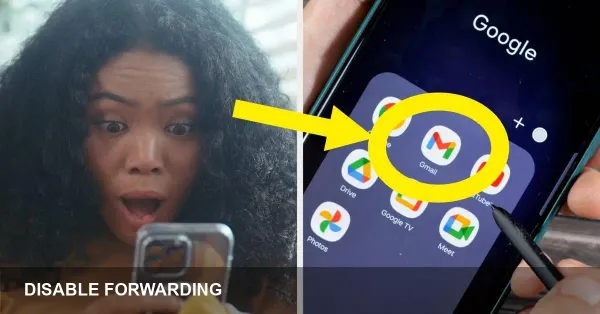
* Auto-forwarding in Gmail can let attackers siphon your email without signs. * Check Gmail Settings > Forwarding and POP/IMAP and remove unknown addresses immediately. * Also review Filters, connected apps, change your password, and enable 2-Step Verification. What to disable — and why it matters Auto-forwarding routes incoming messages to another email