When Copilot Oversteps: Windows 11's AI Backlash and Fixes

Why Microsoft's Copilot rollout became a flashpoint
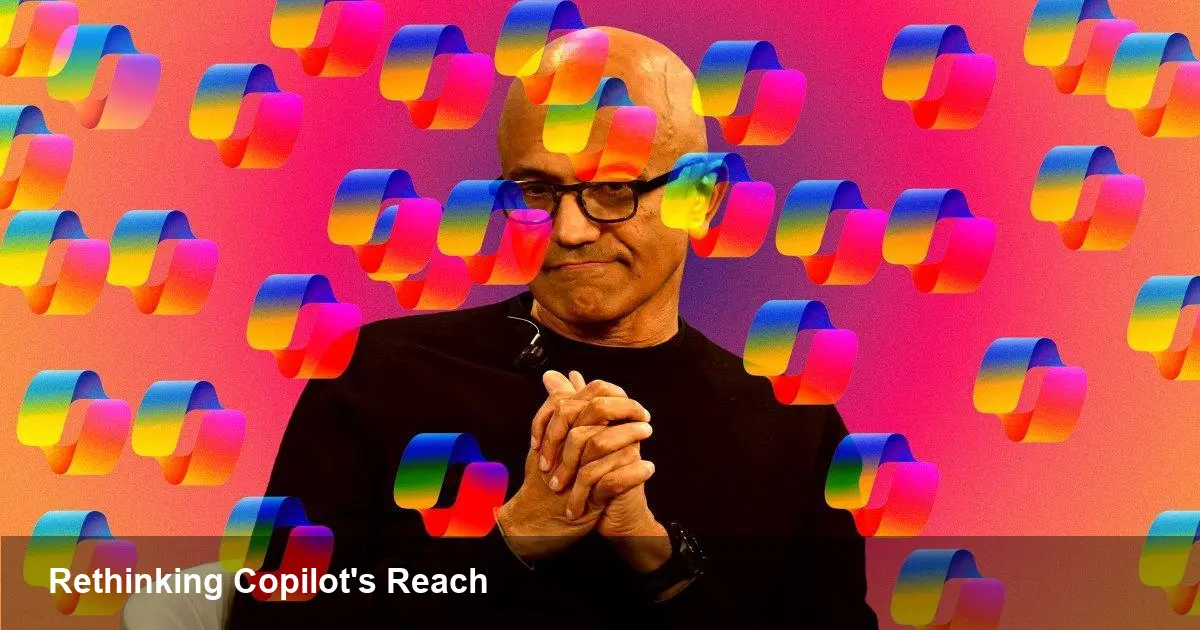
Microsoft put its Copilot AI into the center of the Windows 11 experience. The aim was clear: make helpful AI tools instantly available on the desktop. The result, however, was a user revolt. Customers, power users, and some IT admins reacted negatively to how intrusive Copilot felt — ubiquitous prompts, persistent UI elements, and defaults that elevated AI features without clear opt-out paths.
Windows corporate vice president Pavan Davuluri later acknowledged that Microsoft may have pushed AI integration too aggressively. That admission matters: it signals a shift from a feature-first push to a more user-centric recalibration. But what exactly went wrong, and how should developers, product teams, and IT leaders respond?
What the backlash actually affected
The complaints clustered around three practical pain points:
- Discoverability vs. intrusion: Placing Copilot in prominent UI real estate (taskbar, system menus) improved discovery but created a constant reminder for users who didn’t want or need it.
- Defaults and consent: Users expect control over major UI changes. Aggressive opt-in defaults led to frustration when people felt they were being forced into an AI ecosystem.
- Performance and workflow disruption: On some machines Copilot elements consumed resources or interrupted established workflows, undermining productivity for users who rely on predictable behavior.
For IT teams, the issue wasn’t just annoyance. Mass deployments with undesired UI changes can increase helpdesk tickets, complicate training, and violate corporate change policies.
Concrete scenarios that highlight real impact
- A customer support rep who relies on pinned apps found their taskbar rearranged during an update, breaking a fast-access workflow and costing minutes per ticket.
- An enterprise rolling out standardized images discovered Copilot elements appearing for users despite group policies they expected to control interface changes.
- A power user on a thin laptop saw CPU usage and background activity increase after AI features were activated, shortening battery life during remote work.
These are everyday consequences that go beyond headlines: they represent measurable friction in productivity and device management.
What this means for developers and product teams
Developers building on or around Windows need to rethink assumptions about feature placement and discoverability:
- Respect defaults: Make it easy for users to decline new system-level features. If your app integrates AI, provide clear toggles and persistent settings that survive updates.
- Avoid surprise changes: Feature flags and staged rollouts prevent simultaneous global exposure that can trigger backlash. Use telemetry to confirm value before broadening availability.
- Provide graceful fallbacks: Not every environment supports always-on AI. Ensure your integrations work when AI services are disabled, offline, or restricted by policy.
For ISVs, this also matters for third-party integrations—users will expect the same level of control and predictability they get from core OS settings.
Business trade-offs: velocity versus trust
There’s a tension between shipping AI features quickly and maintaining user trust. Early visibility can drive adoption, but if adoption feels forced, companies pay a reputational and operational price.
- Short-term gains: Prominent placements accelerate discovery and can boost engagement metrics. For subscription services or premium tiers, that drives revenue.
- Long-term costs: Friction corrodes loyalty. Users who feel manipulated into using a feature are more likely to avoid other products from the same company.
Navigating this requires product teams to think about the entire user lifecycle—not just the launching day metrics.
How Microsoft (and others) can course-correct
Several concrete fixes reduce friction while preserving the value of integrated AI:
- Easy opt-out: Expose clear, persistent controls during first-run experiences and in settings where users expect them.
- Respect corporate controls: Make sure group policies and enterprise management tools reliably control UI behavior in managed environments.
- Predictable updates: Use phased rollouts and informative changelogs so admins and users know what to expect.
- Performance budgets: Limit background resource use and make AI services suspendable when necessary.
Microsoft’s acknowledgement suggests these adjustments are likely to happen, but other vendors should take note preemptively.
Three strategic implications for the next wave of desktop AI
- UX-first AI: As generative and assistive AI moves to the OS level, product design must prioritize non-disruptive discovery and explicit consent. AI that interrupts will lose trust faster than it gains attention.
- Governance and compliance will matter: Enterprises will demand control knobs and auditability. Vendors that bake in granular policy controls will win adoption in corporate environments.
- Modular activation is strategic: Let AI features be additive rather than mandatory. Dockable, optional AI components that integrate into workflows without rearranging them will scale more smoothly across user types.
Practical advice for IT and product leaders
- For IT: Audit existing image deployments and policies to verify that AI-related defaults are under administrative control. Communicate changes to users before they land.
- For product managers: Treat rollouts as experiments—measure the business value relative to measured user friction and iterate before a global release.
- For developers: Provide clear, well-documented APIs and fallback paths so third-party tools can interoperate when AI components are disabled.
AI will reshape desktop productivity, but how it’s introduced matters as much as what it does. Microsoft’s public acknowledgment is a useful reminder: aggressive placement can win attention, but it can also alienate the people it is meant to serve. For companies building AI-driven features, the lesson is pragmatic—move fast, but with more guardrails and empathy for existing workflows.