Vibe-coded log colorizer: why I’ll keep using LLMs

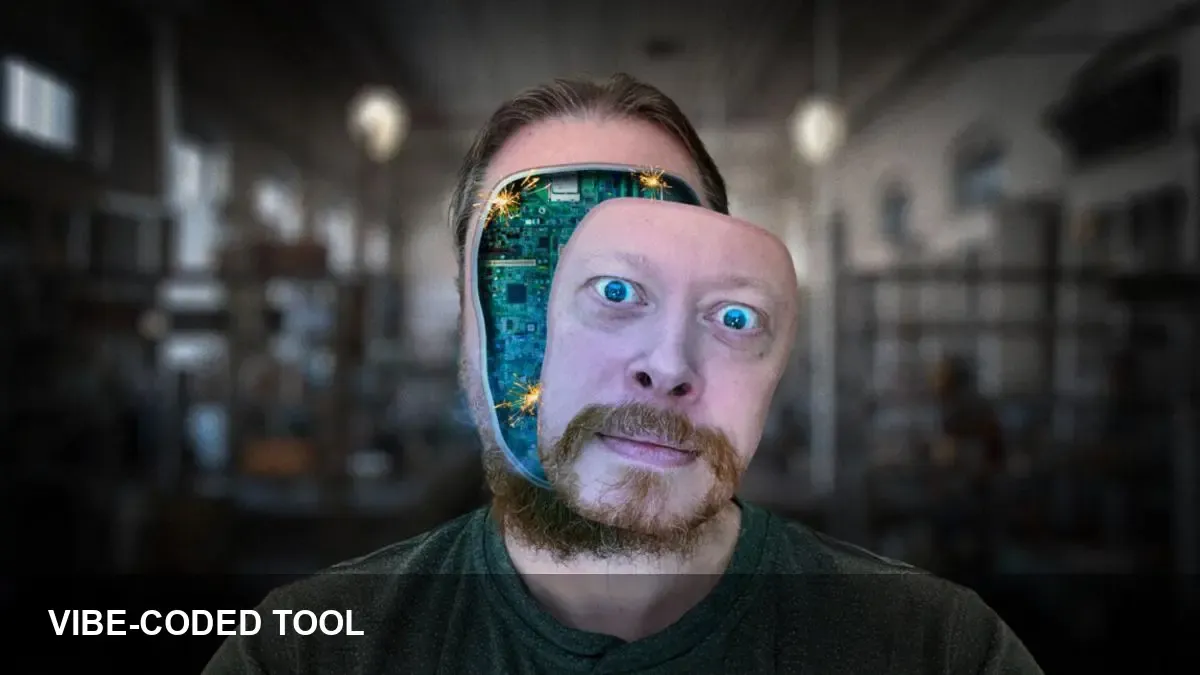
- Built a small, joyful tool: a log colorizer created by "vibe-coding" to make logs readable faster.
- LLMs acted as an accelerant for scaffolding, refactoring ideas and prompt-driven iteration, not a hands-off replacement.
- Practical rules: keep prompts small, verify outputs with tests, and treat LLMs as pair programmers rather than autopilot.
Why I vibe-coded a log colorizer
Vibe-coding is the practice of building small tools quickly for pleasure and immediate utility. I wrote a log colorizer because plain text logs are noisy and a little color makes patterns pop.
The project wasn’t meant to be a product — it was a short, focused exercise that improved my daily workflow. That low-friction goal shaped how I used LLMs: as assistants for speed, not as decision-makers.
How LLMs fit into the workflow
In this groove, LLMs helped with three concrete tasks: generating quick scaffolding, suggesting regex or parsing strategies, and offering refactors for clarity. They sped up the mechanical parts of coding so I could stay in a creative loop.
I used the model interactively — small prompts, rapid tests, and iterative corrections. That meant I spent less time wrestling with boilerplate and more time choosing useful heuristics for color rules and readability.
Practical lessons from semi-unhinged musings
Keep prompts focused. Narrow questions produce usable snippets; broad prompts return longer, less actionable text. Treat the output as a draft to be validated, not a finished implementation.
Always verify. LLMs can hallucinate or suggest fragile patterns. I leaned on quick unit checks, sample logs, and manual inspection before integrating any generated code into my workflow.
Use LLMs as pairs, not pilots. The best value came when the model complemented my intent: proposing an approach, then letting me iterate. That pairing preserved control while multiplying productivity.
What this means for everyday devs
Small, personal tools are a great way to experiment with LLMs. They reduce risk, provide immediate feedback, and teach good practices for prompt design and validation.
If you’re skeptical, start with a tiny, useful problem — colorize a log, clean up a script, or auto-generate a README. You’ll learn where LLMs speed you up and where human judgement is still essential.
Next steps
Keep the tool simple and iteratively improve: add configuration, edge-case tests, or an editor/CLI wrapper. But remember the core lesson: LLMs are amplifiers for focused, joyful work — not a replacement for developer judgement.