ChatGPT GPT Image 1.5 vs Gemini Nano Banana Pro — Verdict

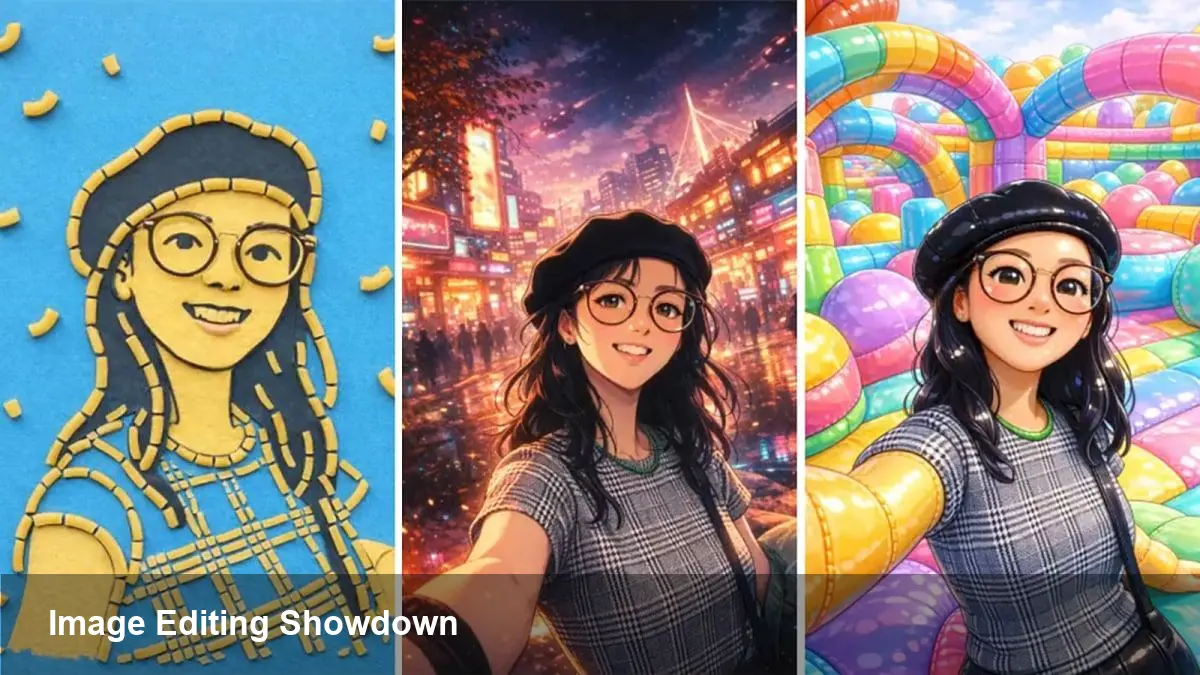
- Key Takeaways:
- GPT Image 1.5 brings faster renders (OpenAI says up to 4x) and more reliable, localized edits inside ChatGPT.
- Both ChatGPT and Google Gemini (Nano Banana) handle clothing swaps, object removal, and color changes very well; perspective and lighting remain challenge areas.
- ChatGPT showed marginally better blending when combining multiple photos; overall capability between the two is close.
What changed: GPT Image 1.5 and Nano Banana
OpenAI’s GPT Image 1.5 upgrade expands ChatGPT’s built-in image editor and generator, adding faster rendering and tighter instruction-following. Google’s comparable update, Gemini’s Nano Banana, introduced many of the same inpainting and multi-image composition features earlier this year.
Shared strengths
Both models now excel at targeted edits — change a shirt color, remove an object, or swap clothing without altering unrelated areas. Tasks that once required detailed Photoshop work can now be completed in seconds.
Where they still struggle
Perspective changes and large-angle re-renders remain imperfect. When asked to produce a different camera angle or to synthesize previously unseen background details, both models can generate inconsistent or distorted elements.
Hands-on comparison: real-world editing
The models were tested on the $20/month tiers (ChatGPT Plus and Google AI Pro) using identical prompts: a portrait, a lamp in an empty warehouse, and a foggy cartoon landscape. Results varied but were comparable in realism and quality.
Image mixing and blending
Both AIs can combine separate pictures into one scene — useful for family photos or composites. ChatGPT tended to produce smoother, more coherent blends with better overall lighting consistency, while Gemini’s results sometimes looked like visible cut-and-paste layers requiring additional prompting.
Object removal and color edits
Both systems handled object removal with high precision, reconstructing backgrounds cleanly. Color adjustments and style swaps were similarly reliable across platforms.
Practical takeaway and next steps
If you need fast, clean edits and multi-image composition, both tools are now strong choices. GPT Image 1.5's render speed and slightly better blending give ChatGPT a small edge in many real-world tests, but Gemini remains highly capable.
What to expect next
Both OpenAI and Google acknowledge ongoing limitations — especially around perspective, photorealistic detail for known people, and perfect lighting. Expect iterative improvements as both companies refine models and workflows.
Who should try them
Creative professionals, marketers, and casual users who want fast, high-quality edits will find immediate value. If you frequently combine disparate photos or ask for new camera angles, be prepared to iterate and fine-tune prompts.